

The alert goes off after midnight. A customer-facing service is timing out, someone jumps into logs, someone else scans the CI pipeline, and another engineer checks whether the latest deploy changed anything obvious. You restore service with a rollback, a restart, or a quick config patch. Everyone goes back to sleep thinking the worst is over.
Then the same incident returns next week.
That pattern is common in teams running a stitched-together DevOps stack. The problem isn't a lack of effort. It's that the evidence lives in too many places. Metrics sit in one tool, logs in another, deployment history in a third, IAM changes somewhere else, and cloud cost signals nowhere near the incident timeline. Under pressure, teams fix the visible failure and move on. They don't get the full chain of cause and effect.
That's why root cause analysis matters in DevOps. Not as a ceremonial postmortem exercise, but as the practical discipline that decides whether your team keeps fighting the same fires or starts removing them for good.
The Firefighting Trap Why Incidents Keep Recurring
At most startups and scale-ups, the first response to an outage is reasonable. Restore service fast. Customers don't care whether your incident process is elegant. They care whether the product works.
The trap appears in what happens next. Once the immediate pressure drops, teams often record the symptom as the cause. Database saturation becomes the cause. CPU spikes become the cause. A failed deployment becomes the cause. None of those are usually the cause. They're just the place where the system finally became loud enough to notice.
The symptom gets fixed, the system stays broken
A familiar sequence looks like this:
- Alert fires: latency climbs, jobs back up, or a deployment stalls.
- Engineers scramble: one person checks Grafana, another tails logs, another opens cloud dashboards.
- Temporary fix lands: restart a service, increase limits, roll back the release, disable a worker.
- Service recovers: the team marks the incident as resolved.
- Nothing structural changes: the same combination of code, config, workload, and process remains in place.
That last step is the expensive one. It burns engineering time twice. First during the incident, then again when the incident repeats.
Practical rule: if the same class of incident has happened more than once, you likely don't have an operations problem. You have a diagnosis problem.
DIY tooling slows diagnosis more than leaders realise
Engineering leaders often underestimate how much their tooling setup shapes incident quality. If your team built its own Kubernetes conventions, custom CI logic, hand-rolled deployment scripts, separate monitoring, separate tracing, separate cost tooling, and a pile of Slack workflows, you've created a forensic challenge every time production misbehaves.
That stack may look flexible on paper. In practice, it pushes engineers into swivel-chair investigation. They copy timestamps between tabs, compare partial timelines, and rely on memory to connect infrastructure events with application behaviour.
Root cause analysis breaks down in that environment because speed wins over certainty. Teams choose the fastest plausible explanation, not the best-supported one. That's how recurring incidents become normalised, and that's how infrastructure work starts crowding out product work.
What Root Cause Analysis Actually Means for DevOps
Root cause analysis is the discipline of finding the underlying conditions that allowed an incident to happen and recur. In DevOps, that means moving beyond "the service went down" and asking what in the system, delivery process, or operating model made that failure possible.
The shift matters because complex cloud systems rarely fail for one neat reason. They fail through chains. A code change alters resource usage. An autoscaling rule doesn't react the way the workload now requires. Monitoring surfaces the symptom late. On-call restores service, but the operational weakness remains.
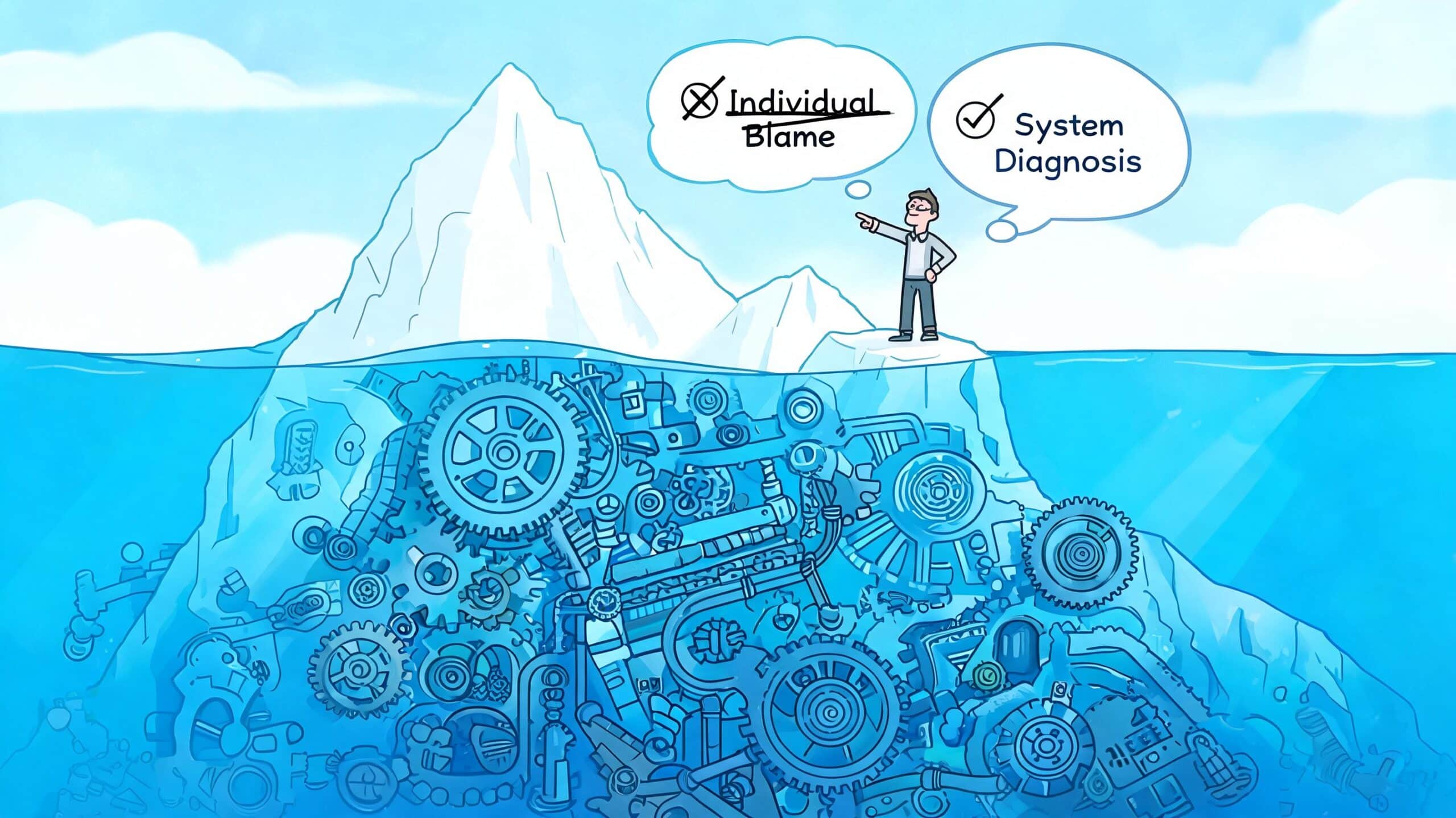
Think iceberg, not alert
The visible incident is the top of the iceberg. Below the waterline sit the conditions that mattered.
- Symptom: requests fail, jobs queue, builds hang, costs spike.
- Contributing factors: exhausted connection pools, noisy alerts, missing rollback guardrails, stale permissions.
- Root causes: design assumptions, unsafe defaults, weak release processes, fragmented ownership, poor operational visibility.
That distinction is why root cause analysis shouldn't begin with "who changed what?" It should begin with "what conditions made this failure possible?"
Root cause analysis isn't a hunt for a guilty engineer. It's a search for the system behaviour that kept a bad outcome available.
The aim is prevention, not documentation
Good RCA changes future behaviour. It leads to safer release practices, clearer ownership, better observability, stronger policy controls, and cleaner rollback paths. Bad RCA produces a meeting note that no one uses.
The method isn't new. RCA principles were formalised in manufacturing after World War II, with Toyota pioneering the 5 Whys in the 1950s as part of the Toyota Production System. That approach helped reduce defects by an estimated 90% in Toyota's plants compared with industry averages at the time, according to Tableau's overview of root cause analysis.
In DevOps, root causes are often systemic
For cloud teams, the useful categories usually look like this:
- Systems: autoscaling rules, IAM policies, network dependencies, queue thresholds, environment drift.
- People: handoff gaps, unclear ownership, review blind spots, on-call fatigue.
- Process: release sequencing, test coverage, change approval, rollback design.
- Culture: whether teams can surface uncertainty early, and whether postmortems punish people or improve systems.
Once leaders start looking at incidents this way, a pattern becomes obvious. RCA quality depends heavily on whether engineers can see changes, telemetry, permissions, and deployment context in one place. If they can't, the process turns into educated guesswork.
Comparing Common RCA Methods for Cloud Systems
A cloud incident starts with a symptom. CPU spikes, requests time out, dashboards go red. The RCA method you choose determines whether the team finds the condition that triggered the failure, or spends two hours arguing over the most visible symptom.
Method choice matters more in cloud systems because the failure path is rarely contained inside one service. A weak method can still look productive. It produces a plausible story, a tidy postmortem, and no reduction in repeat incidents. Teams running a DIY DevOps stack hit this problem harder because the evidence lives in separate tools, so they often default to the lightest method their fragmented data can support rather than the method the incident requires.
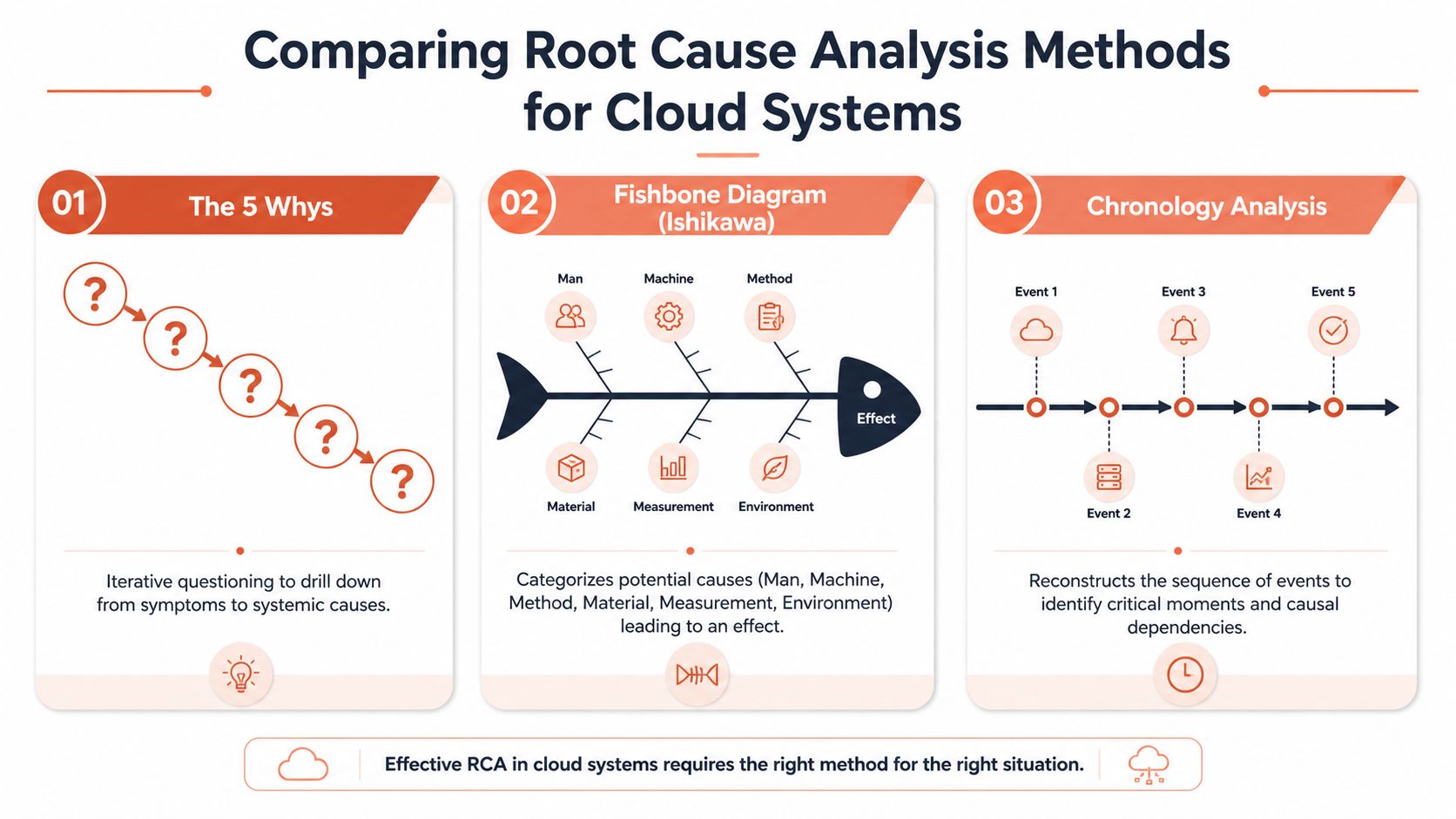
RCA Method Comparison for DevOps Teams
| Method | Best For | DevOps Use Case | Data Requirement |
|---|---|---|---|
| 5 Whys | Narrow, operational incidents with a short causal chain | A failed deploy, a mis-set environment variable, a queue backlog with one obvious trigger | Moderate. You need a reliable timeline and enough telemetry to test each answer |
| Fishbone Diagram | Recurring issues with several plausible contributing factors | Intermittent latency, flaky builds, repeated release regressions, data quality defects | Broad. You need input across people, process, tooling, and infrastructure |
| Fault Tree Analysis | High-risk, multi-factor failures in distributed systems | Hybrid cloud outages, access failures, cascading incidents, security-related operational faults | High. You need precise event relationships, dependency mapping, and correlated evidence |
According to ASQ's root cause analysis resource, organisations using structured RCA methods achieve 85 to 95% success in preventing issue recurrence, compared with 40 to 50% for reactive, unstructured fixes.
5 Whys works when the path is short
The 5 Whys is still useful, even in modern cloud environments. It works well when one causal chain clearly dominates and the team has enough evidence to verify each answer.
A failed deployment is a good example. Why did the release fail? Health checks timed out. Why? The app started too slowly. Why? A new dependency added startup work. Why was that missed? Release validation did not test startup performance. Why not? The pipeline checked correctness, but not runtime behaviour under realistic load.
That is a solid result for a contained incident.
It is a poor fit for outages with several interacting causes, such as an IAM policy change colliding with autoscaling behaviour and an incomplete rollback. In those cases, 5 Whys often reflects the limits of your tooling rather than the shape of the failure. Teams with fragmented logs, traces, deployment history, and cloud audit data tend to stop early because proving the next answer is too expensive.
Fishbone diagrams help when the issue keeps coming back
Fishbone analysis is better for recurring incidents that show up with different symptoms across time. It forces the team to examine multiple branches of causation instead of locking onto the first credible explanation from the loudest person in the room.
For DevOps teams, the common branches usually include:
- People: unclear handoffs between developers and platform owners
- Methods: missing rollout policies or weak change review
- Machines: node pressure, quota limits, misconfigured autoscaling
- Measurement: noisy alerts, missing traces, misleading dashboards
- Environment: staging not matching production
This method is especially useful when the same class of problem crosses technical and operational boundaries. Teams dealing with resolving data discrepancies in digital analytics face the same pattern. The symptom appears in reporting, but the causes often span instrumentation changes, release timing, naming conventions, and broken event flows across several teams.
The trade-off is speed. Fishbone sessions can drift into broad discussion if nobody has hard evidence. An integrated platform helps here because it gives the group shared facts early, which keeps the exercise analytical instead of speculative.
Fault Tree Analysis earns its place in complex systems
Fault Tree Analysis, or FTA, starts with a top event such as "authentication failure" or "service outage" and maps the combinations of lower-level faults that could produce it. For cloud teams, that makes it a strong choice when the incident involves dependencies across identity, networking, runtime services, CI/CD controls, or cloud account boundaries.
The method is rigorous, but it is not cheap. FTA demands timestamp accuracy, dependency visibility, and confidence in how systems interact. If engineers have to pull evidence manually from half a dozen consoles, the exercise slows down and turns political. People start defending their service instead of examining the full failure path.
FTA is worth using when:
- Several systems interact: identity, networking, deployment controls, and runtime services all matter
- The cost of being wrong is high: customer outages, compliance exposure, or repeated release failures
- You need a defensible explanation: one backed by evidence, not a neat narrative
The practical lesson is simple. RCA methods are not just analysis choices. They are constrained by platform design. A DIY stack often limits teams to whichever method their fragmented evidence can support. An integrated platform lets them choose the method that fits the incident, which is one reason strong RCA becomes a competitive advantage rather than an administrative exercise.
A Modern Framework for RCA in DevOps
Effective root cause analysis in cloud environments needs a repeatable operating rhythm. Ad hoc postmortems usually drift into anecdotes. A strong process keeps the team focused on evidence, sequence, and prevention.
The framework that works in practice has six stages: Detect, Triage, Isolate, Diagnose, Remediate, Verify. The stages are simple. The hard part is executing them quickly when your tooling is fragmented.
Detect and triage
Detection should tell you more than "something is wrong". It should show what changed, which service is affected, and how broad the impact is.
In a DIY stack, detection is often noisy. Alerting sits apart from deployment history, so engineers don't know whether the incident began after a release, an infrastructure change, or a workload spike. Triage becomes a hunt for context.
What good triage includes:
- Impact assessment: which users, services, pipelines, or regions are affected
- Change awareness: recent deploys, config edits, policy changes, secret rotations
- Ownership clarity: who can act now without waiting for three approvals
Isolate and diagnose
Isolation is where most time gets lost. Teams jump between logs, traces, CI jobs, cloud consoles, and chat threads trying to narrow the blast radius. This is the part I see leaders consistently under-budget. They invest in restoration capability, but not enough in diagnosis capability.
A useful question at this stage is not "what failed?" but "what common dependency ties these symptoms together?"
A 2025 Baltic DevOps Report found that 68% of data pipeline failures in local fintech firms stemmed from unoptimised autoscaling configurations, and the root cause was only discovered by iteratively asking why with detailed observability data, as described in Atlan's guide to root cause analysis for data engineers. That's a practical reminder that cloud defaults often look fine until workload shape changes.
When engineers can see workload behaviour, scaling policy, and deployment context together, they stop treating cloud defaults as neutral. They start treating them as hypotheses.
Remediate and verify
Remediation should happen at two levels. First, restore service. Second, remove the condition that made the incident repeatable.
That usually means a combination of:
- Immediate corrective action such as rollback, policy change, or scaling adjustment.
- Structural fix such as safer rollout logic, stronger guardrails, or updated ownership.
- Verification through tests, staged release checks, and explicit monitoring of the corrected path.
Verification is where many RCAs fail. Teams implement the fix, but they don't define what evidence would prove the issue is gone. Then months later, the same pattern returns under slightly different conditions.
Where DIY stacks create drag
The hidden cost of a fragmented toolchain shows up across every stage:
- Detection drag: alert noise without deployment context
- Isolation drag: engineers copy timestamps across systems
- Diagnosis drag: code, infra, and IAM evidence live in separate consoles
- Remediation drag: fixes depend on tribal knowledge or one platform specialist
- Verification drag: no single place to watch whether the corrective action holds
This is why root cause analysis isn't just a process problem. It's a platform problem. If the system that runs your software also fragments the evidence about your failures, your team will always be slower than it should be.
How an Integrated Platform Accelerates RCA
It is 02:13. Checkout errors are climbing, support has opened a priority channel, and the on-call engineer is still switching between dashboards to answer a basic question: what changed? In a DIY stack, that first half hour disappears into tool-hopping. In an integrated platform, the investigation starts with a usable timeline.
A unified platform shortens RCA because the evidence is already connected. Logs, metrics, traces, deployment history, audit events, policy changes, and environment state sit in one operational record. Engineers can test a theory in minutes instead of spending the first hour assembling fragments from five systems.
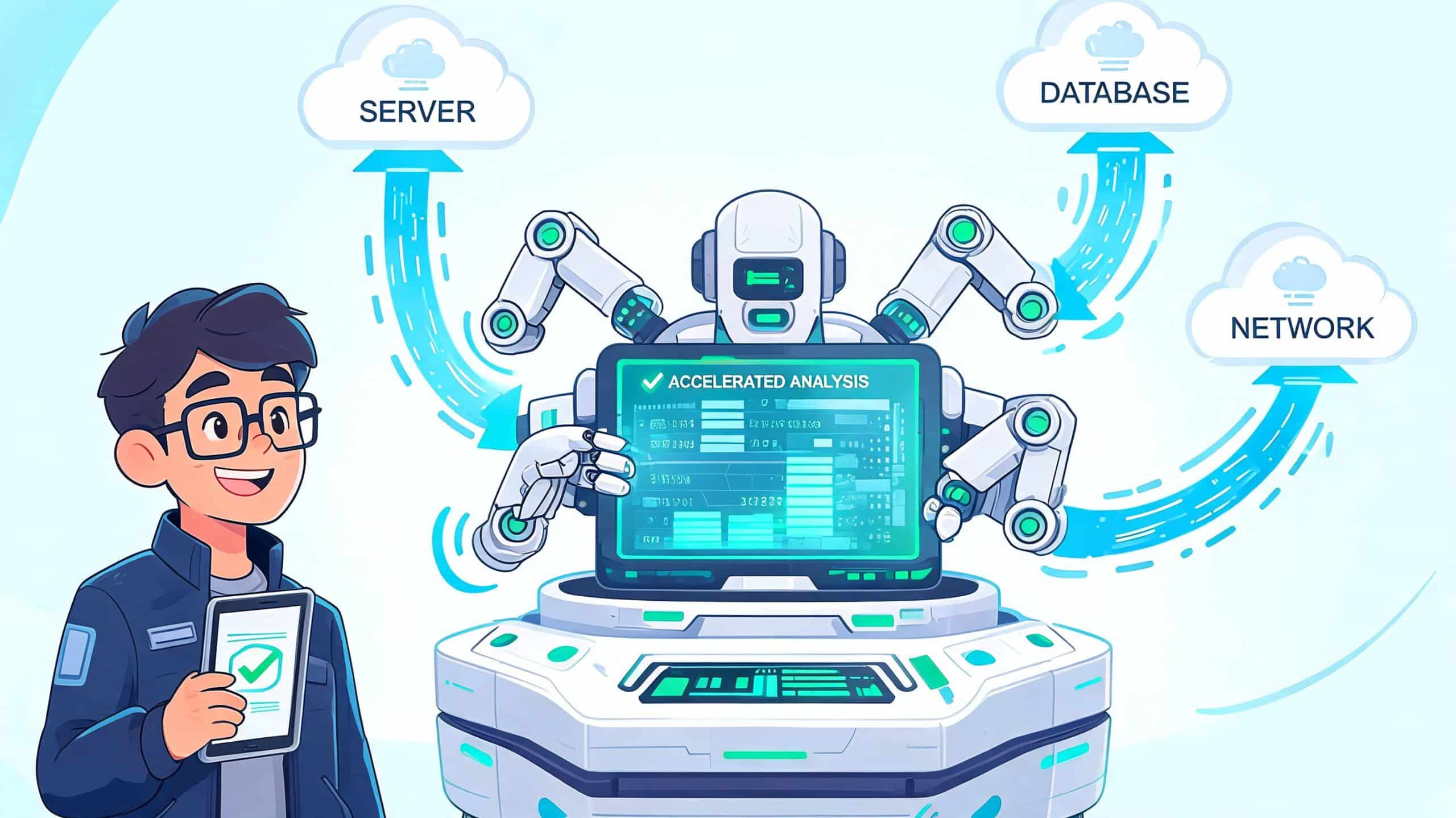
One view improves the investigation
Correlation changes the quality of the questions a team can ask. If an alert appears beside the latest release, recent infrastructure changes, IAM activity, and service health, engineers can check likely causes immediately. They are no longer reconstructing the scene by hand.
That shift matters because cloud incidents rarely stay inside one domain. A failed deployment can look like an application bug until you see the policy change that blocked a dependency. A latency spike can look like infra saturation until the trace shows a downstream feature flag path. The platform does not solve the problem for the team. It removes delay and guesswork so the team can solve the right problem sooner.
Integrated workflows cut handoff loss
RCA slows down at organisational boundaries. Platform, product, security, and support each hold part of the story, and every handoff drops detail unless the workflow is connected. Teams that invest in streamlining collaborative workflows between teams preserve decision history, ownership, and evidence instead of scattering them across tickets, chat, and separate consoles.
An integrated platform helps by giving teams:
- Shared timelines: one event sequence instead of competing versions
- Deployment context: release activity tied directly to service behaviour
- Policy visibility: security and access changes included in the same record
- Operational consistency: similar environments, so findings from one incident apply to the next
- Clear ownership: corrective actions assigned where engineers already work
For teams deciding how much standardisation to introduce, developer platform automation patterns show where platform controls reduce operational friction without turning engineering into a ticket queue.
The fastest RCA starts with context already in place.
Platform design changes the economics of RCA
Leadership teams often respond to recurring incidents by hiring more specialists. Sometimes that is justified. More often, the underlying problem is that the stack requires specialist knowledge for routine diagnosis. Every custom integration, one-off script, and separate console increases the cost of finding root cause.
An integrated platform shifts that trade-off. Product engineers can answer more operational questions safely because the platform carries deployment context, guardrails, and auditability with the service. That makes RCA faster, but the bigger gain is strategic. Teams spend less time decoding infrastructure and more time fixing systemic weaknesses before customers see them again.
That is why RCA is not just an incident ritual. It is a platform capability, and teams that treat it that way recover faster, learn faster, and ship with more confidence.
Common RCA Pitfalls and How to Avoid Them
The process can still fail even with strong tooling. Most RCA failures come from behaviour, not templates.
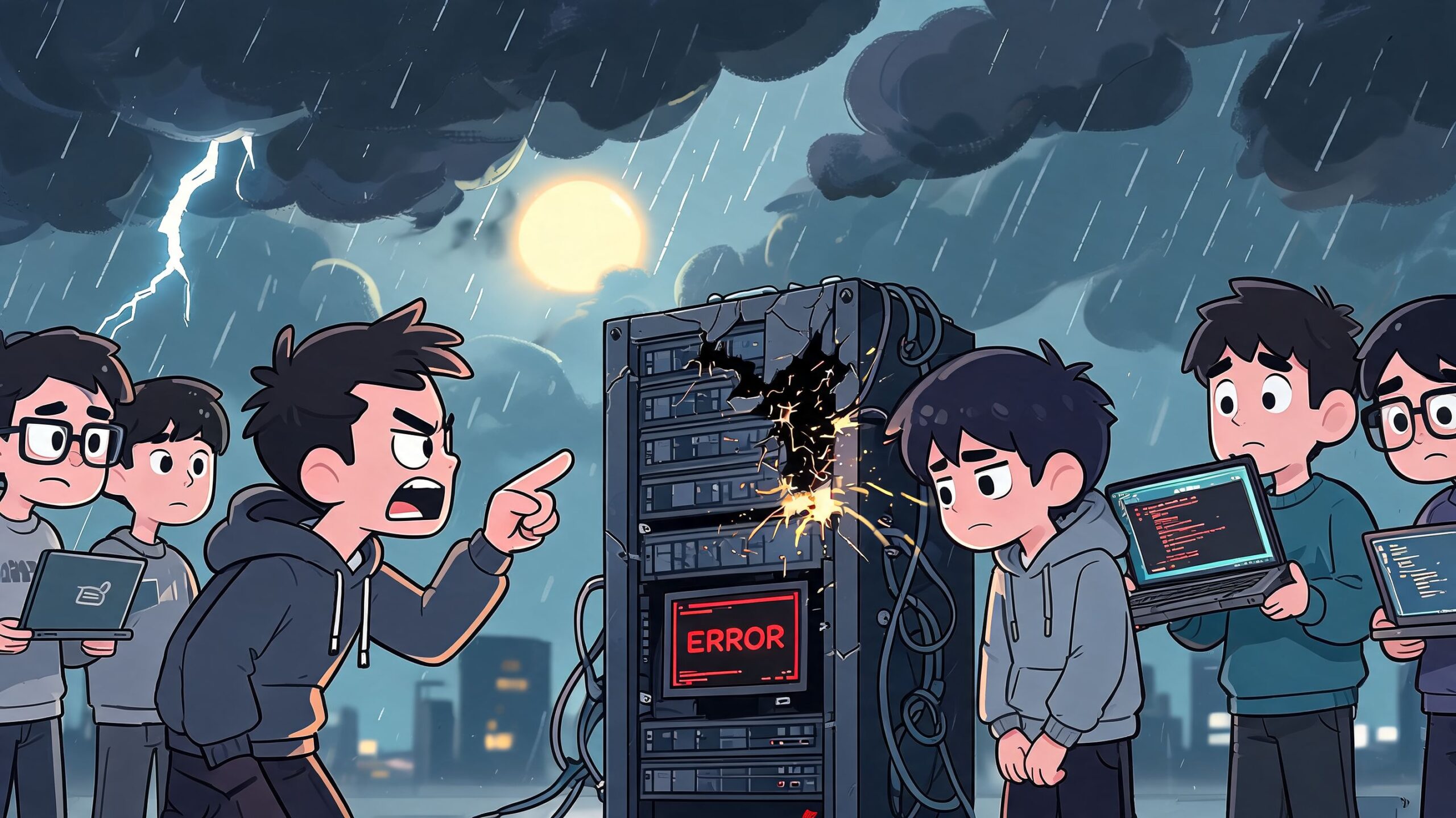
Blame culture poisons the evidence
If engineers think an RCA is really a performance review in disguise, they will protect themselves. They will soften details, skip uncertainty, and avoid surfacing the process gaps that matter most.
Objective records help here. Audit trails, deployment history, and incident timelines shift the discussion from personal failure to system design. Teams can ask better questions, such as what review step missed the risk, or what release control should have caught the issue earlier. Practical examples of this show up in work on reducing deployment failures, where the underlying theme is repeatability rather than heroics.
Stopping too early creates false confidence
A lot of RCAs are really "2 Whys". The team lands on the first technically plausible answer and stops. Service crashed because memory spiked. Memory spiked because a worker handled too much load. Fine, but why was that load pattern unprotected? Why did safeguards fail? Why didn't the release process catch the new behaviour?
The discipline is to keep asking until you reach a condition the organisation can change structurally.
Corrective actions often disappear into backlog noise
This is the final trap. Teams finish the meeting, agree on actions, and then return to roadmap pressure. The incident becomes an anecdote instead of a turning point.
According to the 2025 Baltic Tech Report, 68% of software firms in Latvia report deployment failures due to undetected root causes in cloud pipelines, yet only 22% use tools with integrated RCA capabilities, leaving them reactive, according to this summary of RCA practices. The pattern is familiar well beyond one region. If the platform doesn't support follow-through, the organisation drifts back to workaround culture.
A practical safeguard is simple:
- Assign one owner for each corrective action
- Define verification evidence before closing the incident
- Review recurring patterns at leadership level, not only inside the incident channel
From Postmortems to Proactive Prevention
Root cause analysis matters because recurring incidents are rarely just bad luck. They usually point to hidden complexity, weak defaults, or a toolchain that makes evidence too hard to gather under pressure.
The strongest engineering teams don't treat RCA as an isolated ceremony after something breaks. They build it into how they release, observe, and operate software. That is how postmortems become prevention. It also happens to be how infrastructure stops consuming the time your developers should spend on product.
For teams improving day-to-day troubleshooting discipline, GoReplay's advice on software problems is a useful companion read. The operational lesson is the same. Fast fixes matter, but durable fixes matter more.
Safer delivery practices also belong in the same conversation. If you're looking at how to reduce the blast radius of future incidents, feature flags and safe releases are part of the answer because they make verification and rollback far less painful.
The challenge for any CTO or VP Engineering is straightforward. Calculate the true cost of your DIY stack. Count the repeated incidents, the duplicated tools, the specialist time spent correlating data by hand, and the product work delayed by operational churn. That's usually where the case for a better platform becomes obvious.
If your team is spending too much time piecing together infrastructure evidence instead of shipping features, it may be time to replace the DIY stack with a platform built for production from day one. PushOps gives software teams a managed multi-cloud foundation across AWS, GCP, and Azure, with deployments, observability, security controls, release workflows, and cost optimisation working together instead of fighting each other. That makes root cause analysis faster, operations calmer, and engineering time easier to put back where it belongs, on the product.

