
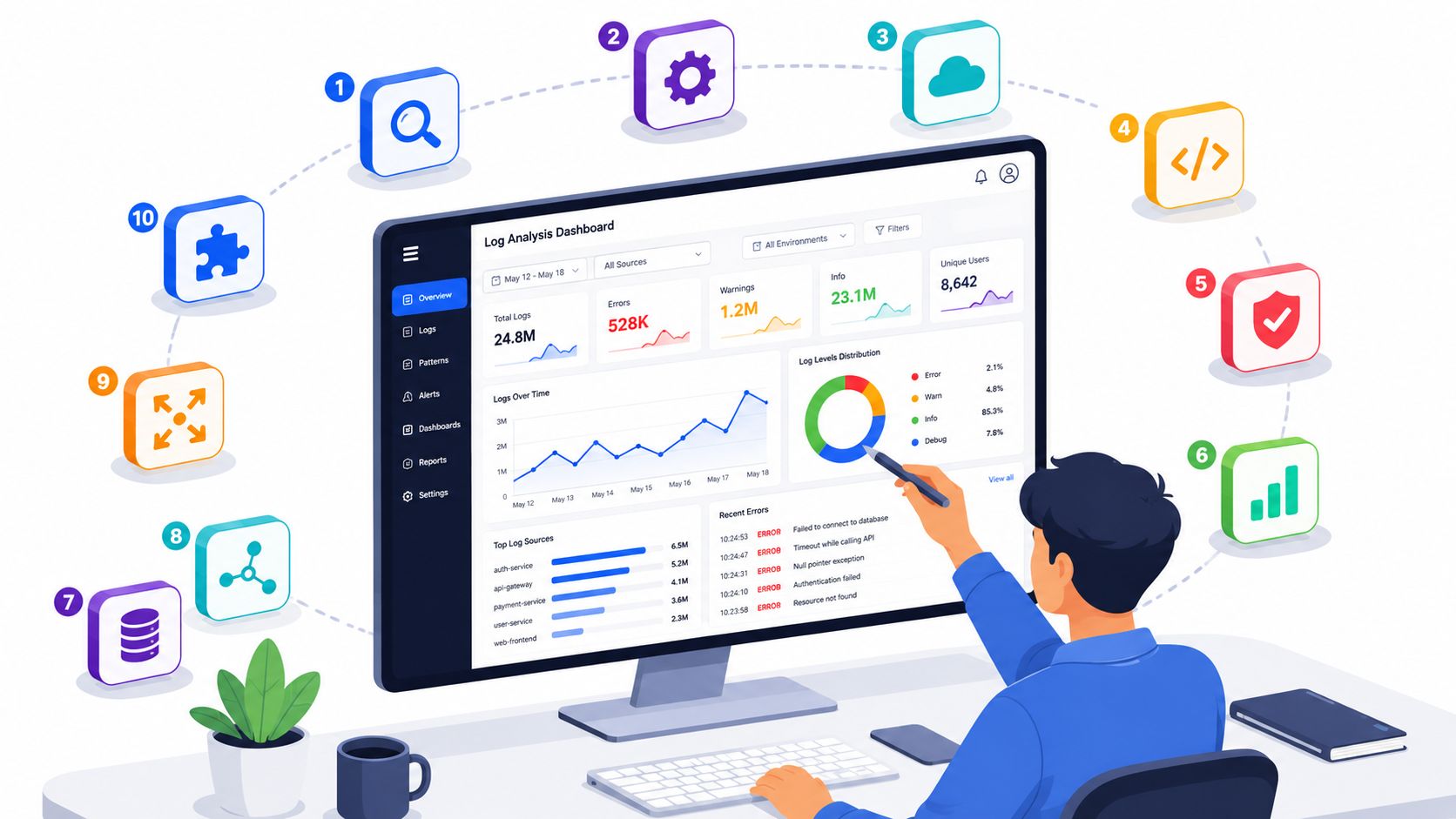
Organizations looking for log analysis tools aren't struggling to find a dashboard. They're struggling to stop infrastructure work from swallowing product time. The usual path starts innocently enough. You add centralised logging, wire up alerts, tune retention, bolt on security rules, and then realise you've inadvertently built another internal platform that somebody now owns.
That trade-off matters more than ever for startups and scale-ups. Developers waste 40% of their working time on manual deployment tasks and infrastructure maintenance, costing companies $1 trillion annually in lost productivity globally, according to Ellty's DevOps investor overview. If your senior engineers are spending their week nursing Kubernetes, CI/CD, monitoring, log pipelines, and cloud permissions, you're paying premium product talent to run plumbing.
The log analysis market itself reflects that shift. The global Log Analysis Software Market reached $1 billion in 2026 and is projected to grow to $2.2 billion by 2035 at a 9.5% CAGR, based on Business Research Insights market data. Teams aren't buying these tools because logs are fashionable. They're buying them because real-time health metrics, automated incident management, and auditability are now part of running software properly.
If you're still improving your own grep scripts and piecing together agents, queues, indexes, and dashboards, start with better VPS log analysis techniques. But for most engineering leaders, the key question isn't which tool can search logs. It's which choice reduces operational burden, controls cost, and keeps the team focused on shipping.
1. Splunk Platform (Splunk Enterprise / Splunk Cloud)
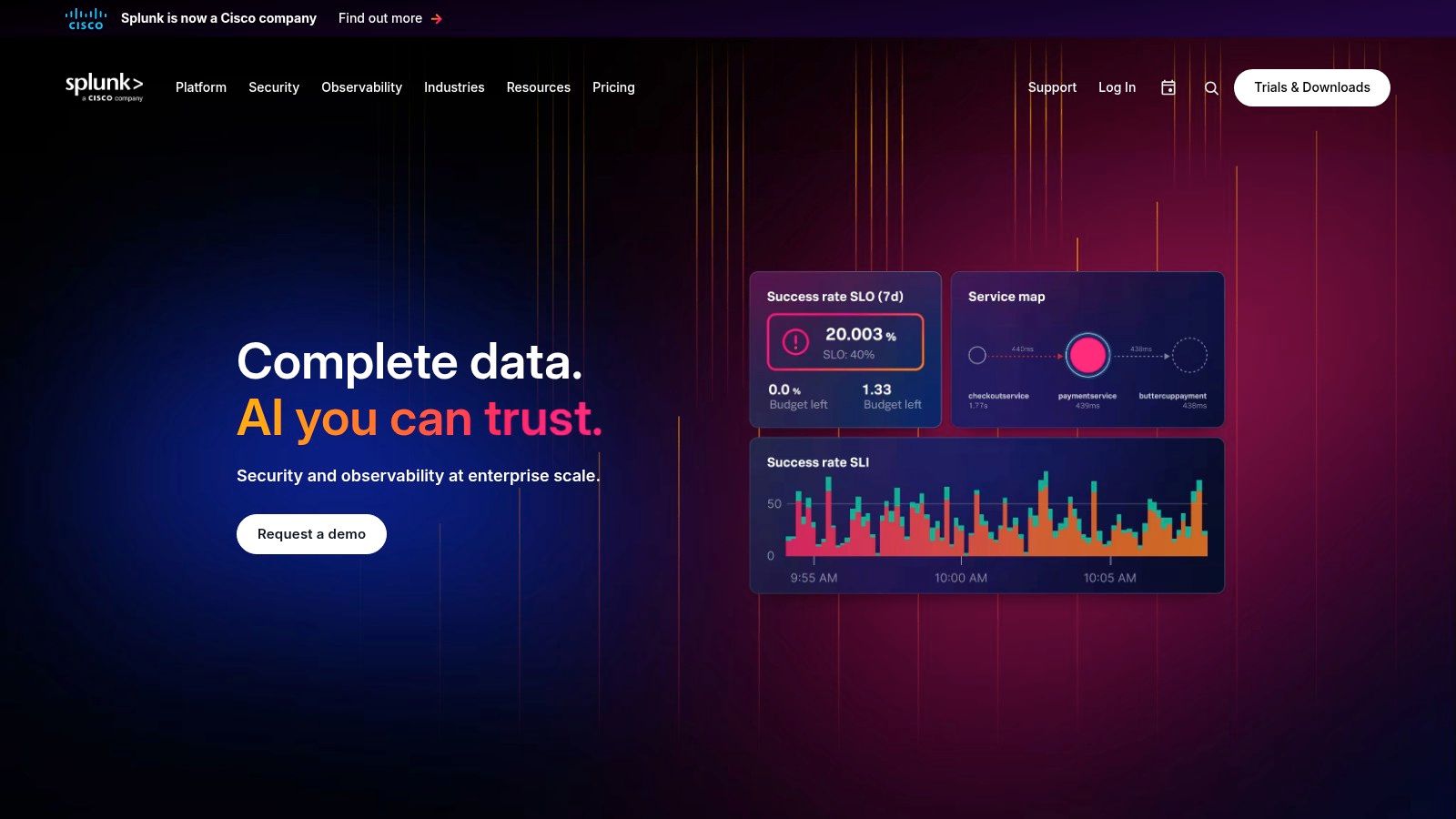
Splunk is still the benchmark many teams compare against when they need serious search, mature alerting, and broad enterprise coverage. Splunk Enterprise suits organisations that want control on-prem or in a hybrid model. Splunk Cloud makes more sense when the priority is reducing the care and feeding of clusters while keeping the same core search model.
The strength is depth. SPL is powerful, dashboards are flexible, and the surrounding ecosystem is huge. If your team needs one platform that can stretch from app troubleshooting to security operations, Splunk earns its reputation.
Where Splunk works best
- Large estates: Splunk handles broad ingestion, mixed data sources, and teams that need strict access controls.
- Hybrid requirements: Some companies need self-managed deployment for residency, compliance, or internal policy reasons.
- Operational maturity: Workload controls and SmartStore are useful when logging isn't a side project anymore.
The catch is that Splunk rarely stays simple. SPL has a learning curve, and scale multiplies both bill complexity and admin effort. That can be justified for regulated environments or large platform teams. It often isn't justified for a scale-up that mainly wants fast debugging, sensible retention, and fewer deployment surprises.
Practical rule: If your engineers are still improving release safety, invest there before paying for a top-end log engine. Better deployments remove noise at the source, which is why reducing deployment failures usually pays back faster than adding more complex log workflows.
For CTOs, the decision is straightforward. Splunk is excellent when logs are part of a broader enterprise data and security strategy. It's overkill when what you really need is a production-ready platform that already covers observability, access control, audit logs, and incident workflows across AWS, GCP, and Azure.
2. Elastic Observability (Elastic Stack on Elastic Cloud or self-managed)
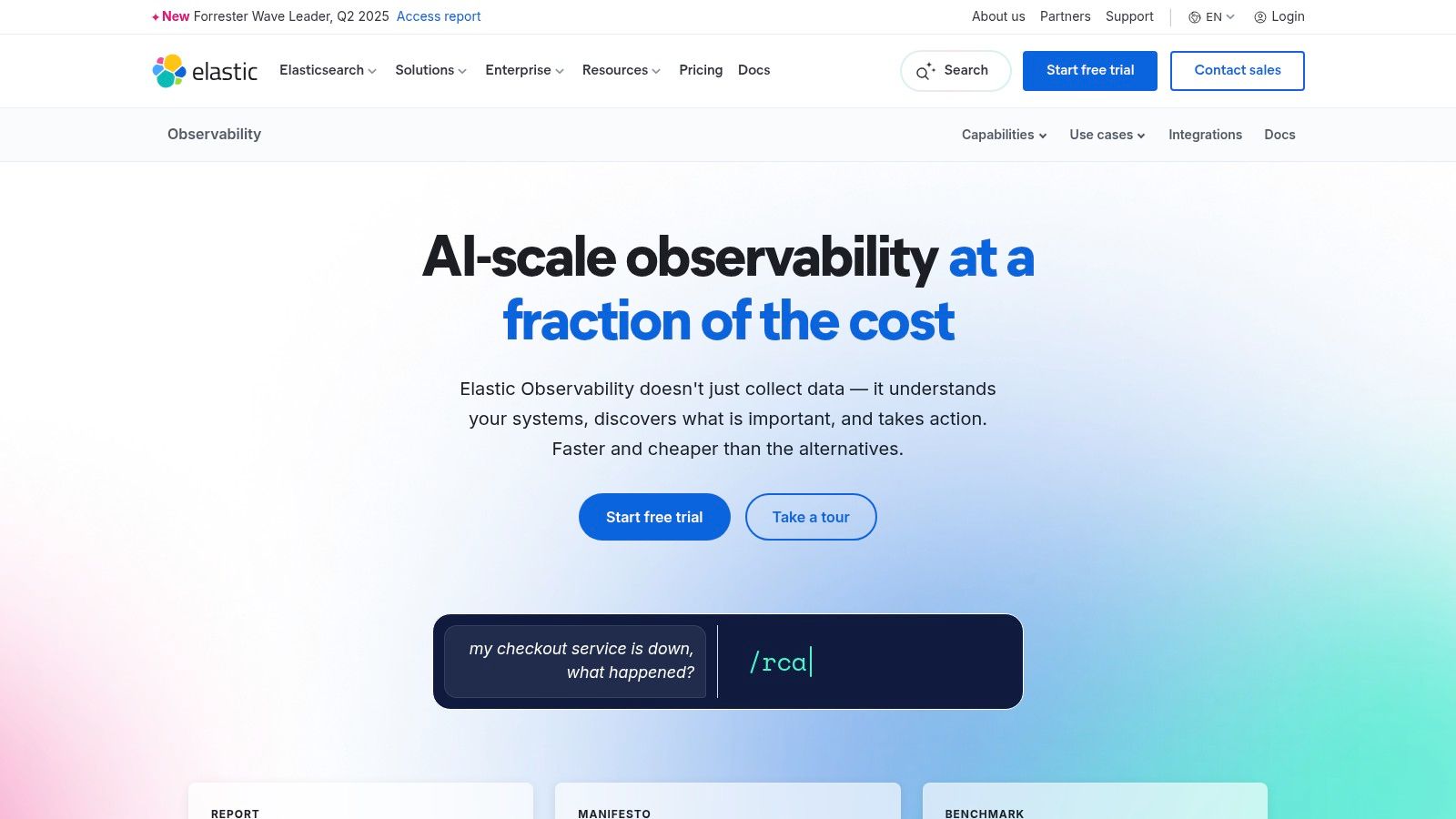
Elastic is the tool many engineering teams reach for when they want flexibility and don't want to feel boxed into a vendor's opinionated model. You can run it yourself, use Elastic Cloud, and unify logs, metrics, and traces around familiar open tooling. For teams that already like OpenTelemetry and want strong control over data modelling, it's a serious option.
That flexibility is also where the trouble starts. Opensource.com's review of log analysis tools notes Elastic Stack as the most popular open-source choice among organisations dealing with large data sets, but also highlights the in-house expertise needed for parsing, normalisation, and correlation. That's the part many mid-sized teams underestimate.
The real Elastic trade-off
Elastic can give you good price and performance when you've tuned storage tiers, ingestion, mappings, and lifecycle policies properly. If you haven't, it can become a permanent engineering hobby.
- What works: ES|QL, strong community knowledge, OpenTelemetry compatibility, and flexible deployment.
- What doesn't: Assuming self-managed Elastic is cheaper just because the licence line looks smaller.
- What to watch: Operational burden moves from the vendor to your team very quickly.
I've seen teams choose Elastic because they wanted control, then spend months building the surrounding controls they needed. Access policies, upgrade paths, ingest pipelines, cluster sizing, retention strategy, and incident workflows all turn into platform work.
Elastic is often a good technical choice and a bad organisational choice when the team doesn't want to own observability infrastructure.
That's why a managed DevOps cloud infrastructure platform changes the equation. If the primary goal is reliable delivery, integrated monitoring, secure defaults, and multi-cloud consistency, assembling Elastic by hand may solve the logging problem while making the operating model worse.
3. Datadog Log Management
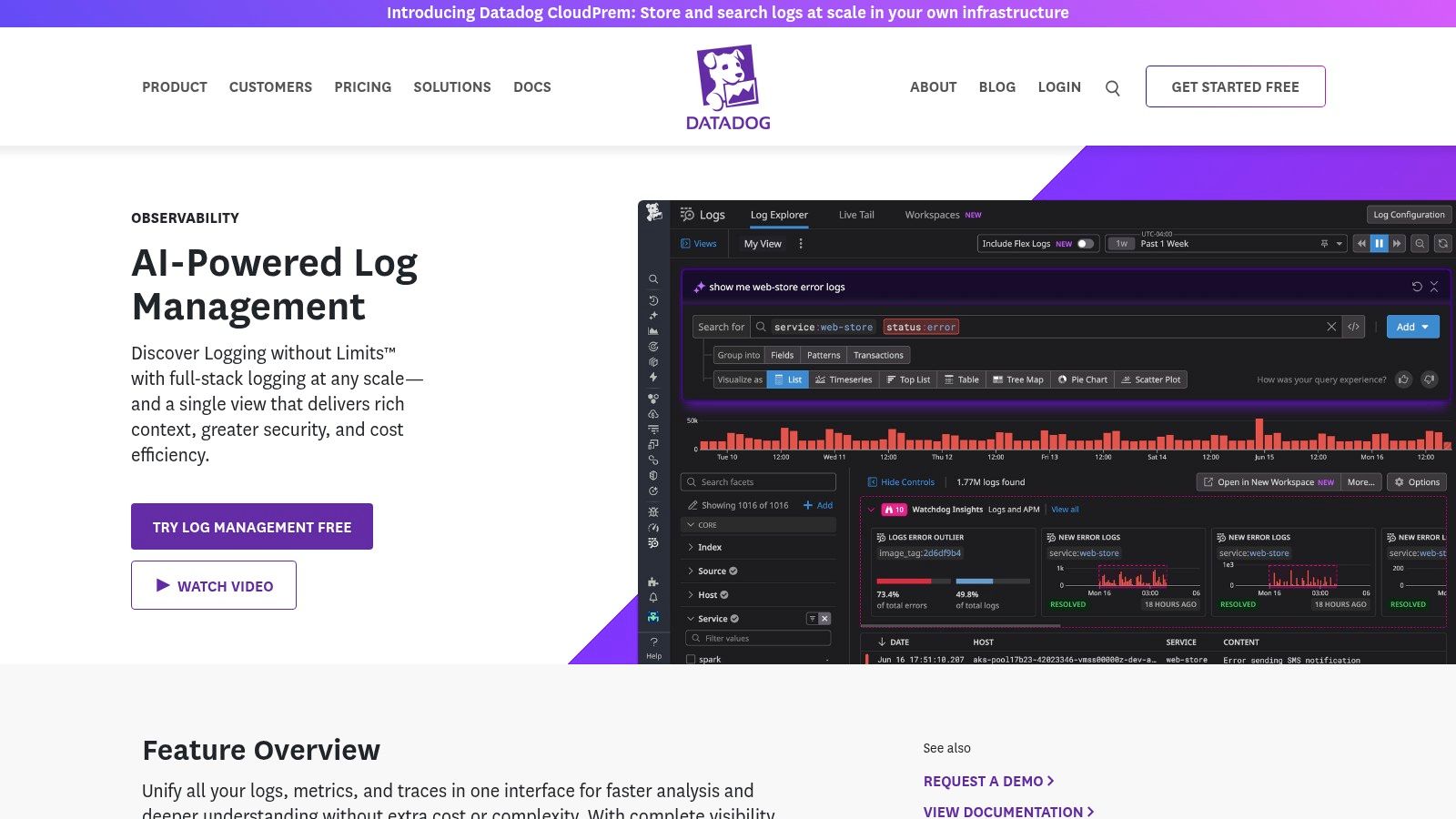
Datadog appeals to teams that want speed. You can get logs, metrics, traces, and security signals into one interface quickly, and the product is good at helping engineers move from a symptom to a likely cause without juggling five consoles. For scale-ups, that fast time-to-value is the main reason it wins deals.
Its logging product is strongest when you lean into the whole platform. Live tail, pipelines, archive search, log-to-metrics workflows, and cross-signal correlation are useful because the surrounding observability tooling is already there. Debugging feels fast, especially during incidents.
Where Datadog can bite
Datadog gives you several cost levers, but that doesn't mean cost is simple. The split between ingest, indexing, retention, and archives rewards teams that model usage carefully. Teams that don't usually discover the bill after they've already made logs central to their workflows.
The broader log management market reached $4.35 billion in 2026 and is forecast to grow to $8.99 billion by 2031 at a 15.64% CAGR, with cloud-based solutions holding a 68% market share in 2024, according to Mordor Intelligence's log management market report. Datadog fits that cloud-first shift well. It also reflects a broader truth. SaaS observability reduces setup time, but it doesn't remove the need for governance.
- Best fit: Teams that want one SaaS control plane and can actively manage ingestion.
- Poor fit: Teams with weak ownership of telemetry volume and retention policy.
- Decision point: If you need better rollout safety too, pair logging decisions with release strategy, not after the fact. Blue-green vs canary deployments matter because cleaner releases create cleaner logs.
4. New Relic (Log management within New Relic platform)

New Relic's advantage is coherence. Many teams don't want a specialist log product. They want logs to sit next to APM, infrastructure monitoring, browser telemetry, and user access controls without making people learn a fragmented toolchain.
That makes New Relic a good platform buy for teams standardising on one vendor for day-to-day engineering visibility. Log correlation is strong, the onboarding is usually smoother than a self-assembled stack, and the product experience is easier to explain to developers who aren't observability specialists.
Why leaders choose it
The pricing model is easier to reason about than some competitors, especially if you're trying to avoid a pile of separate SKUs. That's useful for startups and scale-ups where finance discipline matters but nobody wants to become a part-time procurement analyst.
The trade-off is familiar. Once logs become noisy, usage-based billing pushes you to clean up instrumentation, sampling, and retention. That's not a flaw in the product. It's a reminder that logging cost is mostly a behaviour problem before it's a tooling problem.
For engineering leaders, New Relic makes sense when you want broad platform visibility with less operational setup than Elastic or self-hosted Loki. It makes less sense if you need highly customised data architecture or if you're already struggling with uncontrolled telemetry generation.
Better log analysis tools don't compensate for weak platform discipline. They expose it faster.
If your team is already spending too much time on CI/CD maintenance, cloud permissions, and environment drift, adding New Relic can improve observability while leaving the bigger operational burden untouched. That's where an integrated multi-cloud DevOps platform has an edge. It reduces the sources of logging noise as well as giving you a place to inspect it.
Visit New Relic pricing and platform details
5. Grafana Loki (self-hosted) / Grafana Cloud Logs (managed Loki)
Loki is one of the more pragmatic log analysis tools for Kubernetes-heavy teams. Instead of indexing full log text, it indexes labels and keeps the storage model simpler. If you're already living in Grafana for dashboards, Loki feels like a natural extension rather than a brand new logging world.
That's the upside. The downside is that Loki rewards careful design. Label strategy matters. Query patterns matter. Cardinality mistakes don't stay small for long.
Why teams like Loki
- Cost-aware architecture: Metadata indexing can reduce the storage overhead compared with more traditional search-heavy approaches.
- Good operator fit: Platform engineers who already understand Prometheus and Grafana tend to pick it up quickly.
- Managed escape hatch: Grafana Cloud lets teams use Loki without owning every scaling and durability detail themselves.
For startups, Loki often looks like the responsible middle path. It can be. But only if someone still owns collectors, retention, scaling, tenant separation, and the surrounding operational hygiene. Self-hosted Loki is not a free pass out of platform engineering. It's a platform engineering choice.
The practical split is simple. If you have a strong cloud-native team and want cost-efficient logs tightly tied to Grafana dashboards, Loki is attractive. If your developers are already stretched, Grafana Cloud is the safer route. If the company is tired of stitching together monitoring, deployment pipelines, security controls, and cloud cost management by hand, even managed Loki may only solve one slice of the problem.
6. Graylog
Graylog sits in a useful middle ground. It gives teams an open-core logging platform with a clearer commercial path than many DIY stacks, plus security-oriented features that appeal to operations and security teams alike. If you want pipelines, alerting, content packs, and a familiar logging workflow without jumping straight to the biggest enterprise vendors, Graylog is worth a look.
The product is often strongest in organisations that care about security analysis and central log search but still want a degree of deployment choice. Open, Enterprise, Security, and cloud options let teams start smaller and add controls later.
The hidden cost isn't the licence
Graylog can look economical because the entry point is approachable. The trap is assuming self-managed means low total cost. It doesn't. You still own scaling, upgrades, storage planning, access controls, backup strategy, and whatever sits around it.
Senior DevOps engineers in Eastern Europe, including Poland, Romania, and the UK region, cost $70 to $90 per hour, translating to a monthly fully loaded cost of $11,200 to $14,400, based on Acquaint Softtech's DevOps rate overview. That's the number many startup budgets forget when they compare managed tooling against "we can host it ourselves."
- Use Graylog when: You want open-core flexibility with stronger security use cases.
- Be cautious when: Logging is only one of several platform gaps your team is trying to patch.
- Avoid the mistake: Hiring more infrastructure specialists to support a fragmented toolchain when a managed platform could remove the need.
Graylog is a solid product. It just doesn't change the larger economics of DIY operations.
7. Sumo Logic
Sumo Logic is built for teams that want SaaS convenience but still care about nuanced analysis workflows. Its product has long been good at root-cause exploration, especially when engineers need to compare noisy periods, isolate outliers, and move fast during incidents.
The platform feels opinionated in a good way. You don't spend much time thinking about cluster internals, and the out-of-the-box content can help teams get useful signals earlier than a blank-canvas system.
What the buying decision comes down to
Sumo's licensing model can work well if your team understands its own ingestion and search behaviour. If you don't, the maths gets fuzzy. That's not unique to Sumo Logic, but it's a practical concern for scale-ups where cloud spend oversight may still be maturing.
A lot of leaders choose tools like Sumo Logic because they're trying to avoid staffing up a larger internal platform function. That's usually the right instinct. The wrong follow-up is stopping at logs while leaving deployment workflows, security baselines, cloud policy, and environment management fragmented across separate tools.
The cheapest logging decision is often the one that removes adjacent tooling work too.
Sumo Logic is a credible option for engineering teams that want mature SaaS log analysis with strong investigation workflows. If your company is already operating across AWS, GCP, and Azure, though, the bigger question is whether you need another specialised tool or a managed platform that bundles deployment automation, observability, security defaults, and cost control into one operating model.
8. CrowdStrike Falcon LogScale (formerly Humio)
LogScale has a clear personality. It's built for fast search over large volumes, and it becomes especially compelling when your organisation already standardises on CrowdStrike for endpoint and security operations. In that context, the logging decision isn't just about developer observability. It's about unifying telemetry for investigation and response.
The index-free architecture is the big draw. Teams evaluating LogScale are usually looking for speed, retention efficiency, and a stronger security story than a generic observability product might offer.
Best fit and main caution
If your security and platform teams work closely together, LogScale can reduce handoffs. Shared data collection and alignment with CrowdStrike's broader ecosystem can simplify investigations during incidents that touch both infrastructure and security concerns.
The caution is packaging. Public pricing is less straightforward, comparisons can be harder, and bundle dependencies matter. That doesn't make it a bad choice. It just means the evaluation should focus on operating model fit, not only feature demos.
One thing worth saying plainly: vendor consolidation can be smart, but only when it simplifies ownership. If adding LogScale still leaves you juggling bespoke CI/CD, manually managed Kubernetes, disconnected cloud policies, and separate incident tooling, you haven't solved the time problem. You've added another premium layer on top of it.
For teams with a strong security-led operating model, Falcon LogScale deserves serious consideration. For product-led scale-ups, it may be too security-centric unless the rest of your platform is already standardised.
9. Coralogix
Coralogix stands out by talking about cost the way finance and platform leaders experience it. The product leans hard into reducing stored log volume, supporting BYO object storage, and letting teams query archived data without awkward re-ingestion workflows. That appeals to companies that have already felt observability bills get away from them.
This is one of the few tools where cost control is central to the product story rather than an afterthought. That's useful because log cost isn't only about how much data you ingest. It's also about how intelligently you process, retain, and archive it.
Why this matters in practice
Data egress charges are a major and often underestimated expense for scaling startups. A single large export or migration can trigger charges ranging into the hundreds or thousands of euros, as described in Redu.cloud's European cloud cost discussion. Coralogix's archive and storage flexibility speaks directly to that operational reality.
- Strong reason to choose it: You prioritize controlling observability storage and archive economics.
- Less strong reason: You only want basic logs and don't need advanced processing decisions.
- What to test carefully: Multi-signal pricing assumptions if you also plan to expand beyond logs.
Coralogix is a good reminder that "managed" doesn't always mean "simple". Cost-smart platforms still need governance. But if your team is growing fast and wants better control over retention and archive strategy, it's one of the more pragmatic options on this list.
10. Better Stack Logs (formerly Logtail)
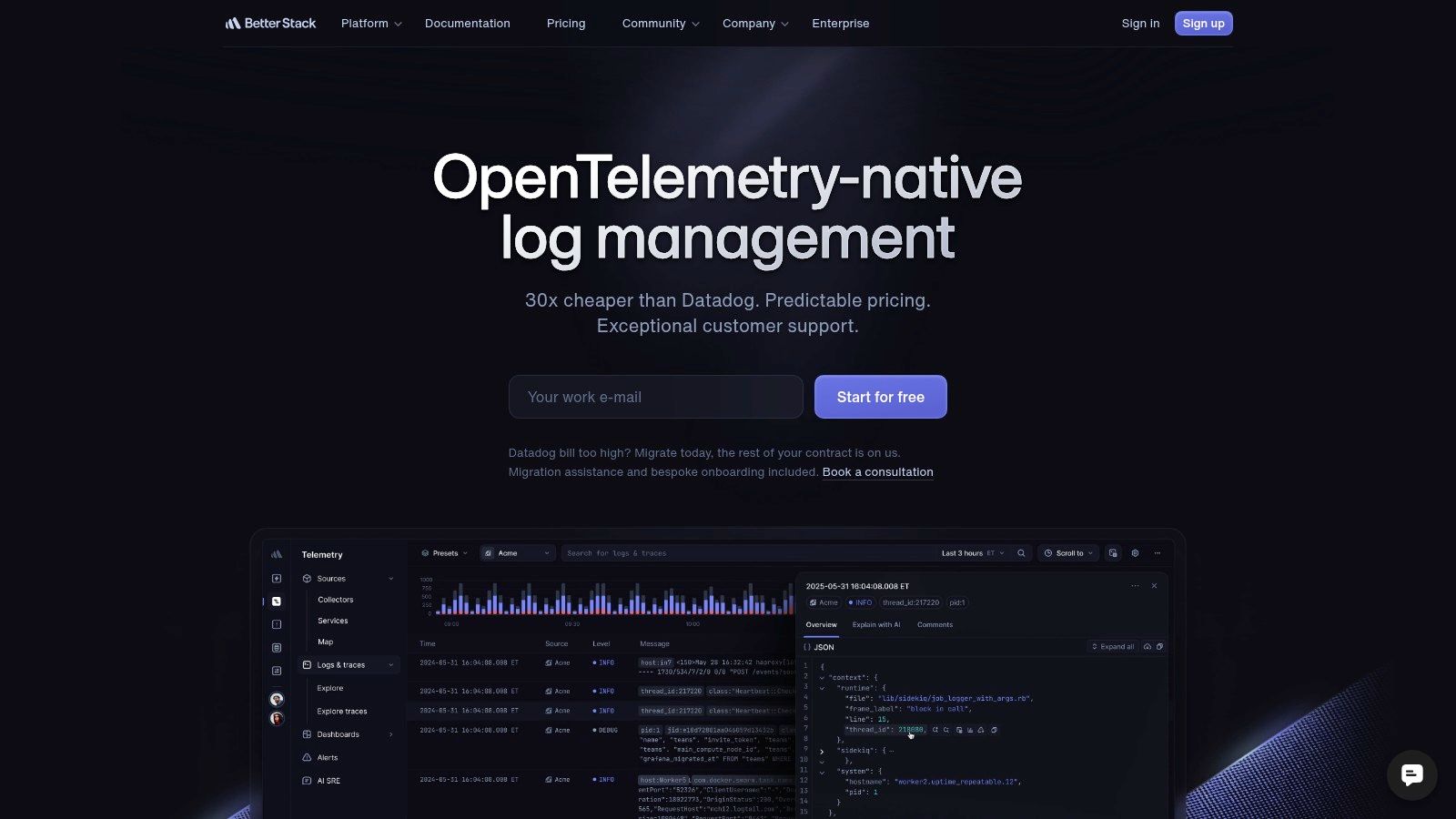
Better Stack Logs is easy to like because it lowers the cognitive load. SQL-style querying is familiar, onboarding is fast, and the surrounding incident, uptime, and status page tooling makes it feel useful on day one. For small teams and growing SaaS companies, that simplicity has real value.
Not every company needs a heavyweight search language or a sprawling ecosystem. Plenty of teams just need structured logs, sensible dashboards, alerting, and straightforward incident workflows without hiring a specialist to run the stack.
Where it shines
Better Stack is strongest for developer-led teams that want to get productive quickly. If your engineers are comfortable with SQL and want logs tied directly to operational workflows, it removes a lot of friction.
The limits are mostly on the enterprise edge. You won't get the same depth of legacy integrations, sprawling security add-ons, or heavyweight customisation you'd expect from Splunk or Elastic. For many scale-ups, that's fine. In fact, it's often a positive because fewer knobs usually means less accidental complexity.
There is a broader market trend behind this. A 2025 Forrester report cited in the verified data found that 68% of DevOps teams using open-source log tools report increased operational overhead due to manual maintenance. That aligns with why products like Better Stack are attractive. They reduce setup and day-to-day burden for teams that don't want logging to become a staff function.
If your company wants fast adoption and practical workflows, Better Stack is a strong shortlist candidate. If you need one platform to solve much more than logs, incidents, and uptime, you'll still need to look beyond the logging category itself.
Top 10 Log Analysis Tools: Feature Comparison
A short feature table can save time, but only if it helps with the decision: what your team will have to own after procurement. The useful comparison is not just search syntax or dashboards. It is how each product affects operating cost, staffing load, and the amount of engineering attention that disappears into logging infrastructure instead of product work.
| Product | Core features | UX and scalability | Pricing and cost control | Ideal for | Strategic trade-off |
|---|---|---|---|---|---|
| Splunk Platform (Splunk Enterprise / Splunk Cloud) | SPL search, SmartStore tiering, workload management, large app ecosystem | Handles very large environments well, but setup and tuning can get heavy | Costs rise fast at high ingest volumes, and licensing takes active management | Large enterprises with hybrid, regulated, or multi-team environments | Strong fit when governance and ecosystem depth matter more than simplicity or spend |
| Elastic Observability (Elastic Stack on Elastic Cloud or self-managed) | Logs, metrics, traces, OpenTelemetry support, ES|QL, data tiering | Flexible and scalable, especially for teams willing to tune storage and cluster design | Self-managed can look cheaper on paper, but ops time is a real line item. Managed Elastic reduces that burden at higher platform cost | Teams that want open standards and deployment control | Good option if you want flexibility and have the platform capacity to run it well |
| Datadog Log Management | Live tail, pipelines, archive and rehydration options, cross-signal correlation | Fast onboarding and strong day-to-day usability in cloud-native environments | Usage controls exist, but bills can get hard to predict across multiple products and teams | Engineering orgs that want one SaaS workflow across logs, metrics, traces, and alerts | You buy speed and convenience, but need discipline around ingest and retention |
| New Relic (Log management within New Relic platform) | Log correlation with APM, infrastructure, browser, and AI-assisted analysis | Clean onboarding, consistent UI, good fit for teams that value quick adoption | More transparent than many peers, though volume still drives spend | Teams that want a broad observability platform without much assembly work | Lower operational burden than DIY stacks, with less infrastructure ownership |
| Grafana Loki (self-hosted) / Grafana Cloud Logs (managed Loki) | Label-based indexing, Grafana integration, Kubernetes-friendly collection patterns | Efficient at scale for the right workloads, but design mistakes around labels can hurt performance and usability | Self-hosting can reduce vendor spend while shifting cost to engineering time. Managed Loki lowers ops load | Teams already invested in Grafana and Kubernetes | Attractive on cost if your team knows how to design and operate it properly |
| Graylog | Pipelines, alerting, RBAC, content packs, OpenSearch-based architecture | Familiar workflow for many operators, but scaling and maintenance stay with your team in self-managed setups | Open source entry point is appealing, commercial editions add predictability | Security and operations teams that want more control than pure SaaS products offer | Lower license cost can come with higher ownership cost if you lack dedicated operators |
| Sumo Logic | LogReduce, anomaly detection, prebuilt content, OpenTelemetry support | Mature SaaS experience with solid investigation workflows | Flex licensing can work well, but only if finance and engineering model usage carefully | Teams that want SaaS analytics without managing the stack | Reduces ops burden, though pricing strategy needs active attention |
| CrowdStrike Falcon LogScale (formerly Humio) | High-throughput ingestion, fast search, long-retention efficiency, Falcon integration | Very strong performance on large datasets and security-heavy workflows | Pricing is usually sales-led, so evaluation takes more commercial work | Security-focused organizations, especially those already using CrowdStrike | Best fit where security telemetry is central and speed at scale justifies platform consolidation |
| Coralogix | Pipeline controls, archive query options, Events2Metrics, BYO storage support | Built with cost-sensitive teams in mind, especially where archive access matters | Transparent pricing helps, but volume modeling still matters | Teams trying to control observability spend without losing access to historical data | Good middle ground for teams that want managed logging with stronger cost controls |
| Better Stack Logs (formerly Logtail) | SQL-first querying on ClickHouse, live tail, incident and status tooling | Quick to adopt, easy for developers to use, and light on operational friction | Modular pricing is easier to reason about than many enterprise platforms | Developer-led teams that want logs tied closely to incident response | Strong choice when speed, simplicity, and low operational drag matter more than enterprise sprawl |
The practical split is clear. Splunk, Datadog, New Relic, Sumo Logic, CrowdStrike, Coralogix, and Better Stack trade higher subscription cost for less infrastructure ownership. Elastic, Loki, and Graylog can reduce vendor spend, but they often move cost into hiring, maintenance, performance tuning, upgrades, and on-call load.
That is the part many comparison tables miss. A cheaper tool is not cheaper if senior engineers become part-time operators for your logging stack.
Final Thoughts
Choosing log analysis tools isn't really about choosing a search box. It's about choosing what your engineers will spend time owning. That's the lens most buying guides miss. They compare query syntax, dashboards, collectors, and retention features. They spend less time on the business cost of stitching those pieces together and keeping them healthy month after month.
That's why the market keeps growing. Earlier, I noted the expansion in both the log analysis and broader log management categories. Teams need visibility, but they also need fewer moving parts. And the more cloud-native your architecture becomes, the less sensible it is to let senior product engineers disappear into telemetry plumbing, Kubernetes maintenance, release engineering, and cloud policy work.
The hardest part of these decisions isn't picking a good tool. Most of the products on this list are good. The hard part is admitting when a good tool still creates the wrong operating model. Elastic, Loki, and Graylog can be excellent technical choices if you have a capable platform team and want to own the stack. Splunk, Datadog, New Relic, Sumo Logic, Coralogix, CrowdStrike, and Better Stack can reduce operational burden in different ways, but each still sits inside a broader platform picture.
That broader picture is where many startups and scale-ups get stuck. They buy logging. Then they still have to solve environments, deployment automation, release strategies, security baselines, cloud cost controls, access management, and incident response. Eventually they realise they didn't just buy a log tool. They signed up to coordinate a whole toolchain.
A 2025 Gartner survey cited in the verified data found that 41% of CTOs in the LT region see unreliable anomaly detection as their top concern when evaluating log analysis tools, while only 12% of vendor documentation provides empirical validation across multiple cloud providers. That's a useful reminder to stay sceptical. Marketing claims around AI correlation and anomaly detection are easy to like. Operational clarity is harder to get. You still need to ask how the tool behaves across AWS, GCP, and Azure, how access is controlled, how retention is governed, and who owns the system when it breaks.
If you're comparing options and want a broader category view, this external roundup of compare log management tools is a useful companion. But don't stop at tool features. Map the decision to total cost of ownership, staffing needs, and focus.
For many teams, the best answer isn't hiring more DevOps engineers or building a bigger internal developer platform. It's adopting a managed multi-cloud platform that gives you production-ready infrastructure, integrated observability, secure defaults, and predictable operating workflows from the start. That's how you reduce log noise, deployment risk, and platform sprawl at the same time.
PushOps gives software teams a production-ready path across AWS, GCP, and Azure without turning engineers into part-time infrastructure operators. Instead of assembling logging, deployments, security controls, cost tooling, and environment management by hand, teams can use PushOps to standardise delivery, gain integrated observability, enforce secure defaults, and keep focus on shipping product.

