


Stop Building a DevOps Platform. Start Shipping Product.
Your team was hired to build product, not babysit clusters, patch runners, debug brittle deployment scripts, and stitch five overlapping tools into something that almost feels like a platform. Yet that's where many startups and scale-ups end up. Release management becomes one more subsystem in a growing DIY DevOps estate, alongside CI/CD, secrets, observability, security controls, and cloud cost management. The tax is real. It shows up in slower releases, more handoffs, and senior engineers doing platform maintenance instead of product work.
That problem is getting harder, not easier. In Lithuania, software teams operate inside a larger digital economy that generated about €2.9 billion in economic output and employed more than 18,000 people in 2023. More software teams usually means more need for standardised deployment coordination, auditability, and faster release cycles. Add public-sector digitalisation and modernisation pressure, and release control starts looking less like a convenience and more like core operational hygiene.
Release management tools matter, but the tool itself isn't the whole decision. The primary question is how much of the surrounding platform you want to own. If you're also trying to clarify incident workflows, this runbook vs playbook comparison is a useful companion read.
1. PushOps
PushOps takes the most pragmatic position in this list. It treats release management as one part of a wider delivery platform, not as a standalone widget you still need to wire into everything else. That's the right frame for teams that are tired of building internal plumbing.
The platform provisions production-ready foundations on AWS, GCP, and Azure, then automates builds, deployments, ephemeral environments, and release strategies from commit to production. That matters because release tooling rarely fails on the happy path. It fails at the seams. Authentication, environment drift, rollback logic, audit logging, and visibility are usually where DIY stacks become expensive.
Why it changes the economics
Organizations often don't need more knobs. They need fewer moving parts. PushOps reduces the amount of platform work your engineers own directly, which can be more valuable than adding another best-of-breed release product to an already fragmented setup.
A few strengths stand out:
- End-to-end workflow: It covers the path from commit to production, so your team isn't maintaining pipeline glue just to get releases moving.
- Built-in operational visibility: Observability and incident handling sit close to deployment activity, which makes release debugging faster and ownership clearer.
- Security by default: RBAC, permissions, audit logs, and policy enforcement are built in rather than added later.
- Multi-cloud without platform sprawl: If you operate across AWS, GCP, and Azure, you don't need three different patterns for doing the same release work.
- Cost controls in the platform: Autoscaling, right-sizing, and environment scheduling help contain the cloud waste that often comes with fast-moving delivery teams.
Practical rule: If a release tool still leaves you owning runners, cluster policy, observability wiring, and environment lifecycle management, you haven't really reduced operational burden. You've just moved it.
PushOps won't be the right fit for every company. If you have highly bespoke infrastructure requirements, deep internal platform investments, or strong concerns about vendor lock-in, you should evaluate it carefully through a demo and security review. Pricing also isn't published publicly, so you'll need a direct conversation to assess cost.
For teams that want zero pipeline maintenance and a self-service delivery model, zero-maintenance CI/CD pipelines are the primary appeal. Learn more on the PushOps website.
2. GitLab
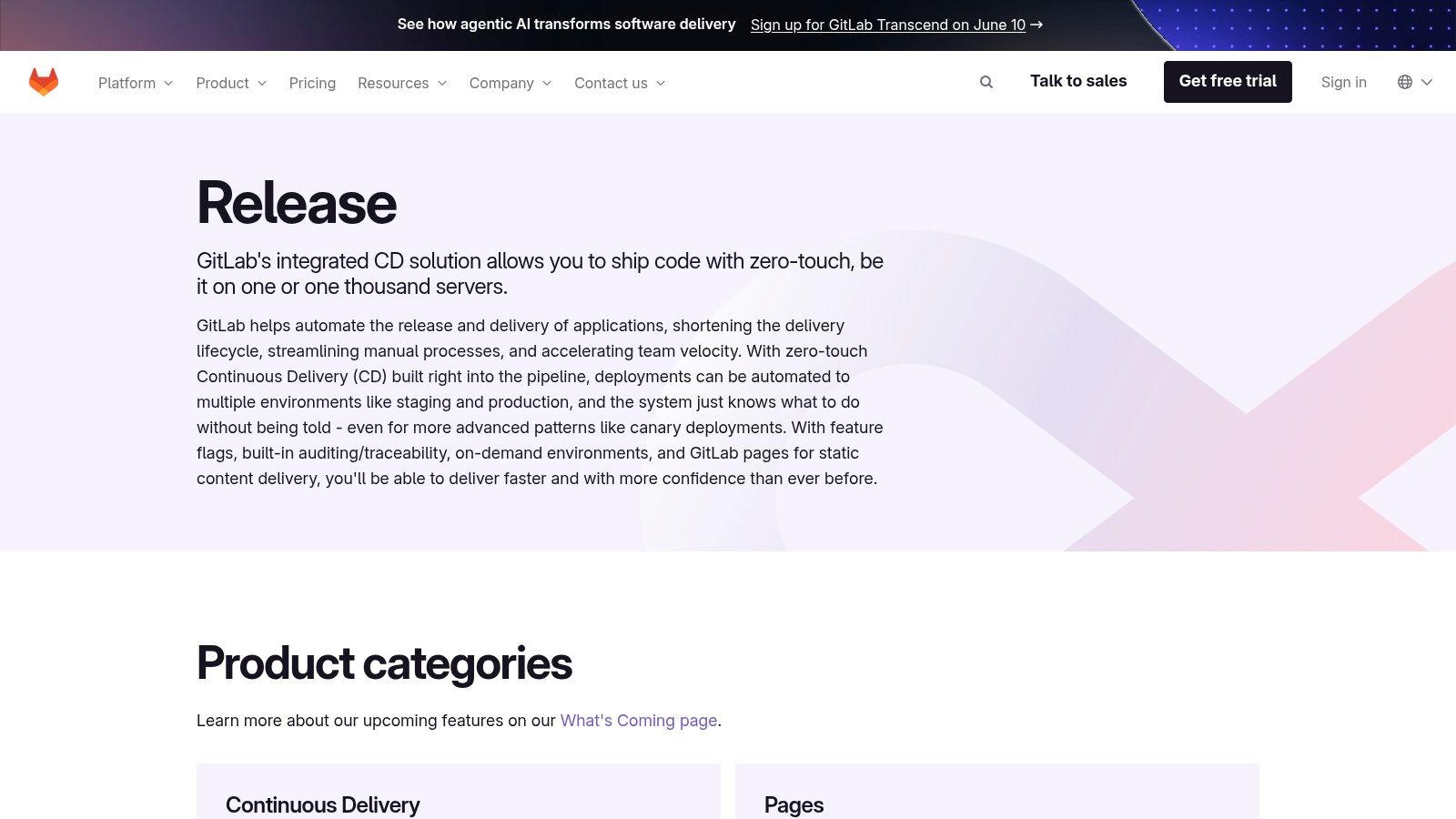
GitLab is a strong choice when you want release governance, CI/CD, environments, approvals, and traceability in one place. It's less specialised than some deployment-first tools, but that's often the point. Consolidation reduces the integration work that subtly consumes time.
GitLab works well for teams that want releases-as-code with approvals, environment controls, and built-in feature flags. It also supports both push-based and pull-based deployment models, including GitOps patterns. If your current toolchain is a patchwork of SCM, CI, release approvals, and audit tooling, GitLab can simplify the operating model.
Where GitLab fits best
The trade-off is that GitLab's strength comes from breadth. You're buying into a platform, not just a release engine. That can be a win if your team values standardisation. It can be a pain if you're migrating from several entrenched tools with different owners and workflows.
It tends to fit best when you need:
- Unified auditability: Release evidence, pipeline execution, approvals, and artifacts live in one system.
- Fewer integrations to maintain: One platform means fewer sync failures between repos, CI, and release controls.
- Governance without separate tooling: Approval workflows and traceability are first-class concerns, not bolt-ons.
The downside is predictable. Advanced orchestration and stronger security capabilities often sit higher up the plan ladder, and migration can be tedious. Teams with mature internal processes may need to refactor how they package releases, structure environments, and assign ownership.
GitLab is often the best answer when the biggest release problem isn't deployment mechanics. It's fragmented accountability.
If your organisation wants a single DevSecOps control plane and can tolerate the migration effort, GitLab is one of the cleaner options on the market. See the GitLab release capabilities.
3. GitHub
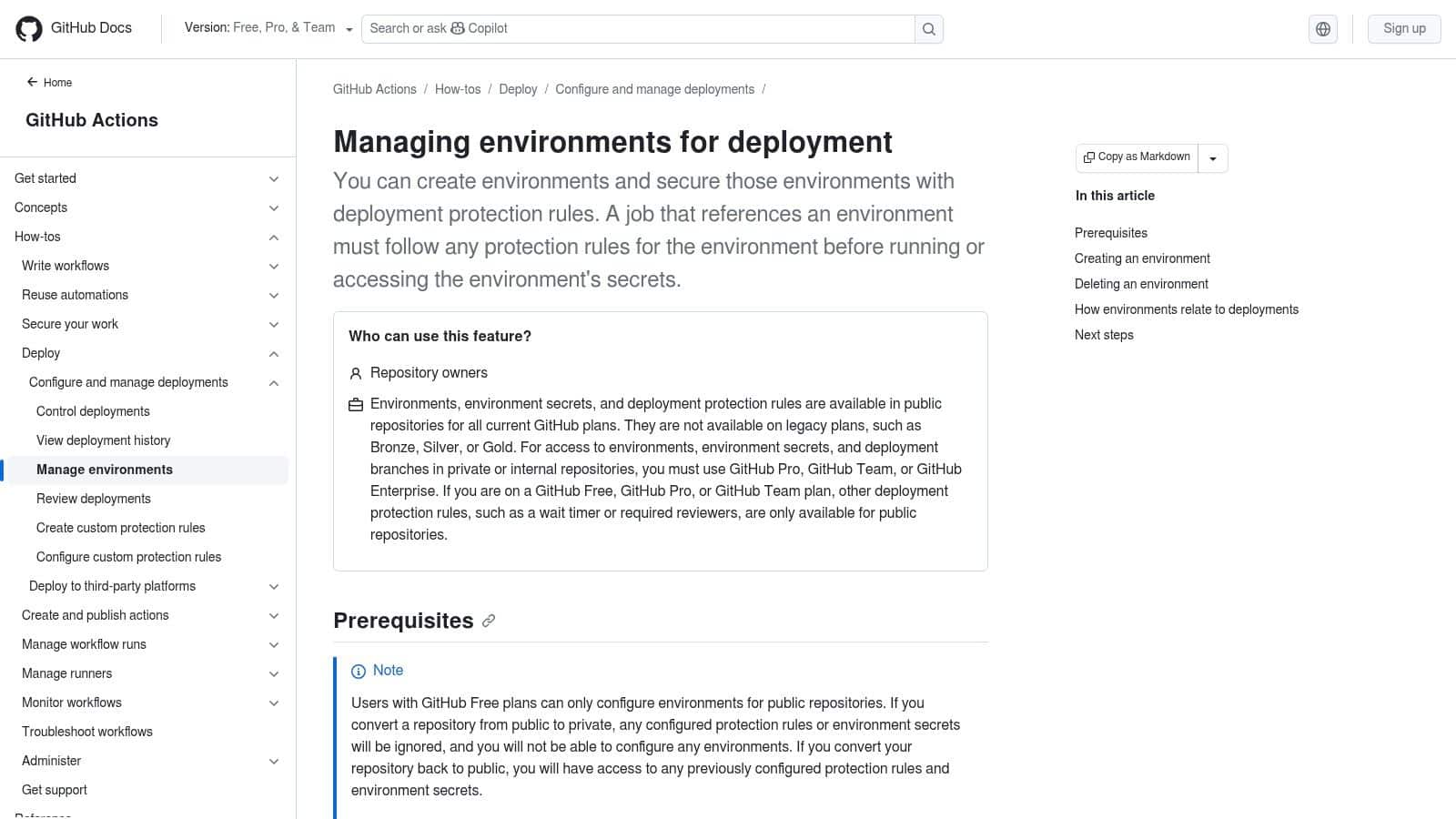
If your code already lives in GitHub, staying native has obvious appeal. GitHub Actions, Environments, and Releases give you a release stack without forcing a major platform switch. For many teams, that's enough.
Environment protection rules, reviewers, wait timers, and scoped secrets give you controlled promotion paths. Releases handle versioned artifacts and changelogs. Actions automates the pipeline, and the marketplace fills in many deployment gaps quickly. It's a practical setup for companies that want to move fast without introducing another core vendor too early.
The good and the annoying
GitHub is efficient when your release process is still mostly application-level. It gets less elegant when you need to coordinate many services, shared release windows, complex dependency chains, or enterprise-wide governance across teams.
What usually works well:
- Low context switching: Developers stay in the same platform for code, automation, and release metadata.
- Large ecosystem: There's a deployment action for almost everything.
- Good enough controls for many teams: Environment approvals and org-level policies cover a lot of real-world needs.
What tends to break down:
- Runner and Actions cost visibility: Billing needs active management at scale.
- Cross-application orchestration: GitHub isn't naturally an enterprise release calendar or dependency engine.
- Policy consistency: Large organisations often end up layering extra process around it.
Modern release management increasingly depends on separating deployment from delivery and using progressive controls instead of all-at-once launches. That's why feature flags and safe releases matter even if GitHub handles your pipeline well.
For teams already standardised on GitHub, this is often the fastest path to acceptable release discipline. Review the GitHub environment management documentation.
4. Azure DevOps
A common pattern goes like this. The company is already deep in Microsoft. Identity runs through Entra ID, infrastructure sits partly in Azure, security wants formal approvals, and leadership wants one vendor that procurement already knows. In that setup, Azure DevOps is often the default short list candidate.
That makes sense. Azure DevOps gives you pipelines, repos, boards, test plans, artifacts, approvals, and environment checks in one stack. For teams weighing build vs. buy across the wider DevOps platform, that matters. It can reduce the number of products you need to stitch together, even if it does not remove the integration work completely.
The trade-off is operating complexity.
Azure DevOps works best for organisations that accept a more opinionated enterprise model in exchange for control. Multi-stage YAML pipelines are capable, approval flows are mature, and hybrid or on-prem support is still better than what many newer tools offer. If releases need audit trails, named approvers, and predictable promotion paths, it can fit the process instead of forcing workarounds.
The downside shows up in day-two operations. Classic pipelines still exist beside YAML. The UI carries years of platform history. Teams can get to a working state, then spend months standardising templates, permissions, agent strategy, and naming conventions so the system stays manageable at scale. That is the actual cost to watch.
This is why Azure DevOps is rarely just a tooling decision. It is a platform strategy decision. If you choose it, you are usually choosing to build more of your own release operating model inside a broad ALM suite. That can be the right call for a Microsoft-heavy enterprise. It is a weaker fit for teams that want the shortest path to consistent releases with less platform assembly, where a managed option like PushOps will usually mean lower admin overhead.
Progressive delivery is another fault line. Azure DevOps can orchestrate deployments well, but safer release patterns still depend on how much you build around it. Teams adopting blue-green vs canary deployment strategies often end up combining pipeline controls with external traffic management, feature flags, or Kubernetes tooling.
Pick Azure DevOps if your environment already rewards standardisation, formal governance, and Microsoft alignment. Skip it if your main goal is reducing platform sprawl and release process maintenance. You can review the Azure DevOps product page.
5. Octopus Deploy
A common setup looks like this: CI already works, builds are shipping, and the main friction starts at deployment time. Different teams promote releases differently, approvals live in chat or tickets, and production changes depend on a few people who know the sequence by memory. Octopus Deploy was built for that problem.
It is a specialist release and deployment product, not a full DevOps platform. That focus is its value and its limitation. You get a clearer model for lifecycles, approvals, channels, runbooks, and environment promotion. You still need to decide what surrounds it for source control, planning, CI, identity, and policy. In build vs. buy terms, Octopus usually sits in the middle. You are buying a mature deployment layer, while still assembling the broader platform around it.
Octopus has stayed popular in Windows, .NET, IIS, and database-heavy environments for a reason. It handles mixed estates well, and it can support Linux, containers, Kubernetes, and cloud targets without forcing every team into the same deployment pattern on day one.
Where it earns its keep is operational clarity.
Teams can explain how a release moves from test to production, who approved it, what variables changed, and what runbook was executed alongside the deployment. That matters in regulated environments and in companies where release coordination still crosses application, infrastructure, and operations boundaries.
A few practical strengths stand out:
- Clear promotion model: Lifecycles and releases are easy to explain to both developers and operators.
- Useful runbooks: Repeatable operational tasks can live next to the release process instead of in separate scripts and tribal knowledge.
- Mixed-environment support: Helpful when the estate includes older apps, modern services, and infrastructure that has not been fully standardized.
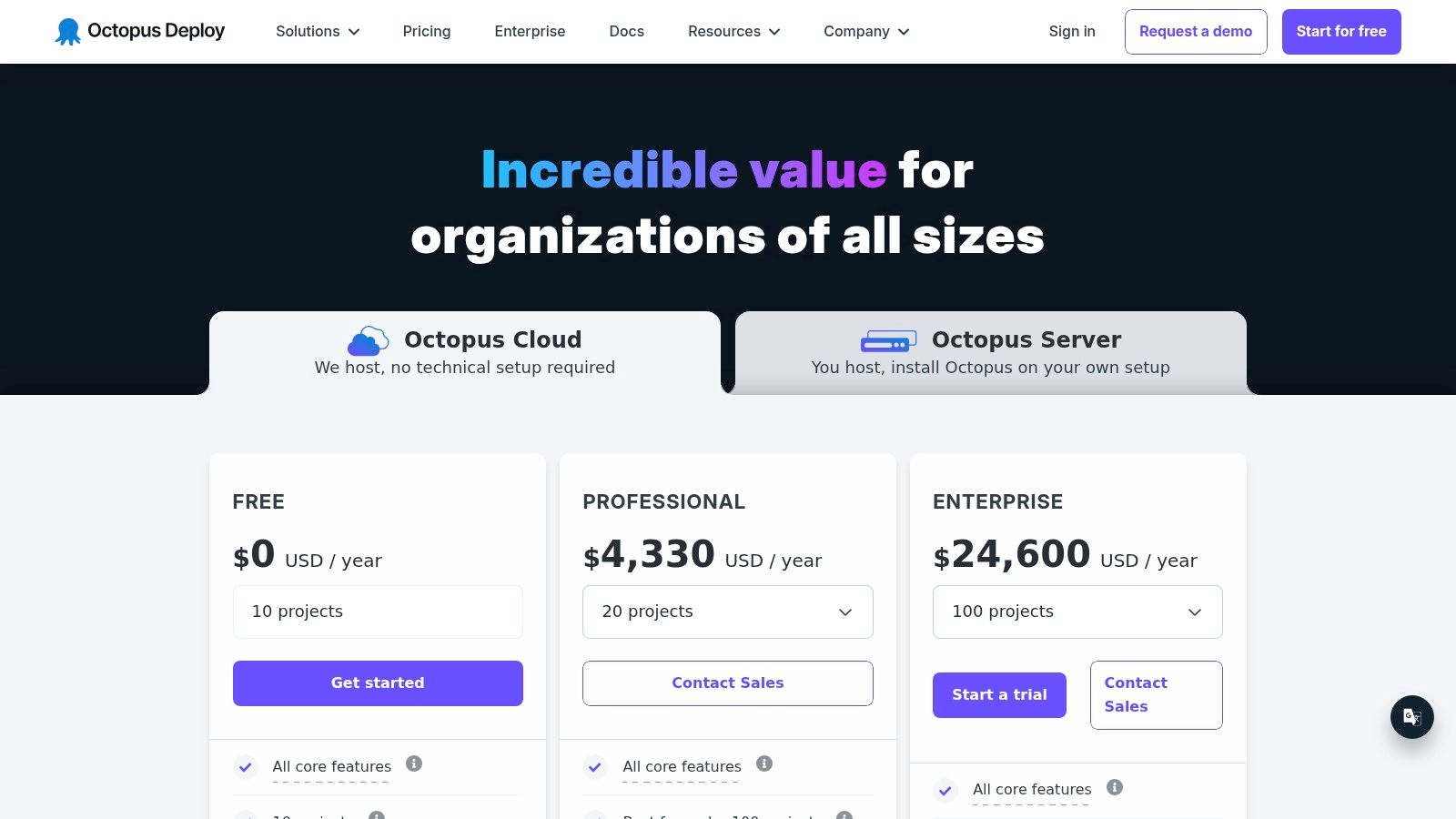
The trade-off is platform sprawl and cost growth. Octopus does one part of the job well, but many teams still pair it with other products for CI, SCM, work tracking, and sometimes secrets or policy controls. As deployment targets and teams expand, licensing and admin overhead can rise with them. That is the point where some companies reconsider whether they want a specialist tool plus surrounding glue, or a managed platform like PushOps that reduces the amount of release plumbing they have to own.
Progressive delivery is another decision point. Octopus can support staged rollouts, but the exact release pattern still depends on how you design the process and what traffic management or feature control sits beside it. Teams comparing blue-green deployments vs canary deployments should evaluate Octopus as an orchestrator inside a larger release architecture, not as the whole answer.
Choose Octopus if deployment coordination is the expensive problem and you are comfortable assembling the rest of the toolchain yourself. If the bigger goal is shrinking total platform maintenance, a more integrated approach will usually cost less over time. Visit Octopus Deploy.
6. Harness

Harness is for teams that want an opinionated, automation-first path to safer releases. It leans hard into canary, blue-green, policy gates, verification, rollback automation, GitOps, and feature management. If your organisation wants progressive delivery with less custom wiring, Harness is attractive.
It's a better fit for teams that already know release risk is their bottleneck. You're not buying raw flexibility. You're buying a more managed operating model around deployment and release safety.
What you gain from the opinionated model
Harness can reduce the amount of bespoke logic teams write to verify changes and recover from bad releases. That's valuable because rollback plans often look strong on paper and brittle in production. Built-in verification and policy control make release discipline easier to enforce consistently.
Its modular pricing and packaging are the usual sticking points. Cost can rise as you adopt more of the suite, and some teams find vendor-managed boundaries limiting when they want deep customisation.
Harness is strongest when you need:
- Progressive delivery out of the box: Less scripting around canary and blue-green patterns.
- Enterprise policy controls: Useful for larger teams with central governance needs.
- Kubernetes and cloud integration: Well aligned with modern delivery estates.
The catch is strategic. If you adopt Harness only for release management but keep running a fragmented infrastructure, observability, and cost-control layer elsewhere, you still carry a lot of platform overhead. That may be acceptable for large platform teams. It's less attractive for lean product organisations.
For buyers who want a polished SaaS-led release engine with governance and automated verification, Harness deserves a close look. Start with the Harness pricing and platform overview.
7. Argo CD + Argo Rollouts
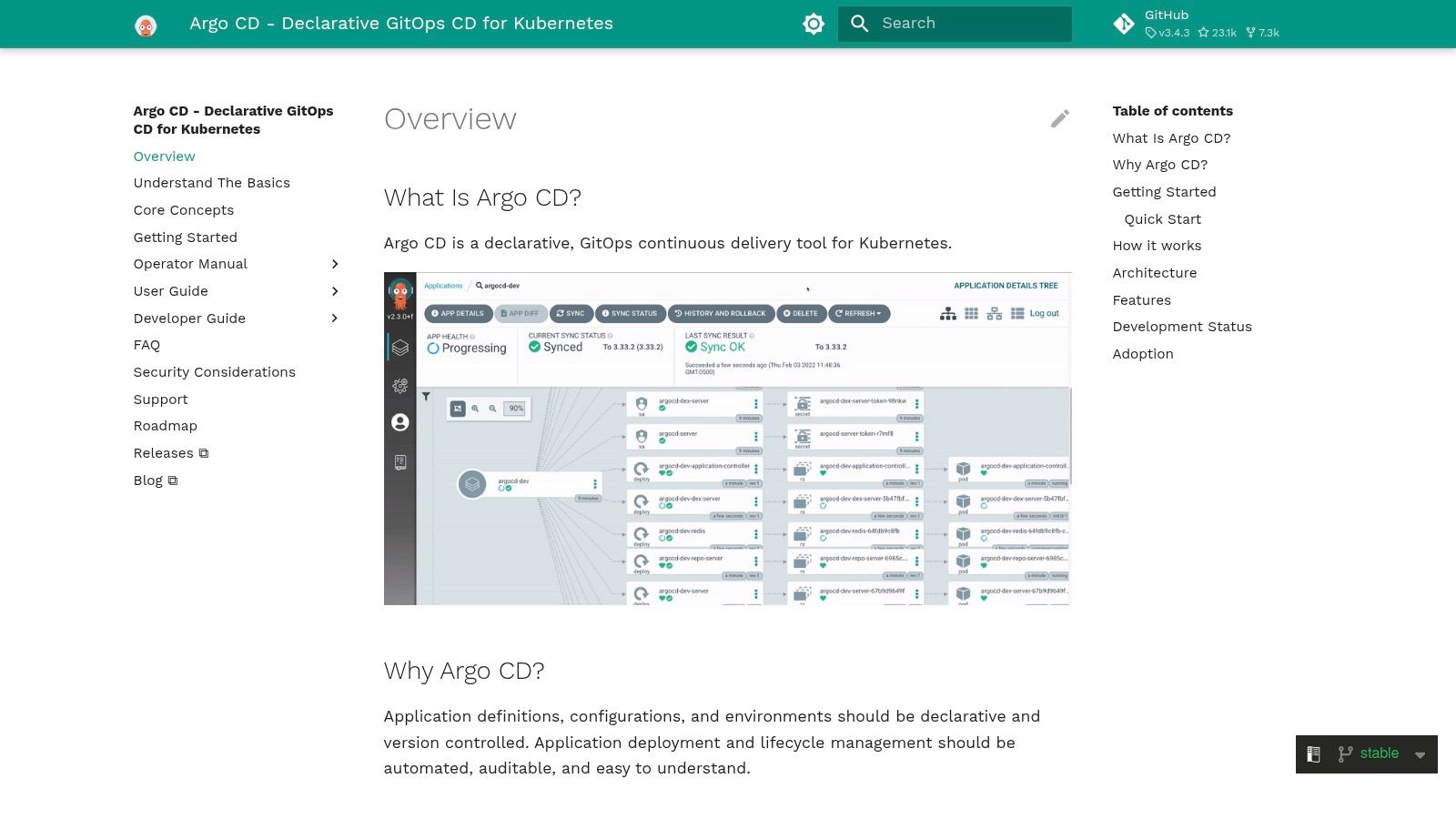
Argo CD with Argo Rollouts is the classic open-source answer for Kubernetes-centric release management. If your team already thinks in GitOps, cluster reconciliation, manifests, and declarative state, it's a strong stack.
Argo CD gives you Git-driven sync and drift detection. Argo Rollouts adds progressive delivery patterns like canary and blue-green with traffic shaping and analysis integrations. Together, they can form a very capable release layer for Kubernetes applications.
The real cost of free
The software is open source. The operating model is not free. You still need engineers who can design guardrails, manage multi-cluster complexity, standardise templates, secure access, and support teams when reconciliation logic or rollout rules behave unexpectedly.
That's the central trade-off with Argo. It gives you transparency, cloud agnosticism, and strong Git-based auditability. It also assumes you're willing to act like a platform team.
Open source release tooling makes sense when platform engineering is a deliberate capability. It's a bad bargain when it's an accidental side job for product engineers.
Argo is best when:
- Kubernetes is the standard: Not just one workload type among many.
- Git is the source of truth: Teams are comfortable with declarative workflows.
- You want cloud-agnostic control: Useful in multi-cluster or multi-cloud environments.
If your estate includes non-Kubernetes targets, legacy services, or teams that aren't fluent in GitOps, expect extra tooling and process around Argo. That additional scaffolding is where many organisations tend to recreate an internal platform.
For Kubernetes-heavy companies with the right in-house skills, Argo remains one of the most capable open-source options. See the Argo CD documentation.
8. CloudBees CD/RO
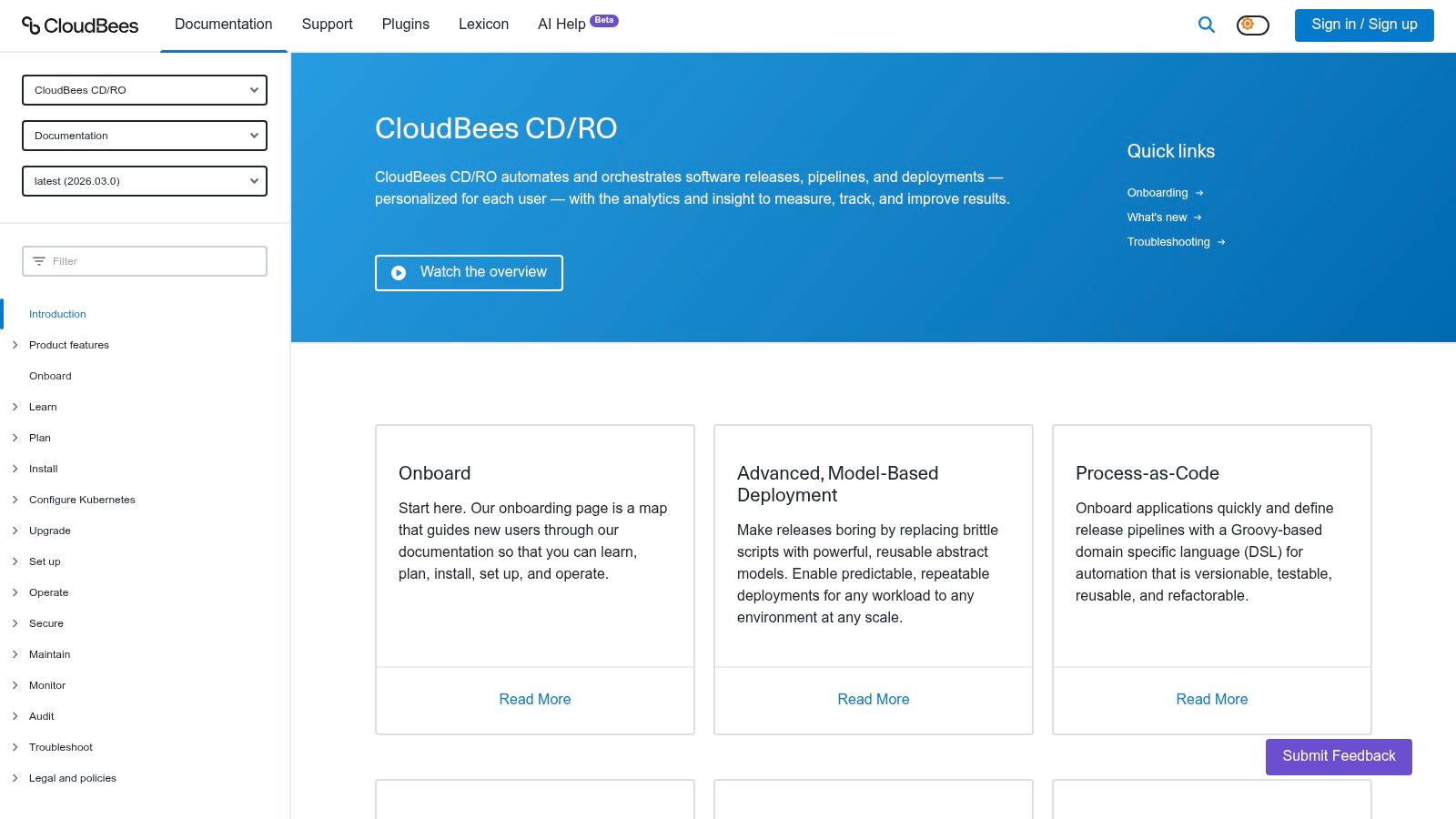
CloudBees CD/RO sits squarely in the enterprise release orchestration category. It's built for organisations coordinating complex releases across many teams, systems, and environments. If your challenge is less about deploying one app and more about governing many interdependent changes, CloudBees makes sense.
Its model-driven pipelines, process-as-code approach, environment inventory, blackout controls, and analytics are all aimed at that problem. This is not lightweight tooling. It's a release operations platform.
Strong governance, heavier adoption
CloudBees earns its place when release management is highly procedural. Large enterprises often need environment reservation, dependency coordination, and reusable process models that smaller teams rarely care about. CloudBees supports that kind of structure well.
The downside is obvious. There's a steeper learning curve, and the product is usually evaluated as a substantial platform purchase rather than a quick team-led adoption. Smaller companies can end up overbuying.
It's strongest when you need:
- Cross-team orchestration: One release spans multiple apps, teams, and systems.
- Environment control: Reservation, blackouts, and inventory matter.
- Auditability at scale: Release history must support governance and review.
This is the kind of tool you adopt when release management has become a business coordination issue, not just an engineering one. Buyers should expect formal onboarding, process definition, and strong central ownership. Review the CloudBees CD/RO documentation.
9. Digital.ai Release
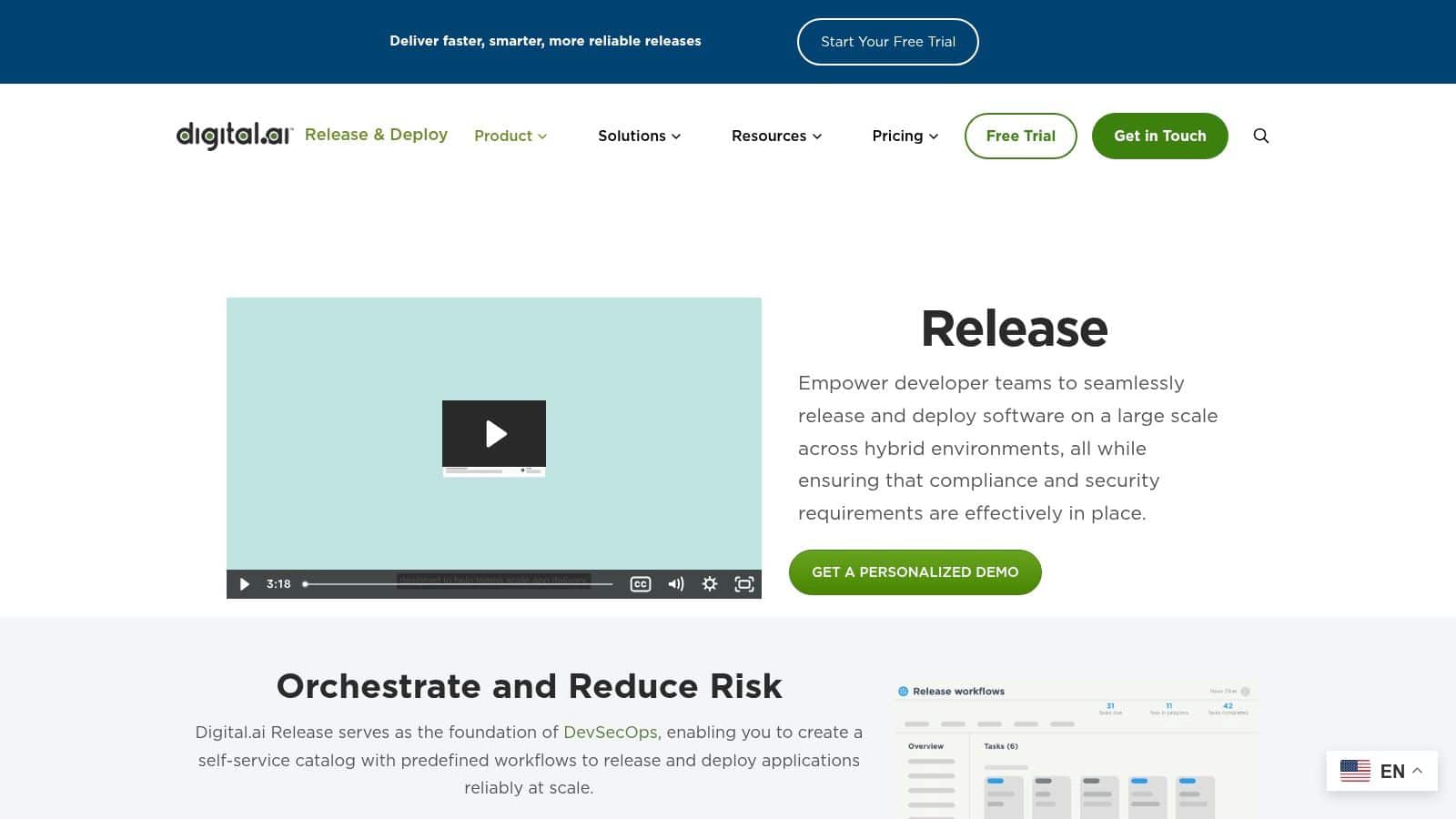
Digital.ai Release is built for enterprises that need to coordinate releases across heterogeneous toolchains. It's closer to a central orchestration and governance layer than a developer-first deployment product. That distinction matters.
If you've got multiple CI systems, ITSM processes, security tools, manual approvals, and a release calendar that spans several business units, Digital.ai Release addresses the coordination problem directly. Templates, gates, approvals, dependencies, and reporting are core to its value.
Better for portfolios than for individual teams
This platform is most useful when no single engineering team can see the whole release picture. It gives central release managers and programme owners a way to coordinate activity across many moving parts. Team-level developers may not love it. Operations and governance teams often do.
The trade-off is weight. It's quote-based, enterprise-oriented, and requires onboarding effort. If your company ships mostly autonomous services with lightweight release controls, this can feel like too much machinery.
Use it when your release process depends on:
- Cross-toolchain coordination: Many systems need to line up for one release event.
- Formal approvals and calendars: Governance is a real operating constraint.
- Portfolio visibility: Leadership needs to understand release status across the estate.
A practical point gets missed in many tool roundups. Release management isn't just a deployment problem. It's a governance problem. Questions about who can release what, when, and with which approvals are often more important than another deployment feature. That governance gap is one reason many buyers keep considering platforms like Digital.ai. See the Digital.ai Release product page.
10. Plutora Release Management
A common enterprise failure mode looks like this. The deployment scripts work, but releases still slip because shared environments are booked, approvals are late, and one business unit changes the calendar without telling another. Plutora is built for that problem.
It handles release planning, dependency mapping, environment coordination, and governance across large organisations. The product sits above the CI/CD stack and gives release managers, PMOs, and operations leaders a control layer for work that spans many teams and systems.
Best for enterprises that need release orchestration more than pipeline tooling
Plutora makes the most sense when release management is a business process with technical dependencies, not just a deployment event. Release templates, gates, calendars, workflow stages, and reporting help central teams coordinate across projects that do not share the same tooling or cadence.
That value comes with a real cost. You are adding another control plane to the DevOps platform, which means more integration work, more admin overhead, and another product to train people on. If your build versus buy strategy already includes several point tools, Plutora can improve oversight. It can also add to the stack you need to maintain.
This is the trade-off that matters. Plutora is useful when the main risk is poor coordination across the estate. A managed platform like PushOps fits a different operating model. It reduces DIY effort by combining the delivery path into one platform, which lowers handoffs and platform maintenance for teams that do not need a separate enterprise release office.
For smaller product teams, Plutora is usually too heavy. For regulated enterprises, shared-platform organisations, and companies with formal release management functions, the overhead can be justified because failed coordination is more expensive than another software bill.
If your release bottleneck lives above the pipeline, Plutora is worth a look. Explore the Plutora release management platform.
Top 10 Release Management Tools, Feature Comparison
| Product | Core features | UX & reliability | Key value / USP | Ideal for | Pricing & complexity |
|---|---|---|---|---|---|
| PushOps (Recommended) | Turnkey infra provisioning (AWS/GCP/Azure); end‑to‑end automation (builds, deploys, ephemeral envs); integrated observability; RBAC & policy enforcement; cost optimization | Self‑service dev workflow; zero pipeline maintenance; real‑time health & incident mgmt; secure by default | Consolidates platform tooling into plug‑and‑play solution; production‑ready in minutes; multi‑cloud & predictable costs | Teams migrating, scaling or standardizing delivery; orgs without a platform team | Contact sales; pricing not public; demo/trial recommended |
| GitLab | Integrated CI/CD, releases‑as‑code, feature flags, environments, GitOps support | Single UI for traceability; strong audit trails; frequent updates | All‑in‑one DevSecOps platform with governance | Teams wanting an integrated pipeline and compliance | Tiered plans; advanced features on higher tiers |
| GitHub (Actions + Environments + Releases) | Actions CI, environment protection & approvals, Releases with artifacts, large marketplace | Native experience when code is on GitHub; scalable; org policy controls | Minimal context switching; huge ecosystem of actions | Teams hosting code on GitHub; fast setup | Actions minutes/runners billed; monitor cost at scale |
| Azure DevOps | YAML multi‑stage pipelines, env approvals/checks, boards, repos, artifacts | Deep governance; strong Azure/Entra integration; UI can be complex | Tight Microsoft/Hybrid ecosystem fit with enterprise controls | Enterprises standardizing on Azure or MS stack | Microsoft pricing tiers; can be complex to evaluate |
| Octopus Deploy | Releases, lifecycles, channels, approvals, runbooks; Windows/.NET, containers, K8s support | Purpose‑built deployment UX; clear promotion policies | Specialized deployment orchestration across platforms | Teams separating CI from deployments; heavy Windows/.NET users | Licensing by deployment targets; can be costly at scale |
| Harness | Automated canary/blue‑green, verification & rollbacks, GitOps, feature flags | Opinionated progressive delivery; built‑in verification & intelligence | Automation-focused progressive delivery for faster, safer releases | Enterprises seeking out‑of‑the‑box progressive delivery | Modular pricing; advanced features often higher tiers |
| Argo CD + Argo Rollouts | K8s‑native GitOps (sync/drift); Rollouts for canary/blue‑green & traffic shaping; Helm/Kustomize support | Git-driven transparency; strong community; requires K8s expertise | Open‑source, cloud‑agnostic GitOps for Kubernetes environments | Kubernetes-first teams using Git as the source of truth | Open‑source free; paid support/managed options available |
| CloudBees CD/RO | Model-driven pipelines, process‑as‑code, env inventory/blackouts, analytics | Enterprise governance and analytics; steeper learning curve | Mature release orchestration for complex, regulated environments | Large organizations coordinating multi‑application releases | Enterprise, quote‑based pricing |
| Digital.ai Release | Cross‑toolchain orchestration, templates, calendars, gates, audit trails | Portfolio visibility and reporting; heavier onboarding | Strong compliance, coordination and dependency management | Orgs with many apps and strict governance needs | Enterprise, quote‑based pricing |
| Plutora Release Management | Release templates, calendars, phases/gates, env coordination, analytics | Business‑aligned release visibility; risk and schedule controls | Value‑stream and release governance at enterprise scale | Enterprises needing centralized release calendars & change control | Quote‑based; typically an enterprise investment |
The Real Goal Isn't Better DevOps, It's Faster Delivery
A release fails on Thursday night. The rollback works, but only after two engineers trace deployment logic across CI, scripts, cloud IAM, feature flags, and a change request thread buried in Slack. Friday is gone. The incident was visible in release management, but the cause was platform sprawl.
That is the decision behind this tool list. Release management tools do not sit in isolation. They either add another layer your team has to own, or they fit into a broader platform strategy that reduces operational load. The difference shows up in headcount, lead time, audit effort, and how many senior engineers you need to keep the system running.
This is why build versus buy deserves more scrutiny than feature checklists usually get. A stack built from strong point solutions can absolutely work. GitLab, GitHub, Azure DevOps, Octopus Deploy, Harness, and Argo all solve real problems well. But each additional tool adds integration work, policy mapping, access control, upgrade planning, and failure modes between systems. The initial setup is rarely the expensive part. The ongoing ownership is.
That trade-off matters more than ever because buyers are still investing in commercial release automation, especially in cloud and hybrid operating models, according to Mordor Intelligence's analysis of the application release automation market: https://www.mordorintelligence.com/industry-reports/application-release-automation-market. The practical takeaway is straightforward. Many teams do not want more tooling to assemble. They want a delivery system they can trust.
I have seen the same pattern in growth-stage companies and large enterprises. Teams start with sensible local choices. One tool for CI. One for deployments. Another for secrets. Another for observability. Another for release approvals. Over time, nobody owns the full path to production, yet everyone depends on it.
That is where the build versus buy lens sharpens this list.
If your company has a strong platform engineering function, stable standards, and a reason to control each layer, the higher-DIY options can be the right call. Argo CD plus Argo Rollouts gives Kubernetes-first teams deep control, but it assumes Kubernetes skill and steady operational ownership. GitLab and GitHub can cover a lot of ground, but many teams still end up stitching in extra services for environments, governance, secrets, and progressive delivery. Octopus Deploy, Harness, CloudBees CD/RO, Digital.ai Release, and Plutora reduce some of that assembly work, but they still need an ecosystem around them.
If you do not have that platform capacity, buying a managed platform is often the cheaper decision over two to three years, even when the line-item price looks higher at first. A managed multi-cloud platform cuts out a large share of the glue work. It standardizes builds, deployments, environments, observability, security controls, and cost management under one operating model. That lowers total cost of ownership and reduces dependence on a few internal experts.
The business target is simple. Ship changes faster, recover faster, and spend less engineering time maintaining the machinery around delivery.
If your team is spending too much time maintaining pipelines, release logic, and cloud plumbing, PushOps is worth a serious look. It gives you a production-ready multi-cloud platform with automated builds, deployments, environments, observability, security controls, and cost optimisation, so your engineers can focus on product instead of building an internal platform.

