
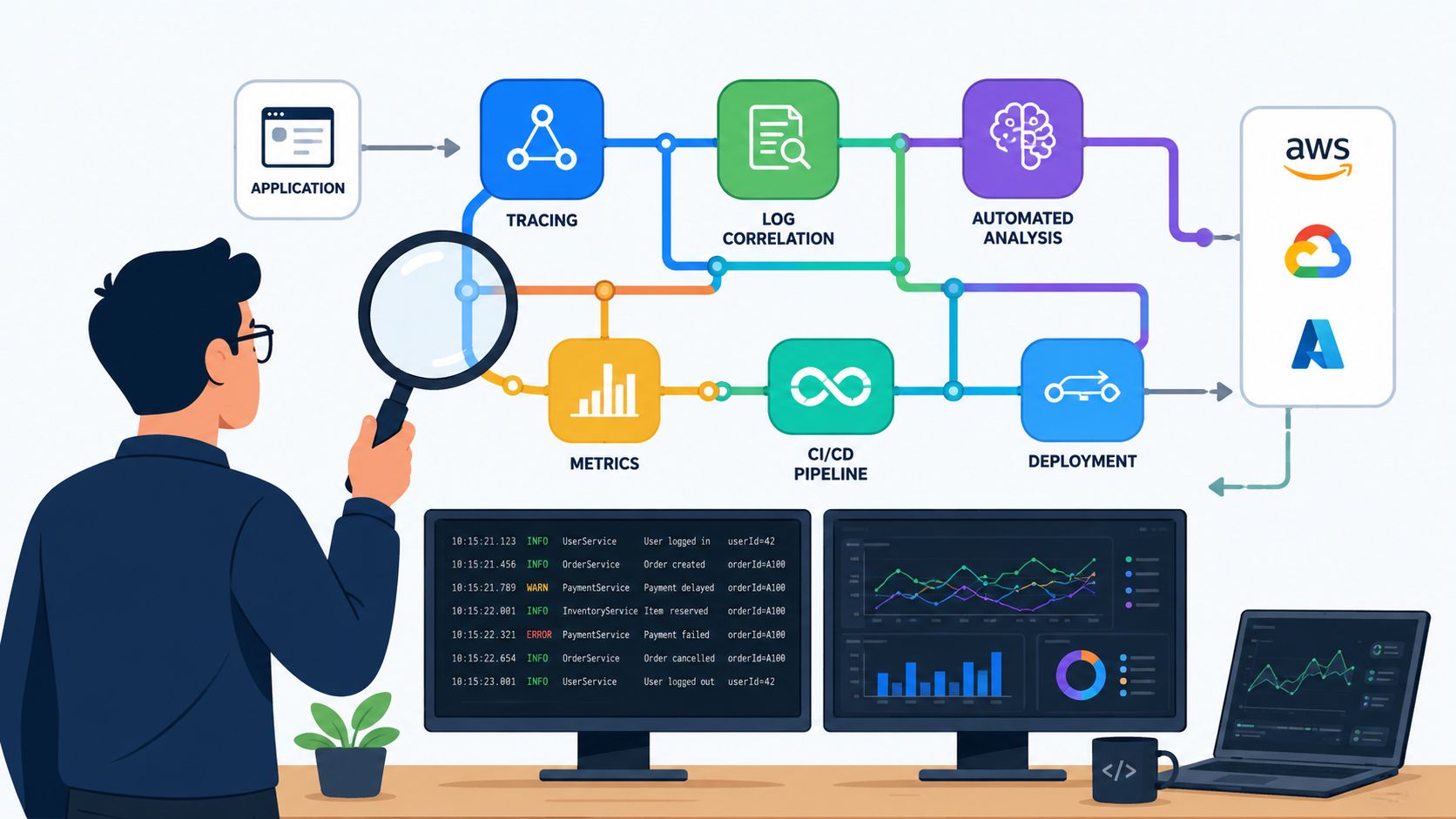

It's 3 AM. PagerDuty goes off. Production is down, customers are waiting, and your team is bouncing between dashboards, logs, traces, deploy history, and a Slack war room that's filling up faster than anyone can read it. By the time someone isolates the cause, the outage is already expensive. The underlying problem usually isn't that you picked the wrong root cause analysis tool. It's that your DevOps stack is a pile of disconnected parts, and every incident forces people to reconstruct reality by hand.
That's the trap many startups and scale-ups fall into. They build a little here, script a little there, add one observability product, one CI/CD tool, one security layer, one cost dashboard, then wonder why incident response feels slower than shipping code. Root cause analysis becomes a scavenger hunt across systems that were never designed to work as one operating model.
There's also a broader market signal behind this shift. The global AI root cause analysis market was valued at $2.8 billion in 2025 and is projected to reach $16.2 billion by 2034, with manufacturing, healthcare, and financial services leading adoption because system failures are costly, according to Market Intelo's AI root cause analysis market report. Buyers are clearly moving away from manual-only methods toward tools that unify incident evidence.
If you're evaluating options, start with the tools below. But keep the bigger question in view. Do you want another product to integrate, tune, secure, and maintain, or do you want a platform that helps your team ship features faster? If you need outside help on the investigation side, Forge Reliability's RCA solutions are worth a look.
1. PushOps
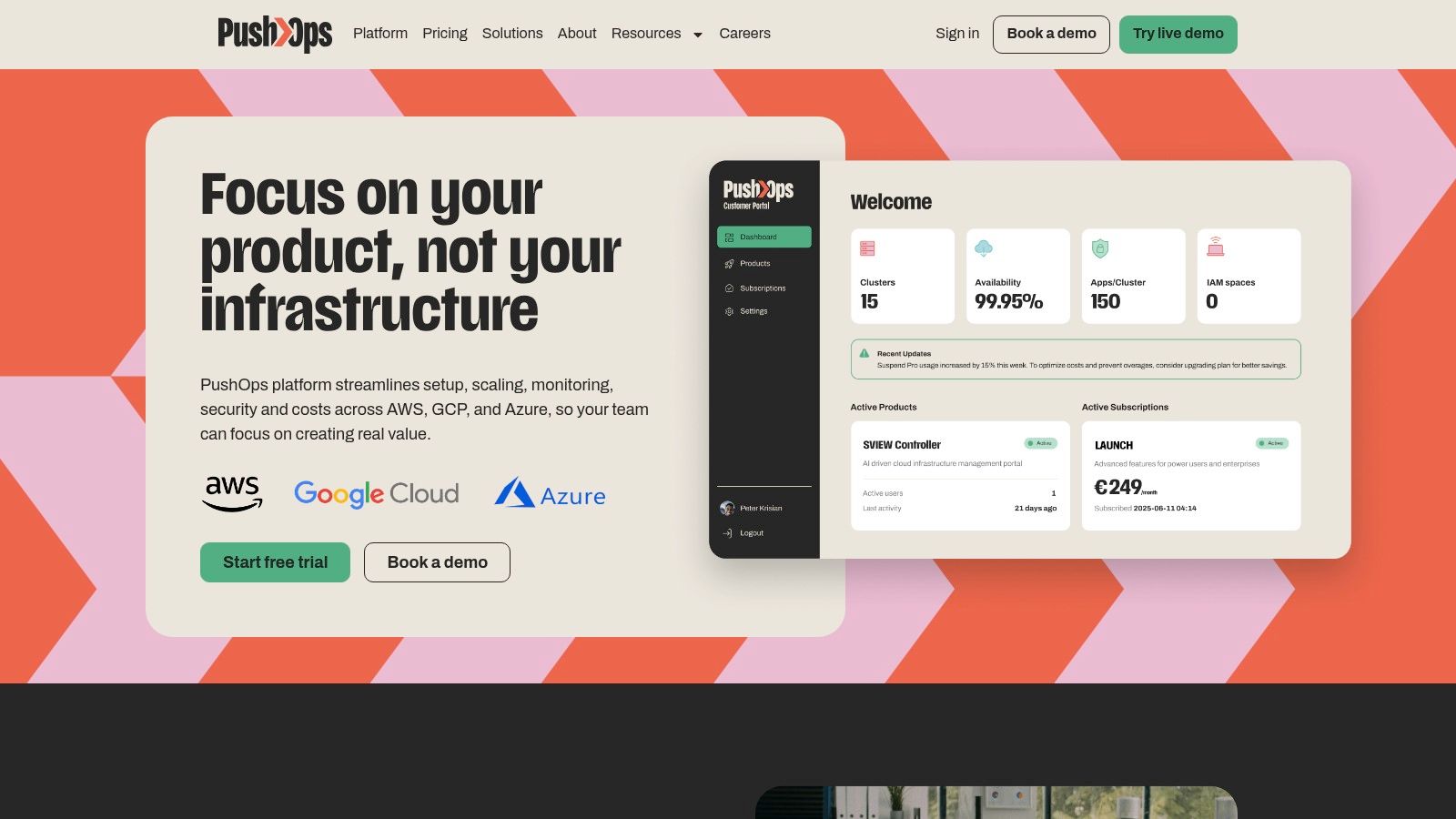
PushOps is the best fit for teams that are tired of treating incidents as a tooling integration problem. It doesn't pretend root cause analysis lives in isolation. It puts infrastructure, deployment automation, observability, security controls, and incident context in one platform so engineers can see what changed, where it changed, and what broke without stitching together half a dozen products.
That matters because most outages aren't mysterious. A deploy changed something. An environment drifted. A policy got bypassed. A dependency failed. RCA gets slow when the evidence is fragmented. PushOps reduces that fragmentation by owning more of the workflow from commit to production.
Why it stands out
If you're running across AWS, GCP, or Azure and you don't want to build your own internal platform team, PushOps is the pragmatic buy. It provisions production-ready cloud foundations quickly, automates builds and deployments, handles environments and release strategies, and includes built-in observability and incident visibility. You're not paying engineers to maintain brittle pipelines and custom scripts that nobody wants to own.
Security is another reason it belongs at the top of this list. Role-based access, permissions, audit logs, policy enforcement, and continuous updates are built in by default. That changes RCA from “who changed this and where is the evidence?” to “we have the audit trail, now fix the issue.”
Practical rule: If your RCA process depends on engineers manually correlating deploy history, infra changes, health signals, and access logs across separate tools, your problem isn't analyst discipline. It's platform design.
Best fit and trade-offs
PushOps is strongest for startups and scale-ups standardising on public cloud. It gives you flexibility without pushing you into a narrow PaaS model, and it cuts the hidden tax of DIY DevOps. Teams also get cost controls through autoscaling, rightsizing, and scheduled environments, which matters when incident-driven overprovisioning becomes your default safety blanket.
Use it when you want:
- One operating surface: Infra, deployments, observability, and security in one place.
- Less pipeline maintenance: Engineers focus on shipping code, not babysitting CI/CD glue.
- Safer releases: Release strategies matter for RCA because rollback quality affects blast radius. PushOps explains those trade-offs well in its guide to blue-green deployments vs canary deployments.
- Multi-cloud without chaos: AWS, GCP, and Azure support from one platform.
The downside is simple. Pricing isn't published publicly, so you'll need a demo or sales conversation. And if you run a bespoke or on-prem stack, you may need more customisation than a standardised cloud-first team.
Website: PushOps
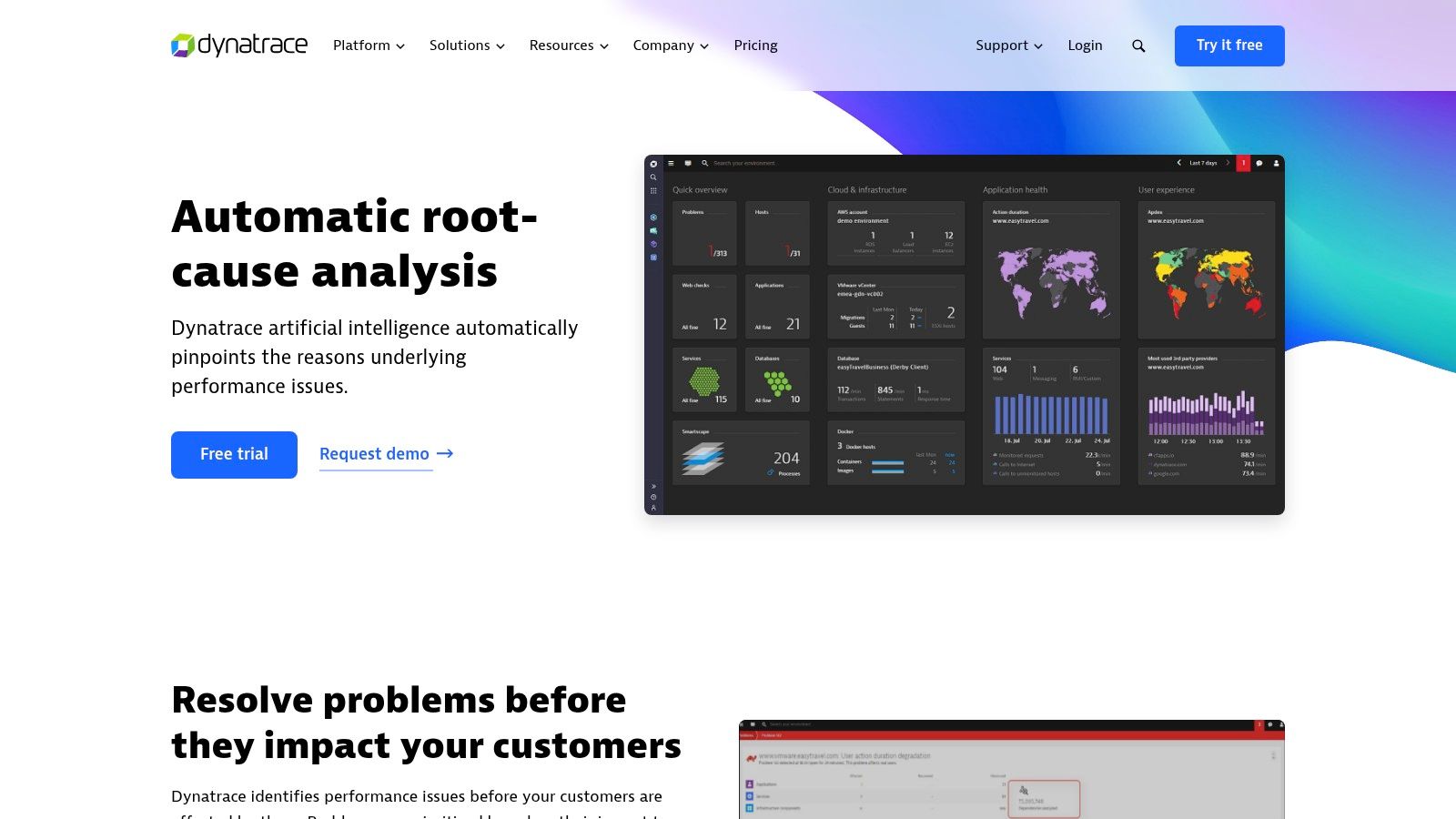
2. Dynatrace
Dynatrace is for teams operating large, distributed systems where correlation by hand doesn't scale. Its value is the causal approach. Instead of dumping a wall of telemetry in front of responders, it uses topology-aware analysis to walk relationships across services, infrastructure, and events and propose a likely root cause.
That makes it useful in cloud-native estates where one noisy symptom can hide three layers of dependency failure.
Where Dynatrace earns its keep
Dynatrace is good at reducing the time engineers waste chasing false correlations. In a microservices setup, that's a major advantage. Kubernetes churn, ephemeral workloads, and cross-service dependencies can make incident response feel like archaeology. Dynatrace narrows the search space.
Its Problems view is also practical. You get incident context consolidated rather than scattered across tabs and tools. For senior engineering leaders, that means fewer expensive war rooms where everybody has data but nobody has the same picture.
Trade-offs to watch
This is enterprise software. Expect enterprise pricing, enterprise packaging, and some complexity in setup and governance. If your team is small and your stack is still relatively simple, Dynatrace can be more platform than you need.
Use Dynatrace if:
- Your architecture is distributed: It handles modern cloud-native complexity well.
- You need causality, not just correlation: That's the core differentiator.
- You care about regional hosting options: Useful for teams with EU data residency needs.
Skip it if your real issue is simpler. Many companies buy a premium observability suite when the bigger problem is that they've overbuilt their stack and underinvested in platform consistency.
Website: Dynatrace
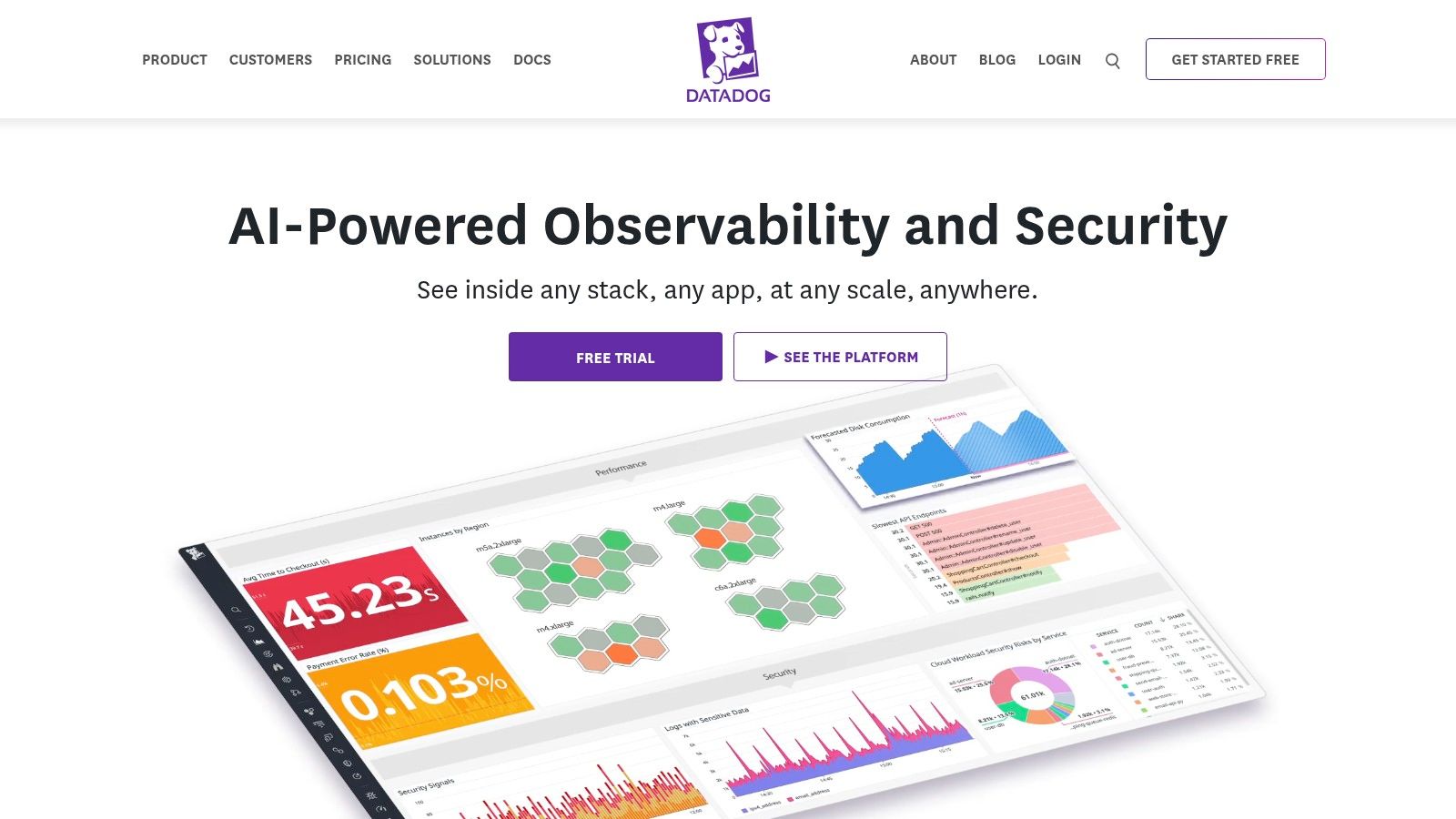
3. Datadog Watchdog RCA
Datadog Watchdog RCA is a strong choice when you want faster first diagnosis without standing up a separate RCA product. If you're already in Datadog for metrics, logs, traces, and service maps, Watchdog gives you automated correlation inside the workflow your team already uses.
That's its real strength. It lowers friction during triage.
What Datadog gets right
The most credible benchmark-style guidance in the available evidence says effective root cause analysis tools should support collaborative evidence capture, structured methods such as five whys and fishbone diagrams, systemic analysis beyond symptoms, human and organisational factor analysis, and action tracking in a blameless workflow. Datadog's own knowledge centre says that combination helps reduce MTTR by turning alert noise into meaningful insights and exposing hidden dependencies, as described in Datadog's root cause analysis guidance.
In practice, that aligns with what Datadog does well. It helps teams move from alert flood to likely causal chain without extra tooling.
During an incident, the best RCA product is often the one your team already instrumented properly and can navigate under pressure.
The real downside
Datadog gets expensive and messy if you keep adding modules without discipline. Many teams start with infrastructure monitoring, then add APM, logs, RUM, security, incident tools, and cost surprises follow. The product is powerful. The bill and operational sprawl can be too.
Choose Datadog Watchdog RCA if:
- You're already invested in Datadog: It's the obvious path.
- You want low-friction automated triage: Good for fast-moving product teams.
- You need broad integrations: Datadog is strong here.
If deployment quality is the main trigger for your incidents, pair RCA with release hygiene. This guide on how to reduce deployment failures gets the operational side right.
Website: Datadog
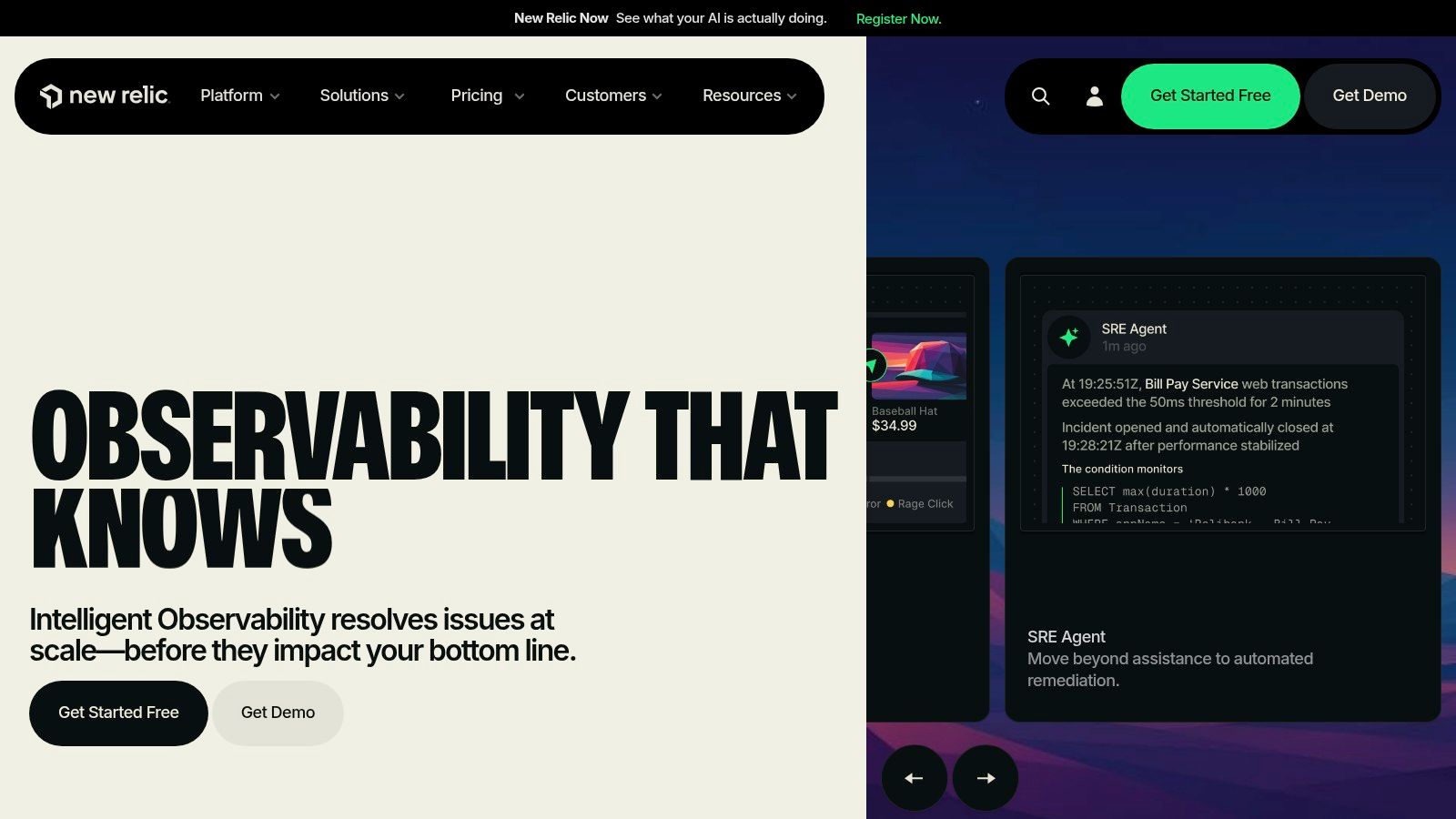
4. New Relic
New Relic is the practical pick for teams that want observability with automatic RCA signals but don't want to dive straight into a heavyweight enterprise rollout. Its usage-oriented model is easier for many engineering leaders to reason about than host-based licensing, and the product is approachable for teams that need one platform for alerting, telemetry, and issue investigation.
The appeal is straightforward. You can get value quickly, especially if you're standardising instrumentation for the first time.
Where New Relic fits best
New Relic works well for product engineering teams that need faster incident context, service topology, and anomaly detection without building a big AIOps practice. It's less about formal investigation workflow and more about helping responders move quickly from symptom to likely source.
That makes it a good fit for SaaS companies, platform teams, and scale-ups that need operational visibility but still care about onboarding speed and budget predictability.
The limitation
Automatic RCA only works as well as your instrumentation and alert hygiene. If your telemetry is patchy, your service naming is inconsistent, or your alerts are noisy, no UI will save you. New Relic can surface likely causes. It can't compensate for weak operating discipline.
A sensible use case looks like this:
- Small to mid-sized engineering orgs: Fast on-ramp and broad coverage.
- Teams consolidating vendors: Easier than managing separate point tools.
- Leaders who want cost clarity: Usage-based models are easier to discuss with finance.
If you need rigorous, auditable investigation workflow for safety or regulated operations, New Relic isn't the first tool I'd pick. If you need faster software triage with less procurement pain, it's a strong option.
Website: New Relic
5. Splunk Observability Cloud and ITSI
Splunk is what you buy when your environment is messy, hybrid, politically complex, and full of data sources nobody wants to replace. That's not a criticism. It's where Splunk is strongest. Observability Cloud plus ITSI gives large organisations service modelling, event analytics, and topology-aware troubleshooting across a wide estate.
If you're already using Splunk for logs or security, this can be the shortest route to a richer RCA capability.
Why enterprises stick with it
Splunk is good at unifying operational data that lives in different silos. That matters when incidents cross boundaries between app teams, infrastructure teams, network teams, and security teams. A narrow observability product may give one team great visibility. Splunk gives larger organisations a common operational language.
For executive teams, that can be more important than elegant UX. The best RCA tool in a large enterprise is often the one that survives governance reality.
What smaller teams should know
Splunk can become heavy fast. Cost, implementation effort, and admin overhead can overwhelm smaller engineering teams. If you're a startup trying to move quickly, Splunk often solves an enterprise coordination problem you don't have yet.
Buy Splunk when data fragmentation is your main constraint. Don't buy Splunk when your main constraint is that you still haven't standardised deployments and observability basics.
Use it when:
- You run hybrid or multi-cloud enterprise estates
- You already have Splunk investment to build on
- You need mature event correlation and service health modelling
Website: Splunk Observability Cloud
6. Sologic Causelink
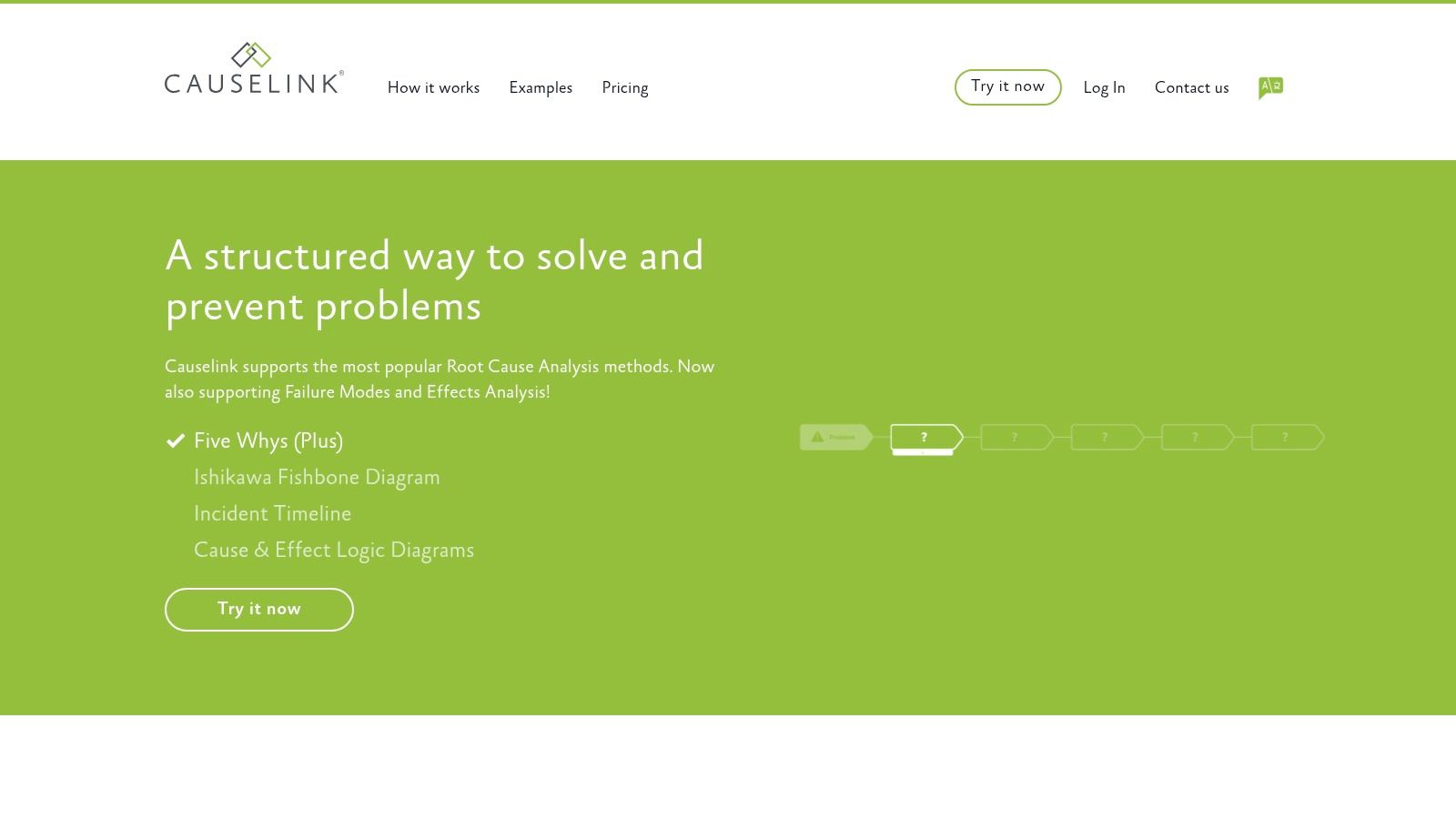
Sologic Causelink is a purpose-built investigation platform. This is not another observability suite trying to bolt on RCA language. It is designed for disciplined cause-and-effect analysis, evidence capture, action tracking, and reporting.
That focus makes it valuable in operations where investigation quality matters as much as restoration speed.
Best for formal investigations
Causelink is a better choice than a generic observability tool when the output needs to be auditable, explainable, and reusable. Safety, reliability, quality, and compliance teams tend to prefer products like this because they guide investigators through a method rather than leaving them with a blank postmortem template.
The workflow also helps prevent the classic “we did 5 Whys in a doc and called it done” failure mode.
Why it matters in regulated environments
The strongest region-specific hard evidence available for Lithuania points to sustained demand for structured investigations in healthcare. A Lithuanian Ministry of Health amendment report stated that from 2016 to 2023 there were 47,278 adverse event reports, with 3,852 classified as serious, and that serious events are investigated and analysed to determine causes, as discussed in this analysis of root cause analysis tools. In environments with that kind of reporting pressure, structured RCA workflow isn't optional.
Causelink fits those environments because it supports:
- Evidence management: You need a defensible record.
- Action tracking: Findings without follow-through are useless.
- Method consistency: Different investigators still produce comparable outputs.
The trade-off is a methodology learning curve and quote-based pricing. That's acceptable if you care about repeatability. It's overkill if you just need faster incident triage for a web app.
Website: Sologic Causelink
7. TapRooT Software
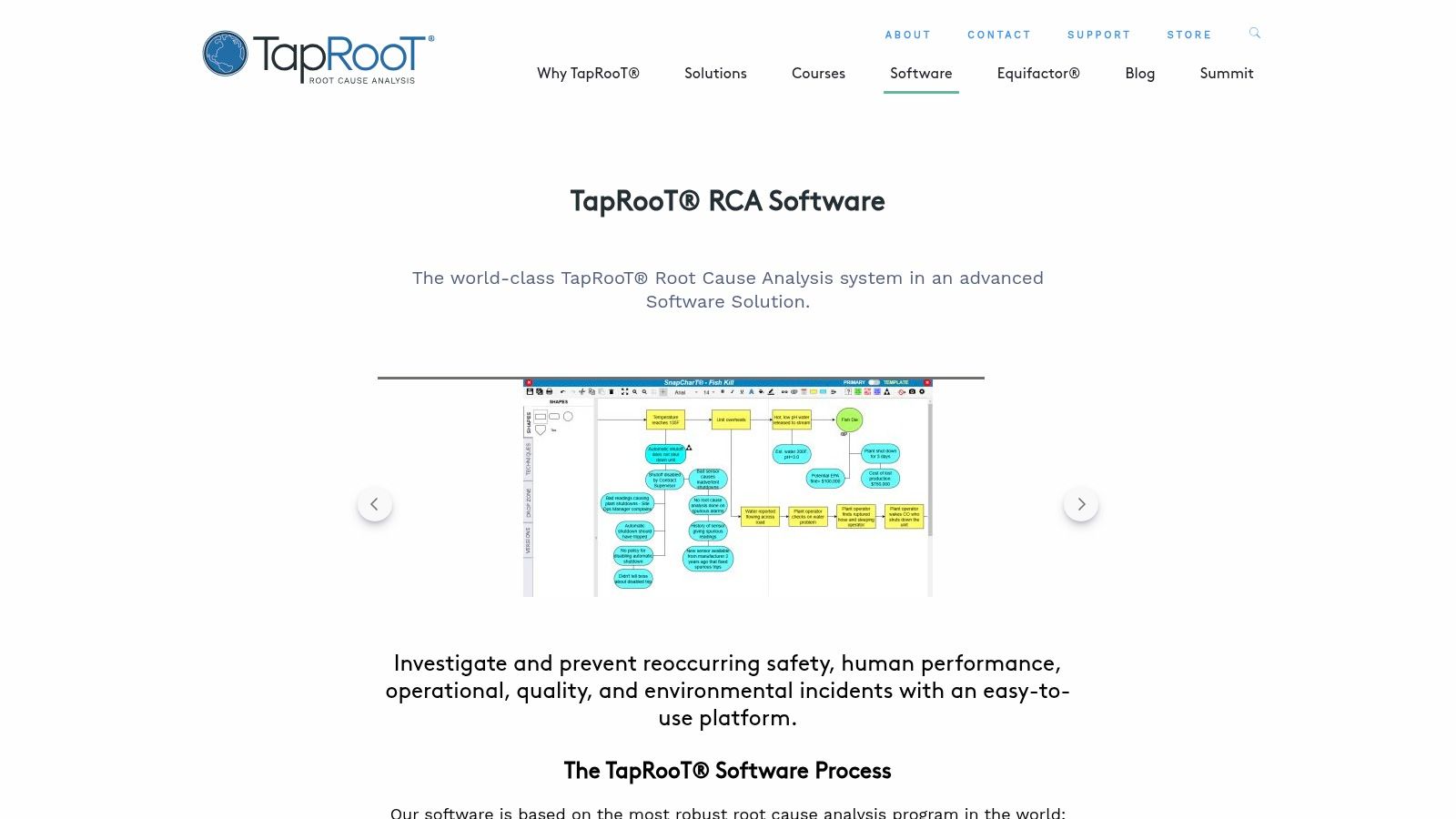
TapRooT Software is for organisations that want a standard investigation system, not just a tool. It embeds the TapRooT method with timeline building, root cause trees, report generation, and trending. That makes it useful in safety-critical operations where the quality of the investigation process matters as much as the eventual fix.
It's not casual software. That's part of its value.
Where TapRooT works best
Use TapRooT when incidents have regulatory, safety, quality, or operational significance and you need people to follow a defined method. The SnapCharT timeline approach is helpful because it forces teams to reconstruct events rather than jump to conclusions. That reduces the common habit of blaming the nearest visible failure.
For mature engineering and operations teams, this is one of the better choices when you need a repository of investigations rather than a set of ad hoc post-incident notes.
Don't confuse methodology with platform strategy
A lot of teams correctly realise they need better investigation discipline, then incorrectly conclude they should also build more internal tooling around it. That's usually a mistake. Investigation software should support a standard process. Your delivery platform should remove operational complexity upstream so fewer serious investigations happen in the first place.
That's why platform automation matters. If your release, environment, and infrastructure management are still highly manual, you're feeding your RCA process a steady stream of preventable incidents. This is the exact problem described in PushOps' explainer on developer platform automation.
Choose TapRooT if:
- You need standardised investigations
- You operate in safety-critical or quality-heavy environments
- You're willing to train teams properly
Skip it if your team won't commit to the method. A rigorous RCA system nobody follows is just shelfware.
Website: TapRooT Software
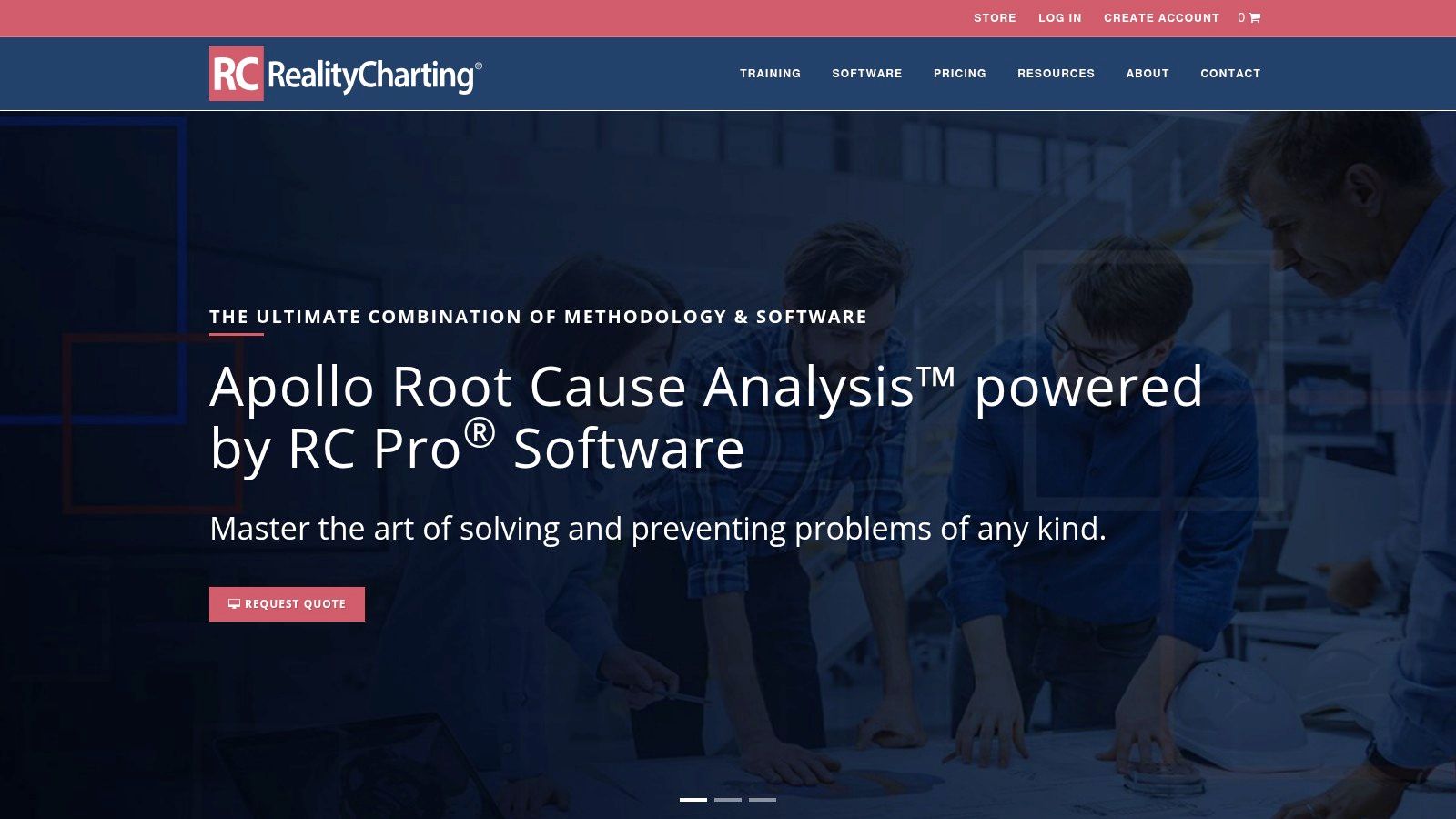
8. RealityCharting RC Pro
RealityCharting RC Pro is built around the Apollo RCA approach. If your teams think visually and need formal cause-and-effect mapping with evidence links, it's a strong option. Manufacturing, reliability, aerospace, and engineering-heavy environments often respond well to it because it makes reasoning visible.
That's the product's core advantage. It helps teams explain not just what happened, but how they know.
Why teams like it
The charts are useful in stakeholder communication. A text-heavy incident report often loses people. A well-structured logic chart doesn't. When you're presenting to operations leaders, auditors, or cross-functional teams, clear cause mapping shortens arguments and speeds agreement on corrective action.
It also supports standardisation without flattening every investigation into the same template.
Where it falls short
RC Pro can feel heavyweight for everyday software incidents. If your main pain is flaky deploys, noisy alerts, and container drift, a formal Apollo workflow may be more ceremony than value. The tool makes more sense when incidents are significant enough to justify a structured visual investigation.
Use it when:
- You need defensible visual analysis
- You operate in reliability-focused industries
- You want evidence attached directly to causal logic
Avoid it for lightweight engineering workflows where responders need to restore service quickly and move on. This is an investigation product, not a fast triage console.
Website: RealityCharting
9. EasyRCA

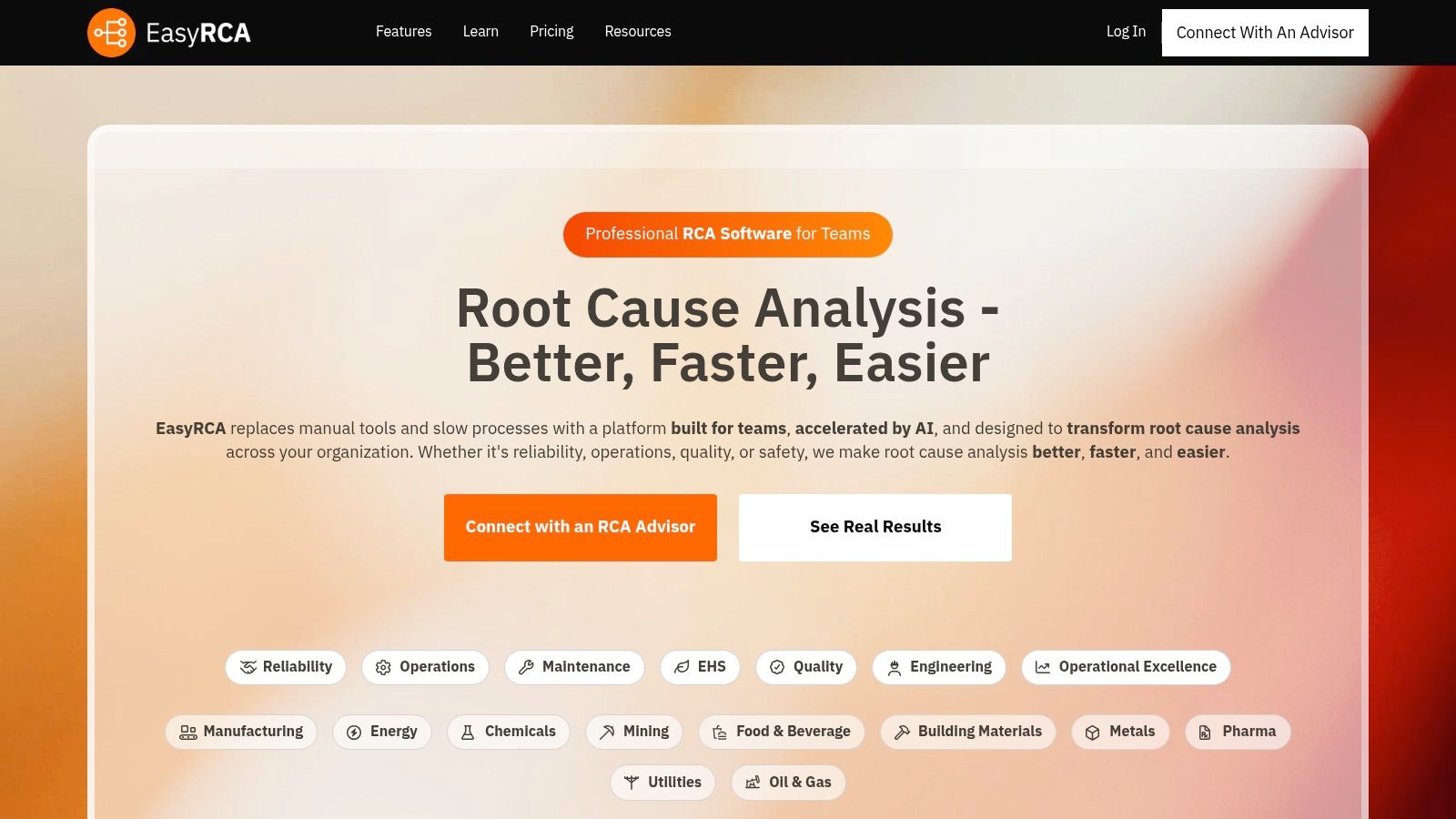
EasyRCA sits in the middle ground. It's lighter than Sologic or TapRooT, more structured than a doc template, and easier for teams to adopt when they're just starting to formalise investigation habits. That makes it a sensible choice for organisations that know informal postmortems aren't enough but aren't ready for a heavyweight methodology stack.
The AI-assisted angle is useful only if it speeds consistency. Don't buy it expecting magic.
Why it's a practical entry point
EasyRCA helps teams standardise logic trees, 5 Whys, fishbone work, action tracking, and reporting without forcing a full enterprise process change. That's often exactly what mid-sized organisations need. The first problem to solve is not advanced causality modelling. It's getting everyone to investigate recurring problems the same way.
Understanding how to choose root cause analysis tools that scale from incident triage to trend analysis remains a critical, underanswered question in the market. Available guidance from ASQ and AHRQ emphasises structured data collection, event reconstruction, and analysis of active and latent errors, while newer explainers point toward hybrid workflows that combine structured reasoning with telemetry and change history, as summarised in ASQ's overview of root cause analysis tools.
The trade-off
EasyRCA won't replace a mature observability stack, and it won't give you the governance depth of more prescriptive investigation platforms. It's best when your bottleneck is team adoption, not technical telemetry.
Start with a tool your teams will actually use. Standard practice beats sophisticated abandonment.
Website: EasyRCA
10. Apromore
Apromore is different from the rest of this list. It's not aimed at code-level outages or infrastructure debugging. It's built for business process root cause analysis. If order-to-cash is stalling, claims are backing up, support flows are bottlenecked, or approvals are looping, Apromore can identify which process variants are driving the KPI problem.
For operations and digital transformation leaders, that can be more valuable than another engineering-centric incident tool.
When process mining is the right RCA tool
Apromore shines when the symptom is business degradation rather than a technical alert. Engineering teams often miss this. They investigate app latency while the actual issue sits in handoffs, queue behaviour, exception paths, or compliance steps across the workflow.
That's where process mining changes the conversation. It can show which path through the process causes the delay or failure.
Who should buy it
Apromore is best for organisations with event-log data and a serious process improvement agenda. It complements, rather than replaces, observability tools. If your engineering org is trying to understand why a service crashed, buy something else. If your executive team wants to know why a customer journey keeps breaking down operationally, Apromore is a strong fit.
There's also a regional angle here. Guidance for regulated and safety-critical sectors increasingly stresses multidisciplinary reconstruction, latent-cause analysis, and coding or trending of repeated events over time. That gap between incident investigation and trend analysis is discussed in this NIH-hosted paper on RCA principles and repeated-event analysis. Apromore helps on the trend side when the repeated event is a process pattern.
Website: Apromore
Top 10 Root Cause Analysis Tools, Feature Comparison
| Product | Core features | Target audience | Key benefits | Pricing & deployment |
|---|---|---|---|---|
| PushOps (recommended) | Provision production-ready infra across AWS/GCP/Azure; commit-to-production automation; built-in observability, RBAC, autoscaling & cost controls | Software engineering teams wanting self-service, multi‑cloud delivery and reduced ops overhead | End-to-end automation; security & observability by default; predictable cost optimization; zero pipeline maintenance | Free trial/demo; pricing by quote (contact sales); SaaS |
| Dynatrace (Observability with causal AI for RCA) | Deterministic causal AI (Davis); Grail lakehouse; metrics/logs/traces/topology correlation | Large cloud-native enterprises, SREs and complex distributed environments | Accurate causal RCA; consolidated incident context; scales well; EU data residency options | Enterprise-grade pricing and contract models; SaaS / enterprise options |
| Datadog Watchdog RCA | Automated anomaly correlation across APM, infra, logs & RUM; service maps | DevOps and platform teams seeking fast first-diagnosis | “No additional configuration” RCA; unified telemetry & broad integrations | Module-based pricing; can be costly/complex at scale; SaaS |
| New Relic (Alerts & AI with automatic RCA) | Automatic anomaly detection & RCA; topology correlation; usage-oriented model | Teams preferring transparent usage billing and easy on‑ramp | Generous free tier; simple on‑ramp; usage-based cost predictability | Usage-based pricing (data ingest & users); EU region available; SaaS |
| Splunk Observability Cloud & ITSI | Topology-aware correlation, event analytics, tracing, logs, RUM; ITSI service health modeling | Hybrid/multi-cloud enterprises and organizations using Splunk SIEM | Strong data unification; mature event correlation and service health models | Premium pricing by component; enterprise contracts; SaaS & enterprise deployments |
| Sologic Causelink | Cause & effect logic diagrams; evidence management; action tracking; templated reports | Safety, reliability and quality teams needing repeatable, auditable RCA | Method-driven, governance-ready workflow; auditability at scale | Quote-based pricing; cloud Enterprise/Team and desktop options |
| TapRooT Software | SnapCharT timelines; Root Cause Tree and dictionary; report builder; connectors | Safety-critical industries needing standardized, end-to-end investigations | Mature, widely adopted methodology; structured corrective action workflow | Quote-based pricing; training recommended; enterprise deployments |
| RealityCharting RC Pro (Apollo RCA) | Visual cause-and-effect charting; evidence links; templates and coaching | Manufacturing, aerospace, reliability and quality engineering | Rigorous, defensible visual logic; strong stakeholder communication | Pricing via sales/store; desktop and cloud offerings |
| EasyRCA (AI-assisted RCA) | AI suggestions for likely causes; logic tree builder, 5‑Whys/fishbone; action tracking | Operations, manufacturing and quality teams wanting fast adoption | Fast on-ramp; modern UI and templating; AI-assisted standardization | SaaS; pricing/details often not fully public; limited integrations |
| Apromore (Process mining with built-in RCA) | Process mining, KPI monitoring, variant discovery, decision-tree RCA; KPI Copilot | Business-process teams (order-to-cash, claims, ticket flows) | Identifies process variants & drivers; complements IT observability for business flows | Requires event-log data; quote/licensing models; SaaS or on‑prem options |
Focus on Shipping Features, Not Managing Infrastructure
Your incident starts at 2:13 a.m. The team is not short on data. It is short on coherence. Logs live in one tool, traces in another, deploy history in a CI system, cloud changes in separate consoles, and access events somewhere else entirely. Root cause analysis slows down because the stack was assembled tool by tool, not designed as an operating system for engineering.
That is the build vs. buy problem.
A standalone RCA tool can improve one part of the workflow. It will not fix fragmented telemetry, inconsistent release practices, hand-built infrastructure, or weak change tracking. Those are platform problems, and platform problems get expensive fast. Engineers who should be shipping product end up maintaining Kubernetes, patching pipelines, cleaning up observability sprawl, and decoding brittle scripts nobody wants to own.
Use the right tool for the job. Choose Sologic Causelink, TapRooT, or RealityCharting when you need formal investigations, audit trails, and disciplined corrective action. Choose Dynatrace, Datadog, New Relic, or Splunk when the priority is software triage across services, logs, traces, and infrastructure signals. Choose Apromore when the failure sits in a business process, not an application stack.
Then ask the harder question. Are you missing an RCA product, or are you paying for a weak platform with slower investigations, more outage labor, and higher cloud waste?
If your team keeps reconstructing what changed across environments, releases, permissions, and infrastructure by hand, stop adding point solutions and calling it progress. Standardize deployment workflows. Reduce tool sprawl. Make change history obvious. Put observability, security controls, and environment management on rails so incidents are easier to diagnose in the first place.
That is why PushOps belongs in this conversation. It is not just another RCA tool. It addresses the upstream causes of slow RCA by giving teams a managed DevOps platform with production-ready infrastructure across AWS, GCP, and Azure, deployment automation, built-in observability, security controls, and cost governance. The result is simple. Faster investigations, fewer preventable failures, and less engineering time burned on platform maintenance.
This matters more as teams grow, enter regulated environments, or support multiple regions. At that point, every new tool adds integration work, ownership overhead, and another place where context can go missing. Buyers should evaluate RCA tools as part of the wider DevOps toolchain, not as isolated purchases.
The same pattern shows up in adjacent categories. Teams compare point products, then discover the bigger cost is operating the gaps between them. This guide that helps compare API documentation platforms illustrates the same trade-off.
If your engineers spend too much time maintaining pipelines, wrangling cloud infrastructure, and stitching together incident evidence across disconnected systems, take a serious look at PushOps. The main product section covers the details. The short version is clear. Buy tools where they add expertise. Do not keep building and babysitting infrastructure that slows delivery and makes every incident harder than it should be.

