

Your product team is moving fast, but your infrastructure stack keeps pulling senior engineers sideways. The shell scripts that once felt pragmatic now gate releases. CI jobs fail for reasons nobody can reproduce quickly. Kubernetes, Terraform, secrets handling, config drift, monitoring, and cost controls all need attention at the same time.
That’s where configuration management tools usually enter the conversation. They matter. They standardise environments, reduce manual change, and help teams keep systems aligned with a desired state. But they also add another control plane to own, integrate, and troubleshoot.
For many scale-ups, that’s the core problem. The question isn’t only which tool is best. It’s whether adding another tool is the right answer at all. If your team wants fewer brittle handoffs and more time shipping product, you should evaluate both the tools and the broader platform choice. Teams that care about security configuration management already know that configuration is only one part of an operational system. Delivery, observability, access control, and spend management all sit next to it.
1. PushOps
A common pattern shows up around 30 to 80 engineers. Releases slow down, infra changes need specialist input, and the team starts debating which configuration management tool to add next. In many cases, that is the wrong level of decision. The bigger question is whether building and operating your own DevOps toolchain is still a sensible use of engineering time.
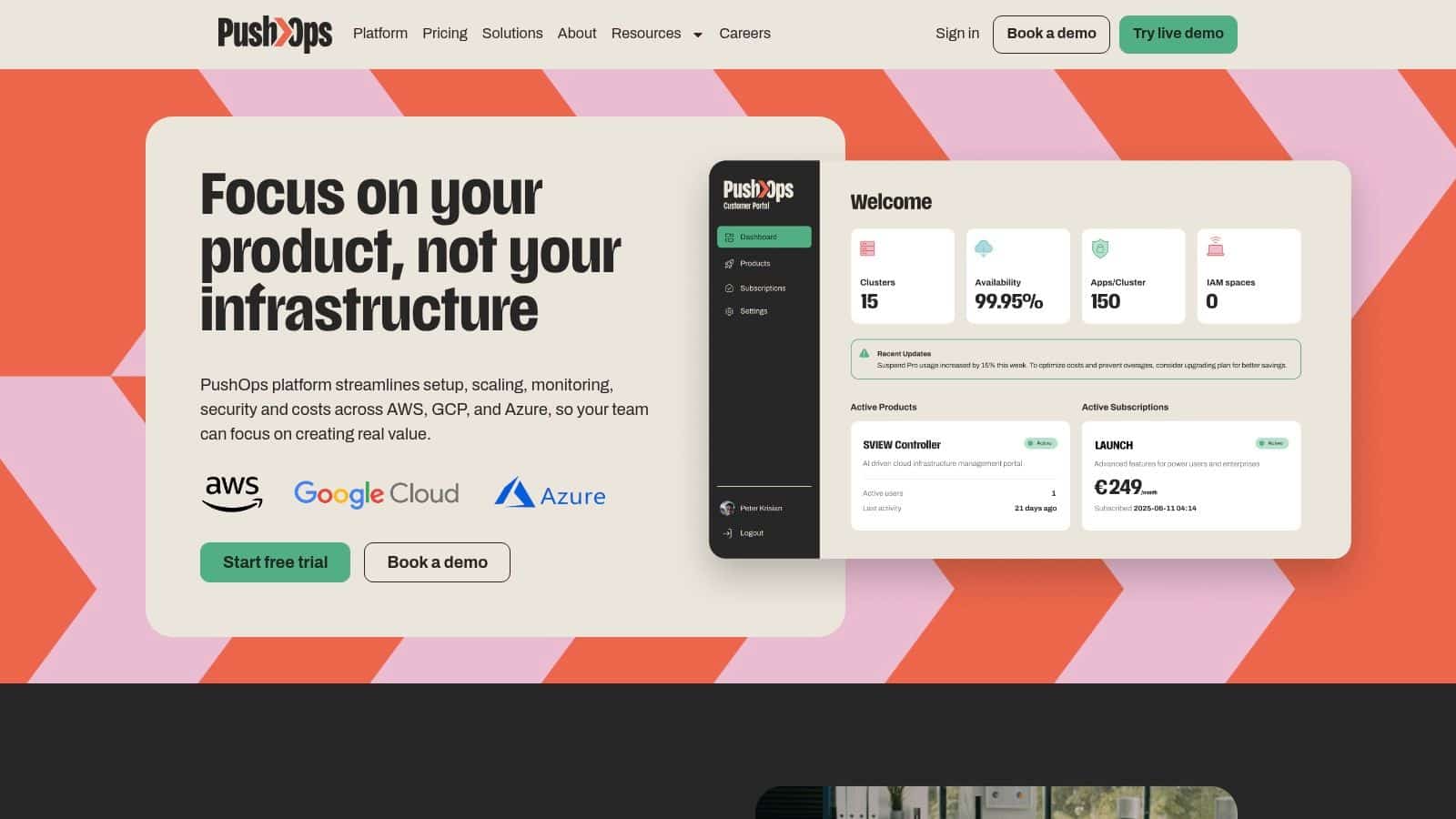
PushOps is the clearest example in this list of a buy-the-platform approach. Instead of asking your team to assemble provisioning, deployment, runtime operations, monitoring, and cloud controls from separate products, it packages those capabilities into one operating model. That changes the cost profile. You spend less time integrating tools and less time debugging the gaps between them.
That matters because configuration management problems rarely stay inside configuration management. A bad rollout becomes an observability issue. Drift becomes a security issue. Poor environment consistency becomes a delivery issue. PushOps is built around that reality.
Its value is strongest for teams that want production-ready foundations on AWS, GCP, and Azure without turning senior engineers into part-time platform maintainers. The platform handles infrastructure provisioning, build and deployment workflows, environments, and release strategies in one place. If your current stack already mixes Terraform, CI/CD, Kubernetes, secret handling, and a handful of scripts, the primary comparison is not tool versus tool. It is build versus buy.
A closer look at the DevOps cloud infrastructure platform model makes that trade-off easier to evaluate. If your team is still deciding whether configuration should live inside a broader infrastructure workflow or stay as a separate control plane, this Terraform vs Ansible comparison is also useful context.
Where it stands out
PushOps stands out through consolidation. Observability, incident response, security controls, and cloud cost management sit alongside deployment automation instead of being spread across separate systems and owners. That reduces handoffs and shortens the path from incident to fix.
I would treat that as a business decision, not just a tooling preference. Every extra control plane adds integration work, onboarding time, access policies, upgrade risk, and another place where failures can hide. For startups and scale-ups, those costs are often larger than the license line item they were trying to avoid.
Trade-offs to know
PushOps will not suit every environment. Teams with heavy legacy estate, unusual regulatory requirements, or highly custom internal workflows should validate fit early. A unified platform reduces operational drag, but it also means accepting more opinionated defaults than you would with a stack assembled piece by piece.
Pricing is not published publicly, so a serious evaluation requires a conversation or trial. That adds friction at the buying stage. Still, for companies that want to ship faster without building a platform engineering function around configuration, deployment, and operations, PushOps deserves attention because it addresses the full operating model.
- Best for: Teams that want one platform instead of a patchwork of infrastructure and operations tools
- Watch for: Less flexibility if you need deep custom workflows or support for unusual legacy patterns from day one
2. Red Hat Ansible Automation Platform
A common pattern goes like this. A team needs to standardise servers fast, automate a few deployment steps, and reduce ticket-driven ops work. Ansible gets adopted because playbooks are readable, the agentless model keeps rollout simple, and results show up quickly.
That early win is real. It is also where many evaluations stop too soon.
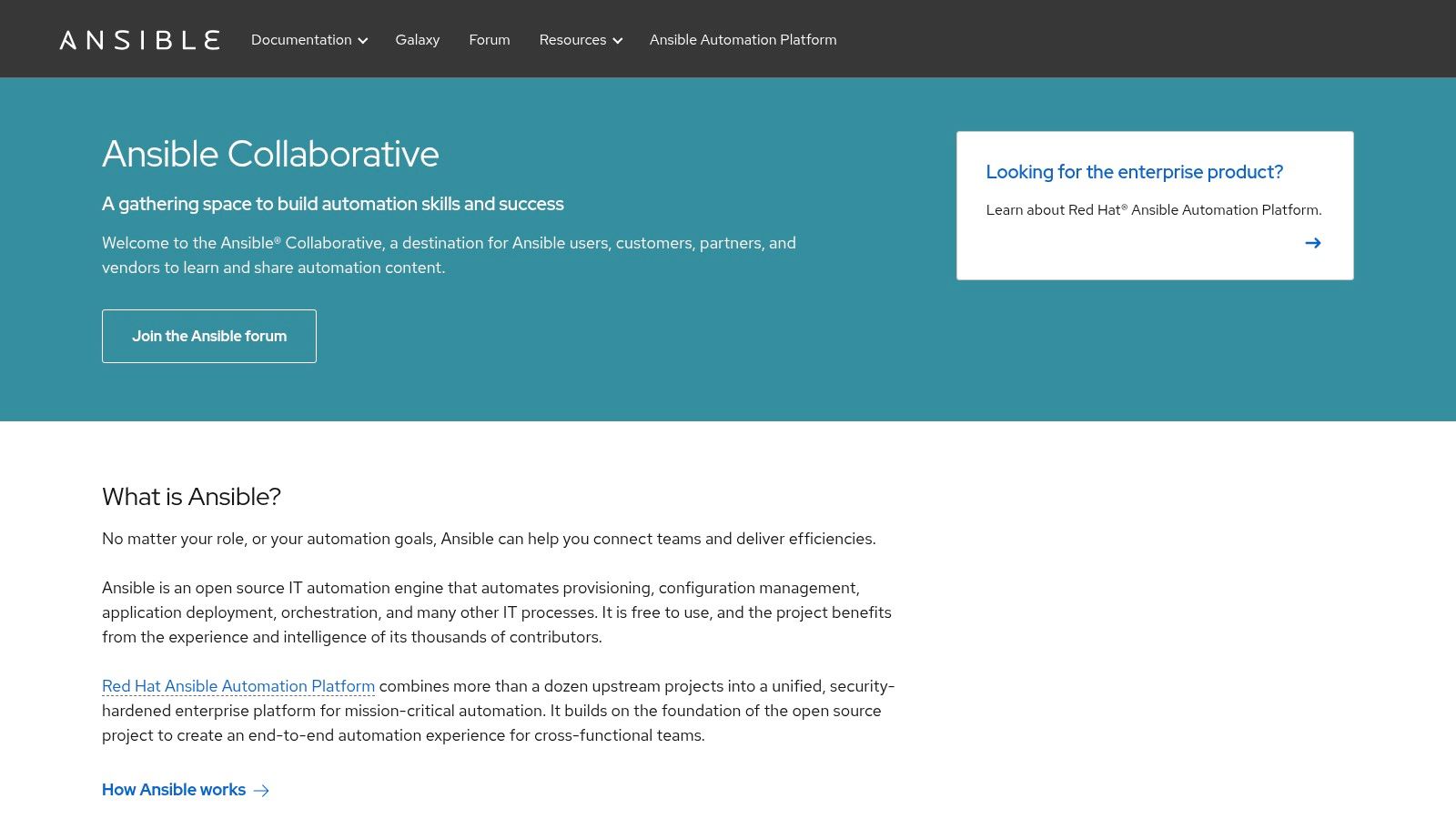
Ansible works well as a flexible automation layer for configuration tasks, application deploy steps, patching routines, and operational runbooks. It handles Linux, Windows, network devices, and cloud services without forcing every team into one programming model. For organisations that need something practical now, rather than a long platform buildout, that matters.
The trade-off shows up later. Red Hat Ansible Automation Platform adds workflow control, RBAC, execution environments, governance features, and enterprise support. Those are useful capabilities, but they also turn Ansible from a collection of playbooks into a platform component that needs ownership, standards, and ongoing care. I have seen teams save time on automation authoring, then give that time back through controller administration, inventory drift, credential management, and role sprawl.
This is the key build versus buy question. Choosing Ansible is not just choosing a configuration tool. It is often choosing to assemble part of your internal DevOps platform yourself, then integrate it with CI/CD, secrets, policy, observability, and cloud operations. If your environment is growing across teams and providers, the bigger issue becomes operating the system around the tool, not writing the next playbook. That is why Ansible should be evaluated alongside your approach to multi-cloud management, not in isolation.
Ansible is usually strongest in teams that value flexibility over strict convergence models. It gives engineers a low-friction way to automate real work, and that is a major reason it remains widely used. The downside is that flexibility can produce inconsistency unless someone owns patterns, testing, and reuse across the estate.
For a technical comparison of where it fits against infrastructure provisioning, this Terraform vs Ansible comparison is worth reviewing.
- Best for: Teams that want readable, agentless automation and are prepared to govern it as adoption grows
- Watch for: Operational overhead once Ansible becomes one more control plane in a broader DevOps stack
- Website: Red Hat Ansible Automation Platform
3. Puppet Enterprise
A team inherits 5,000 servers, three business units, and years of manual exceptions. Puppet is built for that kind of environment. It is a deliberate system for enforcing desired state across large estates where drift, auditability, and change control are daily operational concerns.
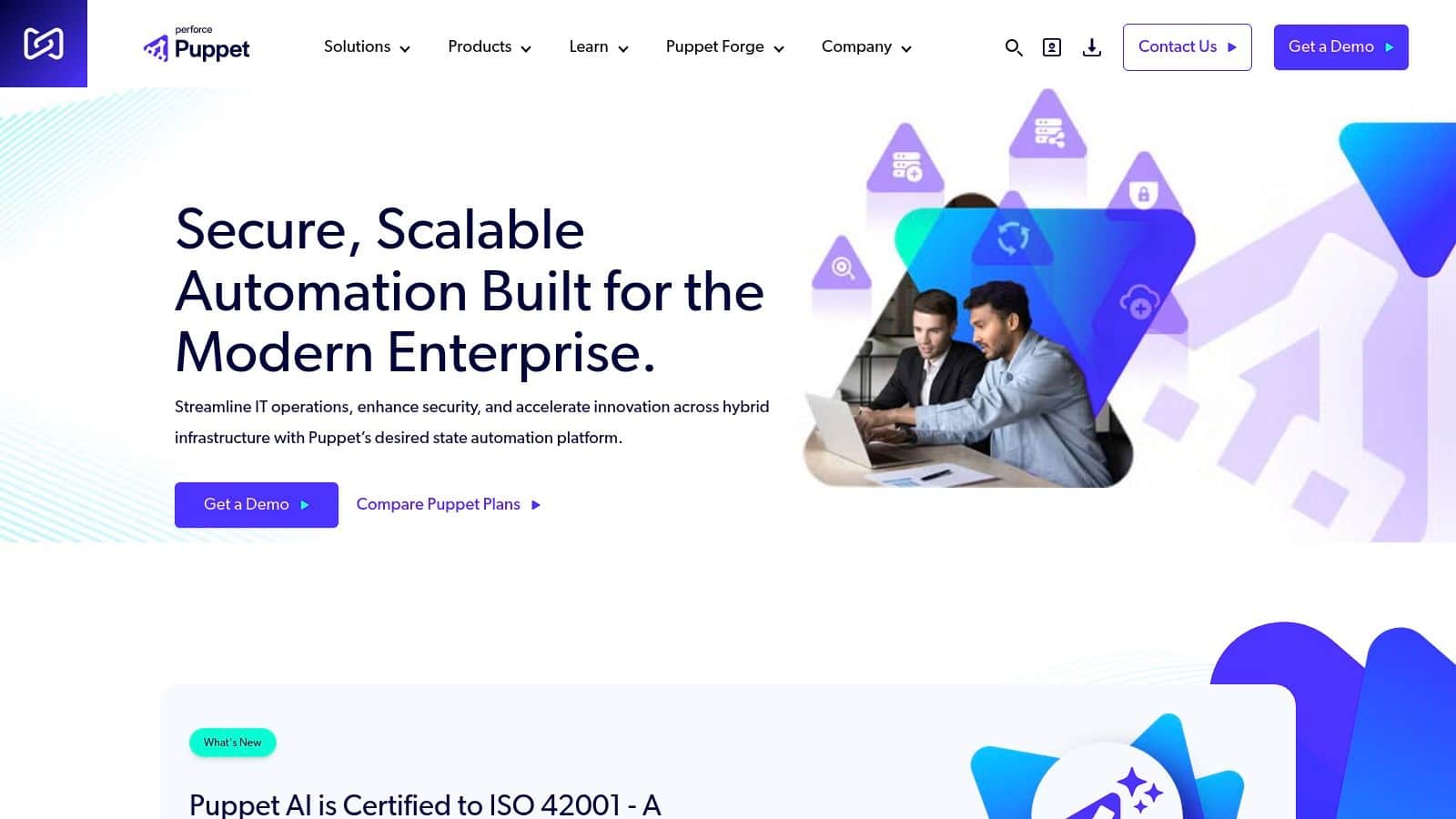
That focus is Puppet’s real value. It gives platform and operations teams a consistent model for defining configuration, applying policy, and proving what changed. In mixed Windows and Linux estates, that consistency matters because the cost of inconsistency shows up in incident volume, failed audits, and slow change windows.
Where Puppet earns its keep
Puppet works best when infrastructure policy has an owner and a lifecycle. Teams that invest in modules, review standards, and environment promotion usually get reliable convergence and useful reporting out of it. Teams looking for a quick way to automate a handful of tasks often experience the opposite. They end up carrying the overhead of a formal system without getting enough return.
That trade-off matters in the broader build versus buy decision. Choosing Puppet Enterprise is not only a tooling choice. It is also a decision to operate part of your internal control plane, with its own code structure, agent model, console, governance workflow, and licensing model. For some organisations, that is the right call because the estate is large enough to justify the discipline. For others, it raises a harder question: should the team keep stitching together configuration, release management, and operations tools, or move toward a platform that handles more of that operational surface area in one place?
Puppet is strongest in organisations that care more about repeatability than speed of first use. The learning curve is real. So is the payoff if you need stable, enforceable standards over time.
If you are evaluating Puppet, tie that decision to the full release path, including your automated deployment pipeline design. Good node state management helps, but it does not solve fragmented deployment ownership, approval flow, or platform sprawl by itself.
- Best for: Large enterprises and regulated teams that need consistent desired-state enforcement across a broad estate
- Watch for: Adoption friction, specialist skill requirements, and the long-term cost of operating another platform component
- Website: Puppet Enterprise
4. Progress Chef 360 Platform
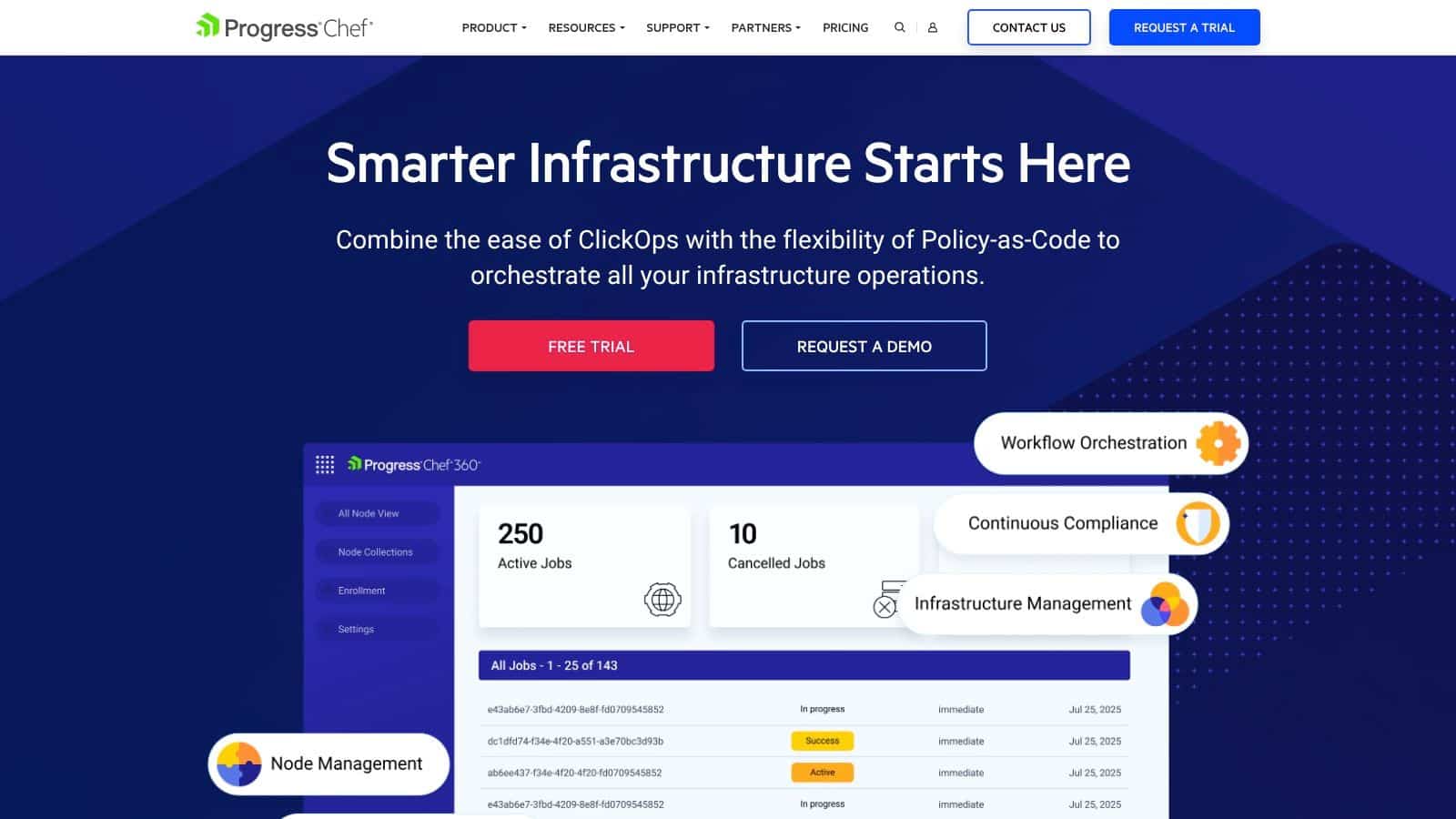
A common pattern looks like this: the platform team needs tighter audit trails, repeatable server builds, and policy checks that stand up to security review. Chef fits that kind of environment. It is built for teams that want configuration changes treated like software delivery, with testing, review, and compliance controls baked into the process.
Progress Chef 360 Platform brings together Chef Infra, InSpec, and related tooling into a model that covers configuration, compliance, and application packaging. That breadth can be a strength if you plan to use all of it. If you only need lightweight state enforcement, you may end up buying and operating more system than the team needs.
Where Chef earns its keep
Chef works well when infrastructure code needs the same discipline as application code. Teams in regulated industries often value the policy-as-code model because it gives them a clearer path for change review, evidence collection, and standard enforcement across environments.
The trade-off is operational and organisational, not only technical. Ruby-based cookbooks are powerful, but they add another skill dependency. The platform itself also asks for commitment. You are not just choosing a configuration management product. You are deciding whether to keep assembling separate tools for configuration, compliance, and operations, or whether that effort would be better spent on a broader platform strategy that reduces tool sprawl.
That is the key question with Chef. It can support a mature internal automation practice. It also assumes you want to own that practice in detail.
Chef is a strong fit for organisations that need control, policy enforcement, and auditability. It is a weaker fit for teams trying to cut platform overhead and standardise on fewer moving parts.
- Best for: Teams that need policy-as-code, auditability, and disciplined infrastructure testing
- Watch for: Ruby skill requirements, longer adoption time, and the cost of operating another platform layer
- Website: Progress Chef 360 Platform
5. Salt and VMware Aria Automation Config
Salt has always been attractive to teams that care about speed, remote execution, and event-driven operations. It feels more operationally dynamic than some older configuration management tools, especially in large fleets where command fan-out and reactive workflows matter.
That makes Salt interesting for infrastructure-heavy teams and environments where orchestration and remediation need to happen quickly. It can be powerful. It can also become a lot to own.
The real strength and the real problem
Salt’s event model is its differentiator. If your ops team wants remote execution, state management, and reactive automation in one system, Salt gives you a capable toolkit. It’s often a better fit than more static tools when operations workflows are noisy and highly distributed.
But the product and ecosystem story has become harder for buyers to parse. Open source Salt remains relevant, while the enterprise path through VMware and Broadcom introduces procurement and packaging complexity. That matters because tooling decisions don’t live in Git alone. They live in budgets, support paths, and vendor clarity.
There’s also a technical blind spot across this part of the market. Cross-platform drift management is still weak in many tool discussions. The broader drift challenge is especially sharp in multi-cloud and SaaS-heavy environments, where static, point-in-time audits are no longer sufficient and teams need continuous monitoring to detect configuration drift in real time. Salt can automate a lot, but it doesn’t remove the need for a broader operational approach to drift across heterogeneous systems.
- Best for: Large fleets and teams that value event-driven automation
- Watch for: Enterprise packaging complexity and cross-environment drift blind spots
- Website: Salt Project
6. CFEngine
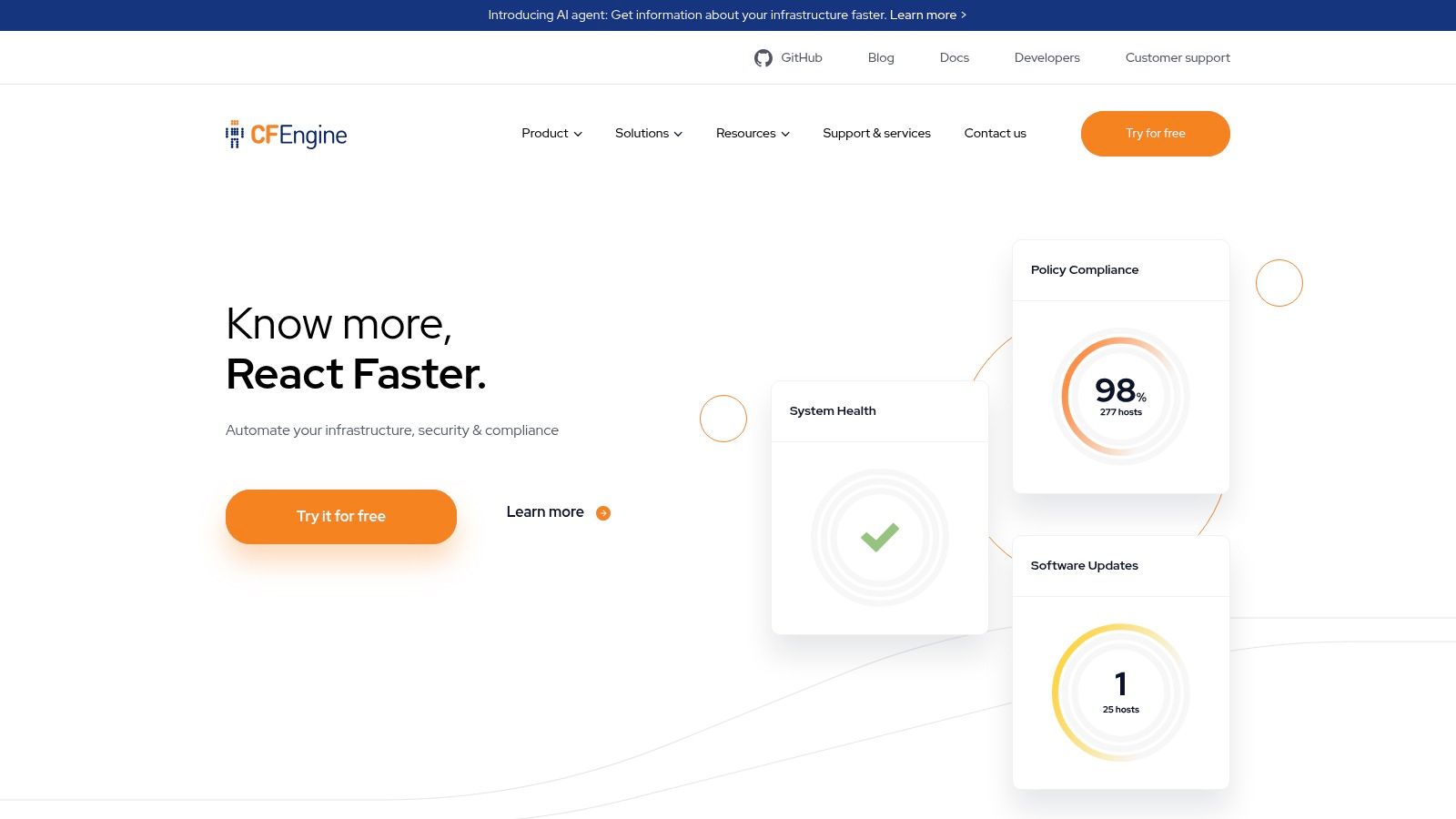
A common scenario in large infrastructure teams is simple. You need to keep thousands of systems in a known state, you care about agent overhead, and you do not want the configuration tool itself becoming another platform to babysit. CFEngine is one of the few products in this category built with that operating model in mind.
Its age is a feature, not a warning sign. CFEngine helped define policy-based configuration management, and that design still appeals in environments where efficiency and predictable enforcement matter more than developer-friendly syntax.
Why some teams still choose it
CFEngine fits estates where scale and resource discipline are real constraints. Teams running large server fleets, edge environments, or older infrastructure often value its lightweight agent model and mature policy engine because they reduce operational drag over time.
The trade-off shows up fast in adoption. CFEngine is less approachable than YAML-first tools, and its policy language asks for more from the team up front. That can be a reasonable exchange if you have experienced operators and a narrow set of repeatable controls. It is a poor exchange if your broader goal is to get more application teams contributing to automation quickly.
That is where the build versus buy question matters. Choosing CFEngine is not just choosing a configuration management tool. It is choosing to own more of the platform experience around it, from onboarding and workflow design to integration with deployment and day-two operations. For some organisations, that control is worth the effort. For others, especially teams trying to reduce tool sprawl and speed up delivery, a unified platform will be the better business decision.
- Best for: Massive or resource-sensitive estates that prioritise efficiency
- Watch for: Steeper conceptual learning curve and more platform ownership on your team
- Website: CFEngine
7. Rudder
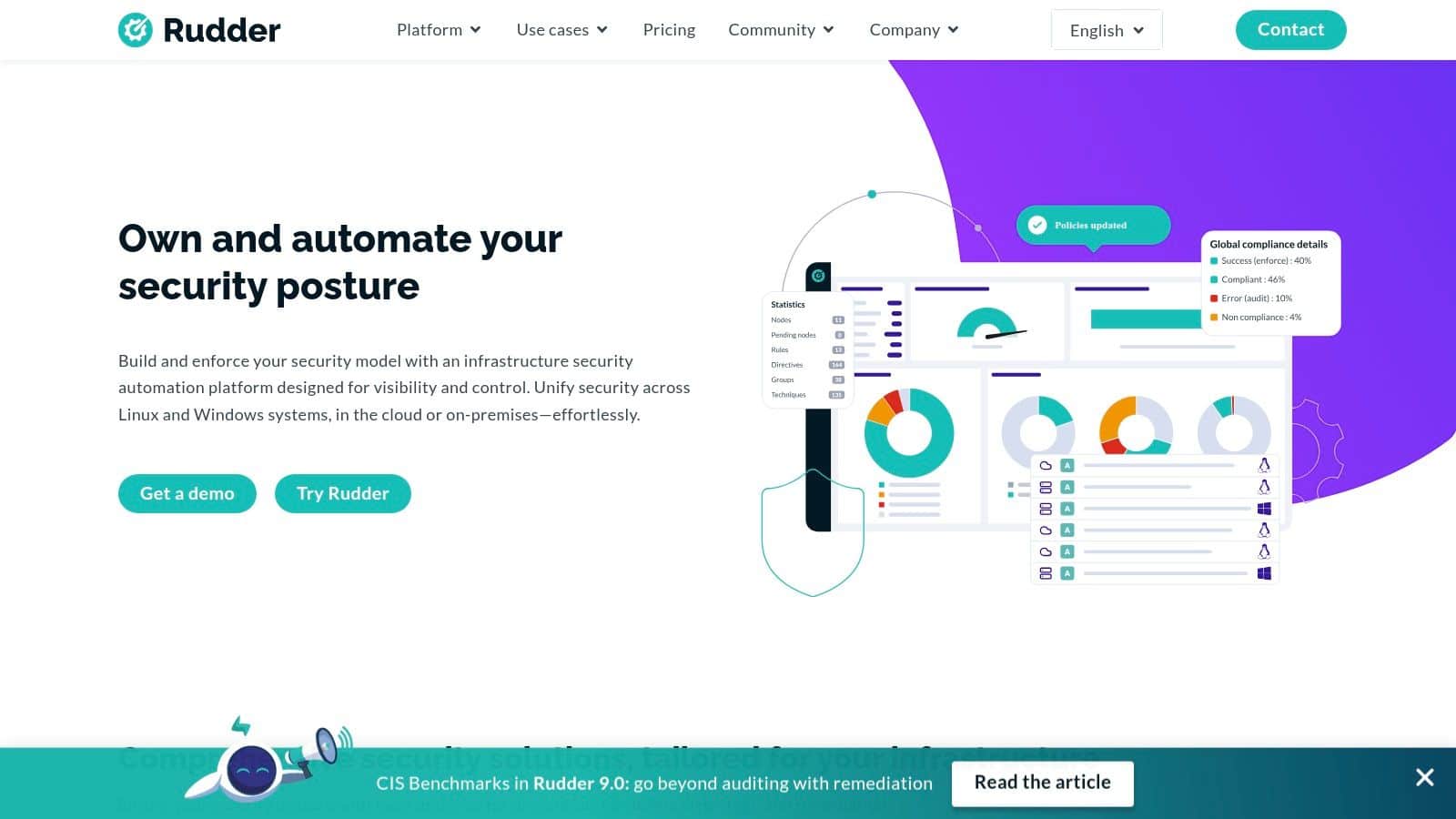
Rudder suits teams that care as much about proving control as enforcing it. If auditors, security leaders, and operations managers all need to see the same state of the estate, Rudder’s dashboards, inventory, and compliance reporting can shorten a lot of internal back-and-forth.
That matters in organisations where configuration management is not just an engineering concern. It is part of risk management, change control, and operational accountability. Rudder gives those groups a shared interface instead of forcing everything through code reviews and terminal output.
Where Rudder fits
Rudder works best when the problem is broader than drift correction. Teams use it to define policy, detect deviations, and show evidence without stitching together separate reporting and auditing layers. That can save real time for platform teams that are already stretched.
The trade-off is adoption at scale across the engineering organisation. Rudder has a clear product shape, but it does not have the same volume of community modules, examples, and hiring familiarity as larger ecosystems. If your team expects to extend the tool heavily or recruit around a widely known skill set, that gap affects cost and speed.
There is also a bigger platform question here. Choosing Rudder can be sensible if visibility and compliance workflows are your immediate bottleneck. But if you are also evaluating deployment automation, environment provisioning, secrets handling, and day-two operations, it is worth asking whether adding another specialist tool improves the platform or adds one more control plane to own.
Rudder is strongest when reporting and governance are first-order requirements, not side features.
- Best for: Teams that want built-in compliance visibility, inventory, and policy reporting
- Watch for: Smaller ecosystem and a narrower community footprint than top-tier alternatives
- Website: Rudder
8. AWS Systems Manager State Manager
A common pattern looks like this. The team wants policy enforcement and drift control, reaches for a familiar configuration tool, and then spends the next year operating that tool instead of improving the platform. If most of your estate already runs on AWS, State Manager is a strong reminder to question that default.
Good choice for AWS-first estates
AWS Systems Manager State Manager handles desired-state enforcement inside the AWS control plane. That matters for teams that want to keep configuration policies close to the rest of their operational stack, including IAM, patching, automation documents, and inventory. You get useful coverage without standing up a separate controller tier or taking on another upgrade cycle.
That can be the right trade-off for a lean platform team. Less tool ownership usually means less hidden work. Fewer servers to maintain, fewer plugins to vet, fewer integration points to debug.
The constraint is strategic, not technical. State Manager works best when AWS is the center of gravity for both infrastructure and operations. It can reach beyond AWS, but the operating model still assumes AWS first. Teams trying to enforce one standard across multiple clouds and on-prem systems often end up with partial coverage or cloud-specific exceptions.
That is the broader build versus buy question in practice. If AWS already provides enough configuration control for your environment, adding another specialist product may just create another control plane to fund and govern. If your platform scope also includes neutral multi-cloud workflows, broader application delivery, and shared day-two operations, then a unified platform may be a better investment than stitching together native services one cloud at a time.
- Best for: AWS-centric teams that want policy enforcement and automation without running a separate configuration management stack
- Watch for: An AWS-shaped operating model that can become limiting if you need a neutral standard across environments
- Website: AWS Systems Manager
9. Microsoft Azure Automation State Configuration
A common pattern looks like this. The infrastructure team runs heavily on Azure, identity already sits in Microsoft Entra ID, operations staff work in PowerShell every day, and nobody wants to introduce another specialist tool just to keep server state in line. In that setup, Azure Automation State Configuration is a practical choice because it extends an operating model the team already knows.
A sensible fit for Microsoft-first operations
State Configuration works best for teams that already use Azure as the control plane for infrastructure and operations. DSC gives those teams a familiar way to define desired state, apply policy, and track drift without standing up a separate configuration management product with its own lifecycle, permissions model, and care-and-feeding.
That matters more than feature checklists usually suggest.
The advantage is not just technical fit. It is reduced platform sprawl. If Azure already handles identity, logging, automation, and governance, adding State Configuration can be cheaper and faster than buying another tool and spending months integrating it into the same workflows.
The trade-off is scope. Azure Automation State Configuration makes the most sense when Microsoft is already the center of gravity for both infrastructure and operations. Teams that need one neutral operating model across Azure, AWS, on-prem, and mixed OS estates will usually feel the Azure-first assumptions show up in tooling choices, workflow design, and day-two support.
That is where the broader build versus buy question becomes useful. If State Configuration covers what you need, do not create another control plane out of habit. If your platform team is also trying to standardise deployment, policy, and operations across multiple environments, a unified platform may be a better investment than managing each cloud’s native answer separately.
- Best for: Azure-centric teams with strong PowerShell skills and an existing Microsoft operations model
- Watch for: Azure-first assumptions that can make cross-environment standardisation harder
- Website: Microsoft Azure Automation
10. SUSE Manager
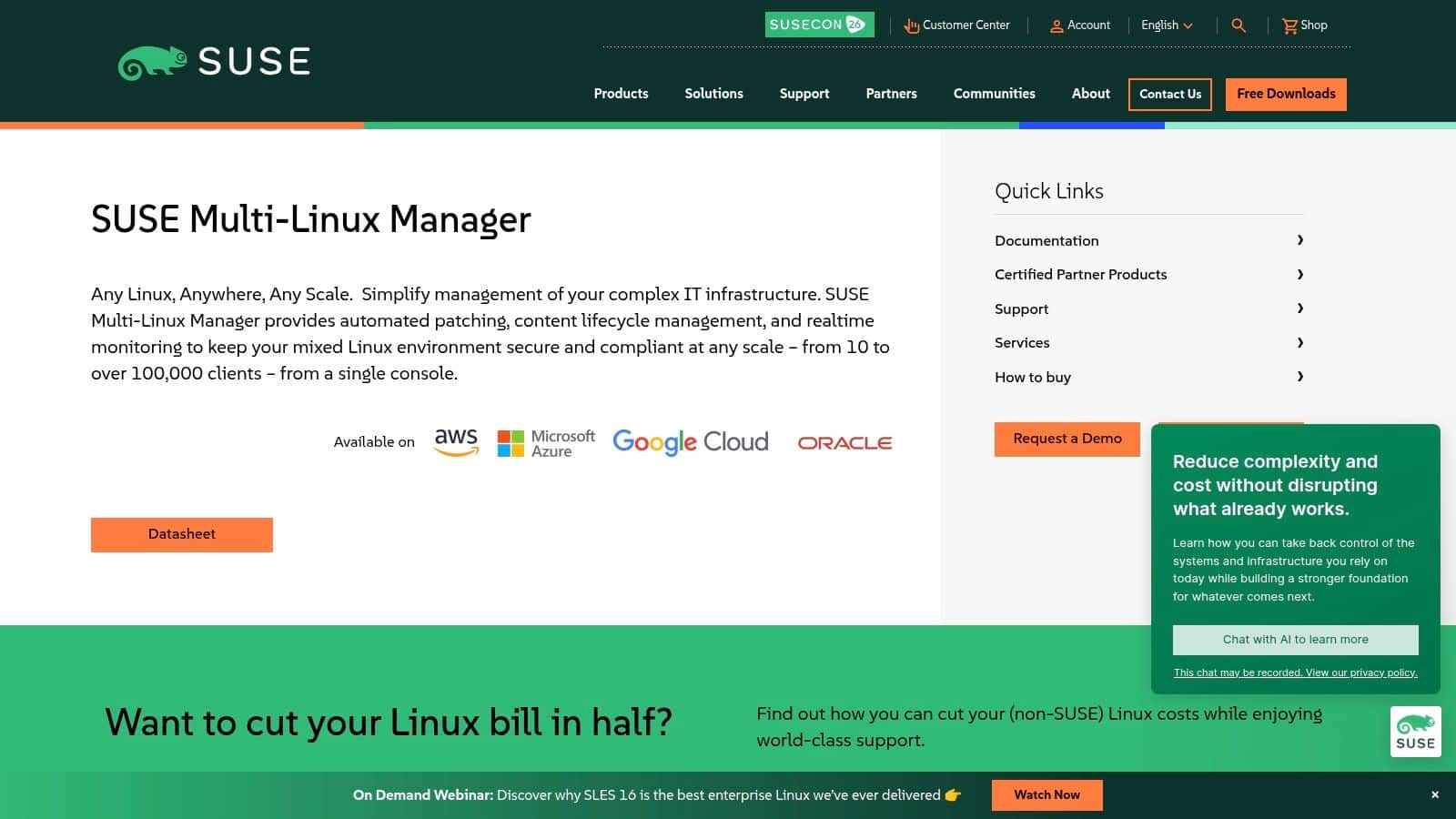
SUSE Manager is less about broad DevOps mindshare and more about strong Linux fleet control. If your organisation standardises on SUSE or runs a mixed Linux estate with serious patching, lifecycle, and compliance needs, it can be the right specialised answer.
That focus is both the value and the boundary.
A strong Linux operations tool
SUSE Manager works best when you want provisioning, patching, auditing, and policy-driven remediation tied closely to Linux operations. It’s particularly sensible in enterprises where OS lifecycle management and compliance reporting matter as much as application deployment speed.
There’s also a broader enterprise context. The market has continued to reward products that simplify operational complexity for large organisations, and large enterprises remain the dominant buyers in this category, as noted earlier. SUSE Manager fits that pattern. It’s less about startup experimentation and more about disciplined fleet management.
Its limitation is cross-platform breadth. If your team needs first-class Windows support or wants a configuration layer that feels equally native across very different estates, SUSE Manager won’t be the most flexible option on this list.
- Best for: Linux-heavy environments, especially where SUSE is already a standard
- Watch for: Narrower fit outside Linux-centric operations
- Website: SUSE Manager
Top 10 Configuration Management Tools Comparison
| Product | Core features | Target audience | Unique selling points | Pricing & considerations |
|---|---|---|---|---|
| PushOps, Recommended | Multi‑cloud provisioning (AWS/GCP/Azure), commit→prod automation, built‑in observability, RBAC/security, autoscaling & scheduling | Developers, CTOs, teams seeking self‑service multi‑cloud platform and reduced ops overhead | Plug‑and‑play platform; zero pipeline maintenance; cost optimization and integrated observability/security | No public tiers; demo/trial available; claims predictable billing |
| Red Hat Ansible Automation Platform (Ansible) | Agentless YAML playbooks, Automation Controller, Execution Envs, broad OS/cloud support | Teams preferring push‑based, agentless automation and fast prototyping | Large community & content ecosystem; easy to start; integrates well with Terraform/K8s | Open‑source engine free; enterprise platform quote‑based |
| Puppet Enterprise (Perforce Puppet) | Declarative manifests, agent‑based desired‑state, enterprise console, compliance reporting | Large fleets needing drift remediation, reporting and change control | Proven at scale with strong reporting and remediation | Per‑node licensing; enterprise quotes |
| Progress Chef 360 Platform (Chef) | Chef Infra (IaC), InSpec (compliance), node management, testing pipelines | Enterprises focused on policy‑as‑code, compliance and mature pipelines | Strong compliance/testing ecosystem; node‑centric packaging | Subscription model; sales quotes for pricing |
| Salt (Salt Project) / VMware Aria Automation Config | Remote execution, idempotent states, event‑driven model, scalable architecture | Very large fleets and event‑driven automation use cases | Fast remote exec and high scalability; extensible modules | Open‑source core; enterprise via VMware sales |
| CFEngine | Tiny agent footprint, promise‑theory policies, high efficiency for constrained nodes | Performance‑sensitive, massive‑scale estates with limited resources | Extremely low overhead and long‑term stability | Community & enterprise editions; commercial pricing |
| Rudder | Declarative policies, integrated UI/inventory/compliance dashboards | Teams wanting GUI‑first CM and built‑in compliance reporting | Easier onboarding via native UI and dashboards | Open‑source core; commercial plugins/features add cost |
| AWS Systems Manager – State Manager | Desired‑state policies, Automation documents, patching, hybrid node support | AWS‑centric fleets wanting managed CM without separate infra | Fully managed with tight AWS IAM/security integration; pay‑as‑you‑go | AWS pricing (usage‑based); some free‑tier elements |
| Microsoft Azure Automation – State Configuration (DSC) | PowerShell DSC desired‑state, inventory, Update Management, Azure RBAC | Windows‑heavy or Azure‑centric environments | Native PowerShell/Windows integration and Azure ops tooling | Azure managed service pricing; usage‑based/portal pricing |
| SUSE Manager | Linux lifecycle: provisioning, patching, audit, policy remediation, K8s/edge integrations | Organizations standardizing on SUSE/openSUSE or mixed Linux fleets | Integrated Linux lifecycle and compliance with Kubernetes/edge support | Commercial product with PAYG/cloud options |
Beyond Tools The Strategic Shift to an Integrated Platform
Choosing among configuration management tools is a valid technical exercise. Ansible might suit a fast-moving team that wants readable automation. Puppet might fit a larger estate with stronger compliance requirements. AWS Systems Manager or Azure Automation might be good enough if one cloud dominates your world.
But for most growing companies, that’s not the most important decision.
The deeper issue is operating model cost. A standalone configuration management tool doesn’t solve CI/CD ownership, release orchestration, observability, access control, incident response, or cloud spend. Your team still has to connect those systems, maintain them, secure them, upgrade them, and explain them to new hires. That’s where the significant drag appears.
I’ve seen teams believe they were making a prudent open-source choice, only to discover they’d created an internal platform programme by accident. The tool itself wasn’t the problem. The integration surface was. Every additional controller, policy engine, dashboard, plugin, and bespoke script increased dependency on a handful of engineers who understood the whole thing.
That’s why the build-versus-buy question matters more than the feature checklist. A unified platform changes the conversation from “which components should we assemble?” to “how much undifferentiated operational work should we keep doing at all?” For product companies, that distinction matters. Infrastructure supports the business. It isn’t the business.
PushOps is compelling in that context because it bundles the layers that usually fragment. You get production-ready foundations on AWS, GCP, and Azure, plus deployment automation, observability, default security controls, and cloud cost optimisation in one self-service workflow. That doesn’t just reduce tooling count. It reduces handoffs, failure points, and the need to build an internal developer platform before you can ship reliably.
There’s also a financial discipline here that engineering leaders sometimes miss. Hiring more DevOps or platform engineers can be the right move when infrastructure itself is a strategic differentiator. For many startups and scale-ups, it isn’t. They need reliability, speed, and predictable operations without turning their senior developers into part-time infrastructure maintainers. In those cases, buying a well-scoped platform is often the more strategic decision.
If you’re weighing options, don’t stop at the traditional shortlist of Ansible, Puppet, Chef, or cloud-native services. Ask a harder question. Do you want to manage configuration management, or do you want a platform that removes as much of that management burden as possible? That’s the more useful framing for executives trying to ship product faster and control operational sprawl. For a broader market view of this tooling debate, this DevOps automation tool comparison is a useful companion read.
If your team is tired of maintaining fragile infrastructure glue and wants a faster path from commit to production, PushOps is worth a close look. It gives you a production-ready multi-cloud platform with deployment automation, built-in observability, security by default, and cloud cost controls, so your engineers can spend more time shipping product and less time babysitting the stack.

