

Your cloud bill comes in high. Again. At the same time, senior engineers are still spending sprint capacity on node pools, CI runners, brittle deployment scripts, and the backlog of platform maintenance work that never quite goes away.
That is the core capacity planning problem. It is not just about whether infrastructure can handle demand. It is about whether your engineering organization is spending its limited time on product delivery or on keeping the machinery running.
Capacity planning tools help teams line up demand with infrastructure, headcount, and delivery timelines before the pain shows up as delayed releases, overloaded systems, or avoidable waste. As noted earlier, this has become a practical management issue for software-heavy firms as digital delivery teams grow and the cost of poor forecasting rises.
The mistake I see in a lot of companies is treating this as a shopping exercise. One tool for Kubernetes rightsizing. Another for cloud budgets. Native recommendations from each cloud provider. A spreadsheet for hiring plans. Then someone on the platform team has to stitch the whole thing together, maintain it, and explain conflicting outputs to finance and engineering.
If your goal is to lower your cloud expenses, tool-by-tool buying only gets you part of the way. The bigger question is whether you are solving a capacity signal problem or an operating model problem.
That distinction matters. A point tool can flag waste. A stronger platform approach can remove the manual work that keeps creating waste in the first place. For a CTO, that is usually the better bet, because the true win is not another dashboard. It is getting engineering time back.
1. PushOps
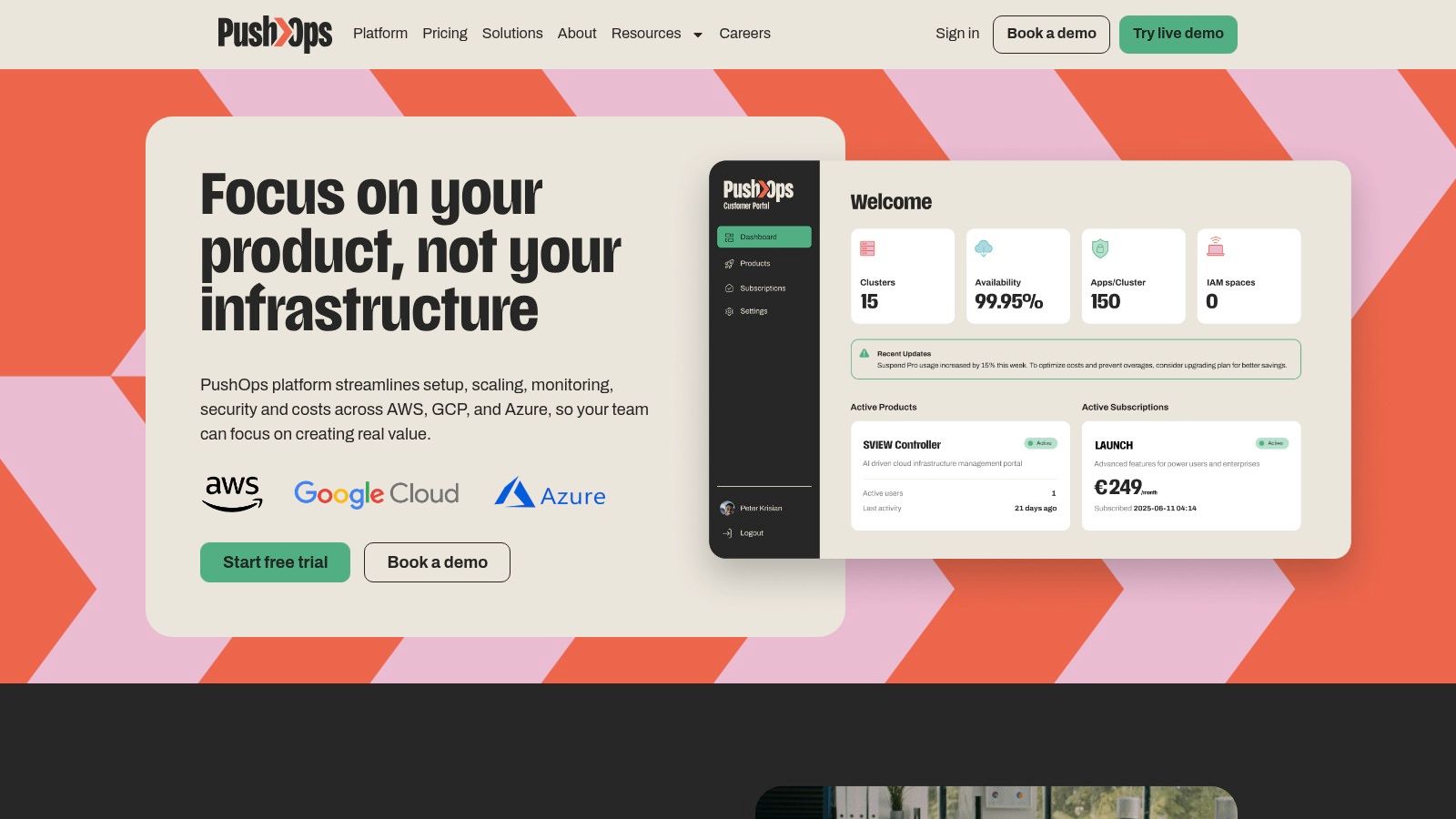
A familiar CTO scenario: finance wants a cleaner forecast, engineering wants fewer incidents, and the platform team is already buried under Terraform, CI/CD, observability tooling, and cloud cleanup. In that situation, a capacity planning tool alone rarely fixes the underlying drag. PushOps stands out because it treats capacity planning as one part of the operating system for delivery, alongside provisioning, deployments, environments, release workflows, and day-to-day operations.
That approach changes the conversation. Instead of adding another dashboard to interpret, PushOps reduces the amount of manual platform work that creates capacity noise in the first place. Teams get production-ready foundations on AWS, GCP, and Azure, plus automation from commit to production. The result is fewer idle environments, fewer overbuilt clusters, and less engineering time spent stitching tools together.
Why it stands out
A lot of products in this category help teams see waste. PushOps is stronger when the actual cost sits in the work required to respond to what those tools find. Autoscaling, rightsizing, environment scheduling, and built-in observability are part of the platform, so teams can act without maintaining a patchwork of separate systems.
I've seen this pattern repeatedly. Once a company needs one tool for Kubernetes sizing, another for cloud spend, another for deployment flow, and another for observability, capacity planning becomes an integration problem. PushOps takes the platform route instead. For CTOs, that usually means lower ops overhead, faster delivery, and fewer debates about which report is correct.
Practical rule: If your team needs three or more tools to answer who is overloaded, what infrastructure is underused, and whether the next release will increase spend or risk, the issue usually sits in how the platform is run.
There is also a timing factor. Distributed engineering teams and cloud-heavy delivery models break spreadsheet planning fast. As noted earlier, once planning, deployment, and operations are spread across teams and environments, disconnected tooling starts to fail under its own maintenance load.
Where PushOps fits best
PushOps is a strong fit for scale-ups and mid-market teams that want to stop building an internal platform one tool at a time.
- Best fit: Teams running on AWS, GCP, or Azure that want a single self-service path from infrastructure provisioning through deployment and operations.
- Biggest upside: It cuts recurring platform work that often gets accepted as normal DevOps overhead.
- Main trade-off: Pricing is not published, so evaluation starts with a sales conversation.
- Watch-out: Highly bespoke environments or legacy estates may require migration work and custom integration effort.
If the choice is between adding more DevOps headcount or shrinking the amount of DevOps toil the business creates, PushOps is the clearest platform strategy in this list.
2. IBM Turbonomic
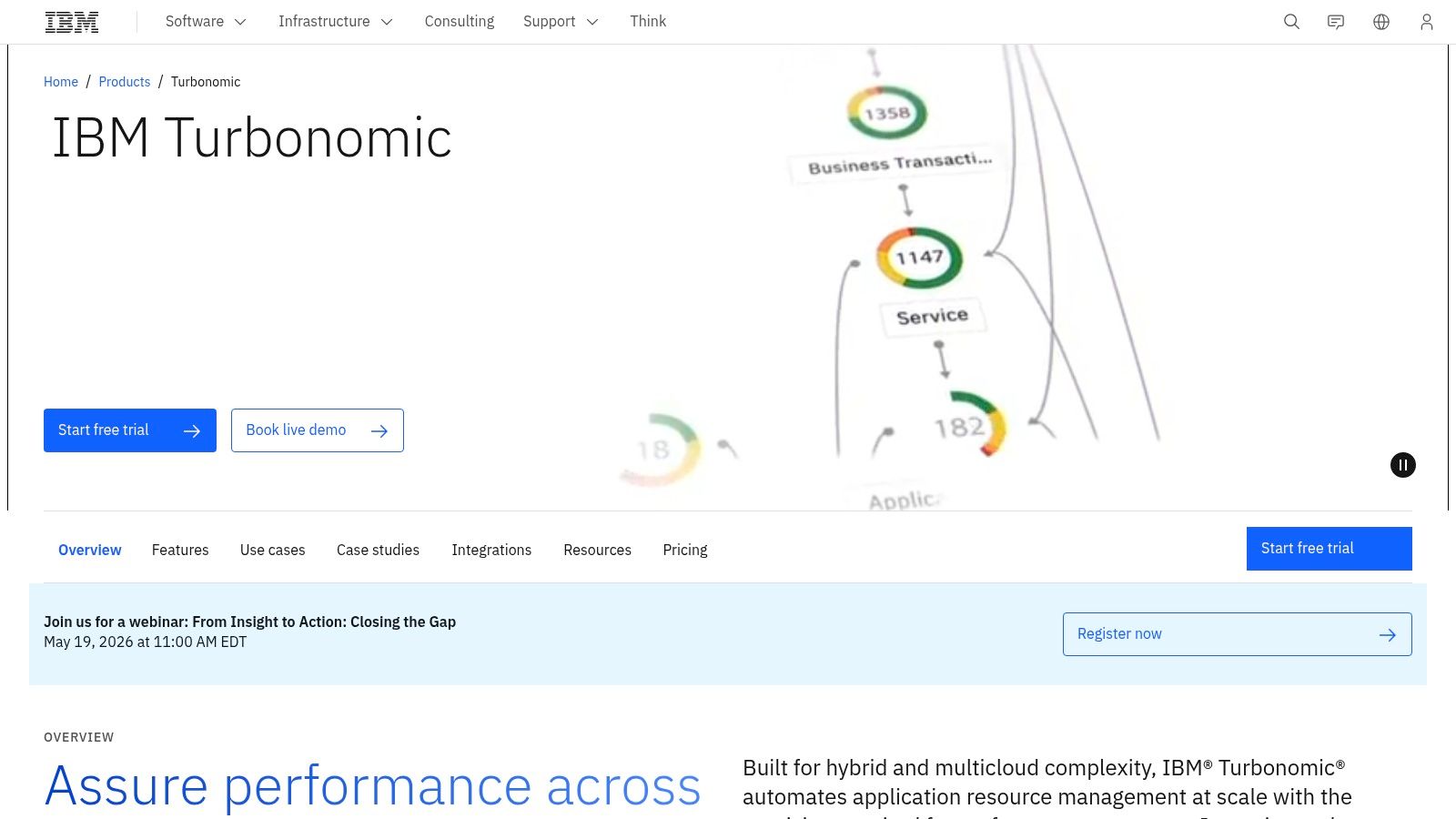
IBM Turbonomic is built for organisations that already know their estate is too large and too dynamic to tune manually. It continuously analyses demand versus supply across applications, infrastructure, and Kubernetes, then pushes toward rightsizing, placement, and scaling decisions that protect performance targets.
That's the key distinction. Turbonomic isn't just a planning dashboard. It's a control system. If you operate a large hybrid estate, that closed-loop model is useful because recommendation-only tools often die in backlogs.
Where it works well
Turbonomic earns its place in environments with a lot of moving parts: hybrid cloud, on-prem workloads, Kubernetes clusters, and teams that need simulation before making changes. It's particularly useful when application performance matters as much as cloud cost.
What I like here is the “what-if” planning angle. You can test the impact of changes to nodes, pods, and placement before you commit. That's a better fit for mature SRE and platform teams than simplistic utilisation reports.
- Strength: Strong automation for rightsizing and placement across complex estates.
- Strength: Good for hybrid and migration planning, not just public cloud cleanup.
- Trade-off: It's enterprise-oriented, and that shows in procurement and policy tuning.
- Trade-off: Smaller product teams may find it heavier than they need.
Turbonomic is valuable when your problem is scale and policy coordination. It's overkill when your real issue is that you built too much platform complexity in the first place.
For CTOs, the question isn't whether Turbonomic is powerful. It is. The question is whether you want another specialised optimisation layer, or whether you want to eliminate part of the operational burden upstream.
3. Datadog
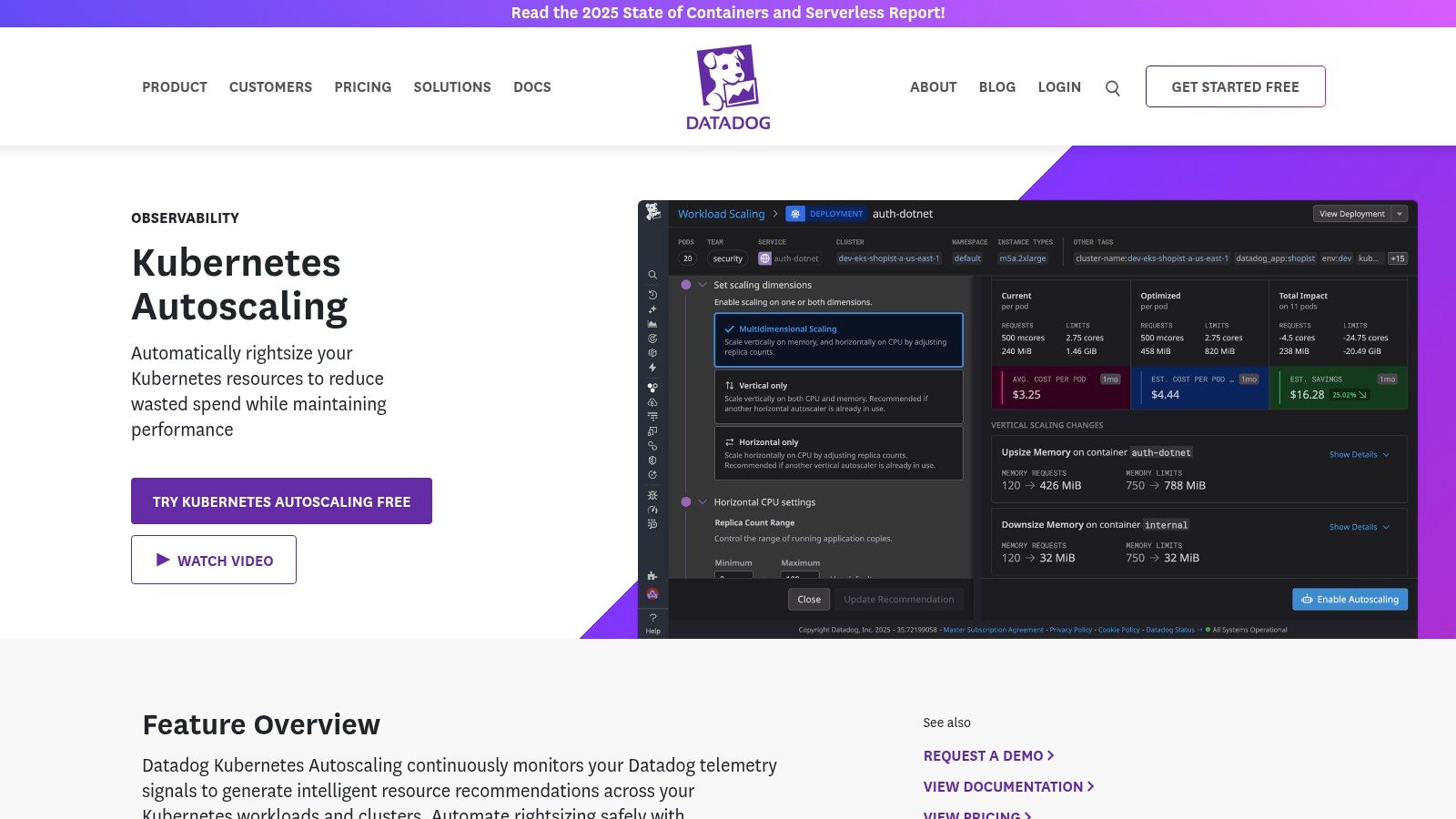
If you already live in Datadog, adding capacity planning through Kubernetes Autoscaling and Cloud Cost Management is a pragmatic move. The biggest benefit is proximity to operational data. Engineers can move from metrics, traces, and logs straight into scaling and cost decisions without switching context.
That sounds minor. It isn't. Separate capacity tools often fail because the people who monitor the systems aren't working in the same place as the people expected to tune them.
The practical upside
Datadog is best when observability is your source of truth and you want capacity decisions tied tightly to it. For Kubernetes-heavy teams, the pre-simulated instance recommendations and safe rightsizing are useful because they reduce the risk of changing too much too quickly.
This also lines up with what modern capacity planning tools should do. Useful products combine forecasting, capacity visualisation, scenario modelling, utilisation tracking, analytics, and integrations, while stronger approaches use historical data, market trends, and algorithmic pattern detection to prevent over-allocation or shortages (ThroughPut on capacity planning software). Datadog's appeal is that a lot of that telemetry is already there.
- Best fit: Teams already standardised on Datadog for observability.
- Advantage: Planning and remediation happen in the same operational workflow.
- Trade-off: Pricing gets harder to predict as modules stack up.
- Trade-off: You may still need other tooling for broader delivery governance.
Datadog is often the least disruptive option for SRE-led organisations. It's rarely the cleanest option for teams trying to simplify their stack.
4. AWS Compute Optimizer
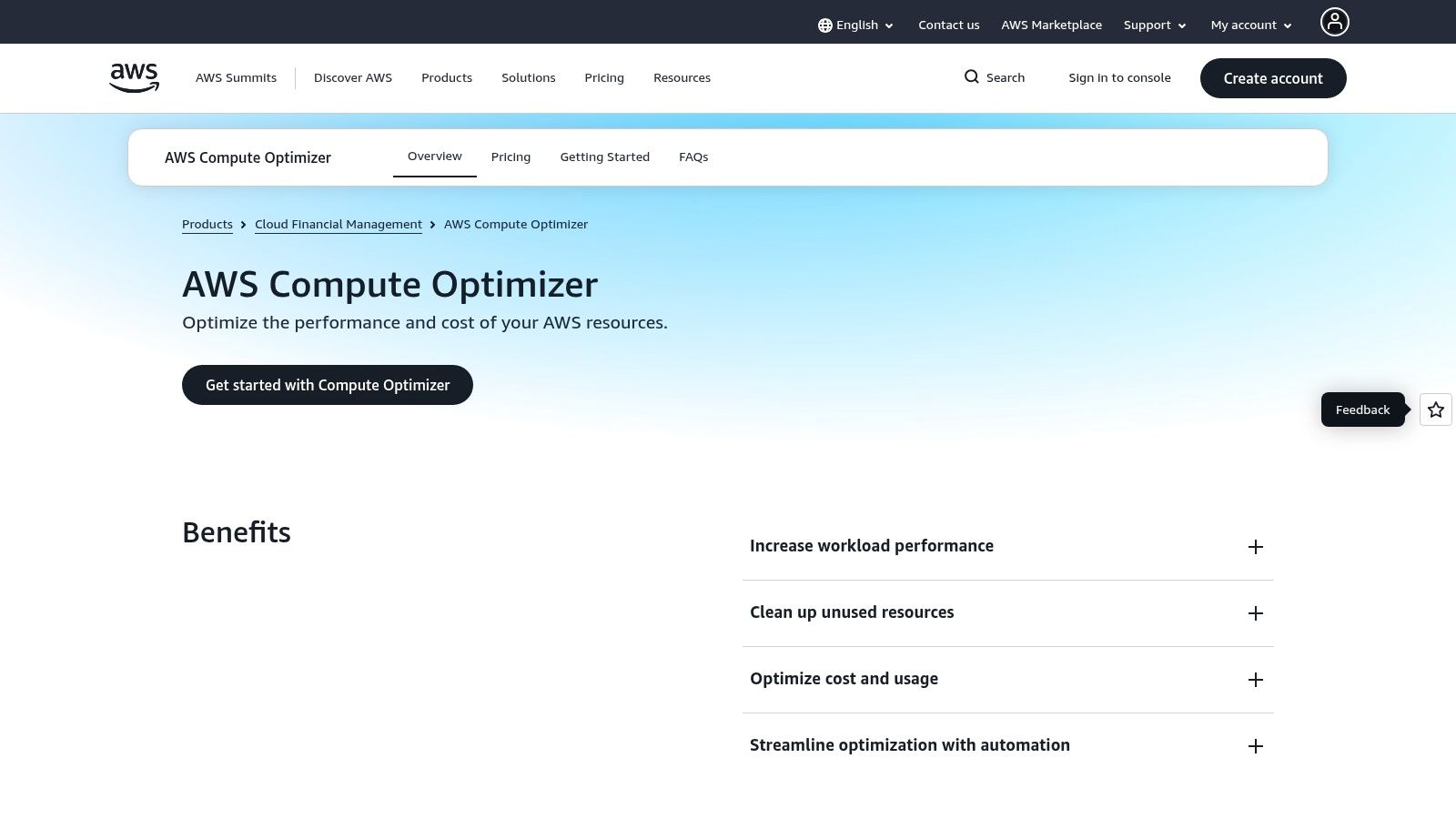
AWS Compute Optimizer is the obvious starting point for AWS-only teams. It analyses services such as EC2, EBS, Lambda, and ECS on Fargate, then gives rightsizing and idle-resource recommendations with relatively little setup.
That low friction is its biggest strength. If you're already in AWS and want cleaner monthly capacity reviews, it's hard to argue against using the native tool first.
Good first step, limited strategic scope
Compute Optimizer is useful for ongoing housekeeping. It helps teams spot waste, compare price and performance trade-offs, and identify resources that are unnecessarily large. Native integration with CloudWatch keeps adoption straightforward.
The limitation is obvious too. It only sees AWS. The moment your estate stretches into multiple clouds, third-party services, or platform workflows outside AWS, you're back to stitching together a bigger picture. That's why many startups begin here but don't end here.
Start with native tools when your architecture is still narrow. Leave them when your organisation spends more time correlating outputs than making decisions.
If you're an early-stage company running mostly in AWS, Compute Optimizer can buy time. It can also pair well with a guide to startup AWS credits when you're still getting cost discipline in place. Just don't mistake “good recommendations” for a complete capacity strategy.
5. Microsoft Azure Advisor
Microsoft Azure Advisor is the Azure equivalent of “start with what you already have.” It surfaces recommendations around reliability, security, performance, and cost, including rightsizing and underutilised resources across Azure services.
For Azure-centric organisations, that's useful because it shortens the path from cloud inventory to obvious corrective action. No new deployment. No extra data pipeline. No long implementation cycle.
Best for routine clean-up
Azure Advisor is effective for monthly or quarterly hygiene. It's where engineering leaders can find the low-effort opportunities to shut down underused capacity, revisit VM sizing, and connect those changes to Azure Cost Management.
If your team is still trying to estimate how architecture choices will affect spend, Azure's native recommendations are more useful when paired with something like this Azure pricing calculator explainer, because recommendation engines help after deployment. They don't replace planning discipline before deployment.
- Best fit: Azure-first teams that want immediate recommendations without another vendor.
- Advantage: Included natively within Azure subscriptions.
- Trade-off: Recommendations can be broad and should be validated before changes.
- Trade-off: It won't solve cross-cloud, cross-team, or release-process planning on its own.
Azure Advisor is a practical optimiser. It isn't a platform strategy. That distinction matters when your CTO org is spending more time operating Azure than building product on top of it.
6. Google Cloud Recommender
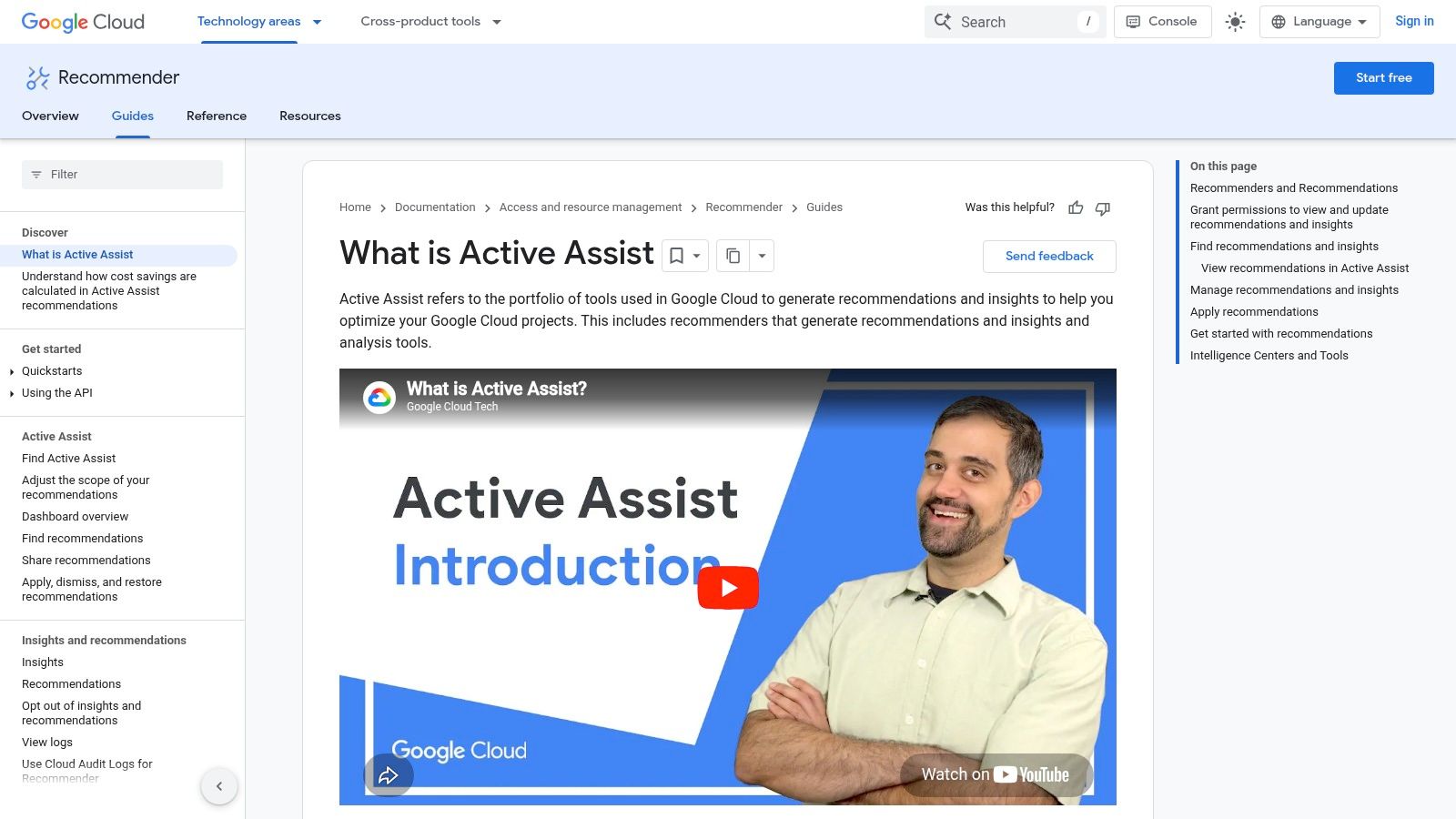
Google Cloud Recommender sits in the same category as the AWS and Azure native tools, but its strength is breadth across GCP services and decent programmatic access. It can surface rightsizing and idle resource recommendations across compute and data services, and it supports automation and export workflows for teams that want to operationalise those insights.
That matters if your engineers are comfortable building around GCP APIs. Recommender becomes more useful when it's part of your operating loop rather than a console someone checks occasionally.
Better for engineering-led GCP shops
I tend to like Recommender more in engineering-heavy teams than in finance-led optimisation efforts. The API access and export options make it easier to fold into scripts, workflows, and internal reporting. For GCP-native organisations, that can be enough.
Where it falls short is the same place most native tools fall short. It doesn't connect infra rightsizing with release scheduling, developer workflows, or multi-cloud governance. It helps optimise what already exists. It doesn't reduce the complexity of managing the whole system.
There's still a place for it. If your footprint is concentrated in GCP and your platform team wants to automate recommendation handling, it's a sensible native layer. If your broader issue is operational sprawl, it won't fix that by itself.
7. Kubecost
Kubecost is one of the most practical tools for teams that need Kubernetes cost and capacity visibility in terms developers and platform teams can use. Namespace, deployment, label, and team-level allocation gives you a clearer answer to the core question behind many cloud bill arguments: who created this spend, and was it worth it?
That level of attribution is often missing from generic cloud-cost tooling. For Kubernetes environments, it's the difference between hand-wavy cost governance and something teams can act on.
Strong visibility, but still another layer
Kubecost is particularly good for EKS, AKS, and GKE teams that need to connect cluster usage with ownership. It also benefits from open-source roots through OpenCost, which gives it more credibility with platform engineers than some finance-first tools.
The trade-off is operational. You're adding another system to run, configure, secure, and interpret. If your broader Kubernetes workflow is already messy, visibility alone won't solve it. A cleaner deployment model matters just as much as better cost allocation, especially if you're still debating the best CI/CD pipeline for Kubernetes.
Kubecost helps you see which Kubernetes workloads are expensive. It doesn't automatically simplify the platform decisions that made them expensive.
Use Kubecost when Kubernetes is central to your architecture and you need allocation clarity by team. Don't expect it to replace a coherent platform strategy.
8. Kubex
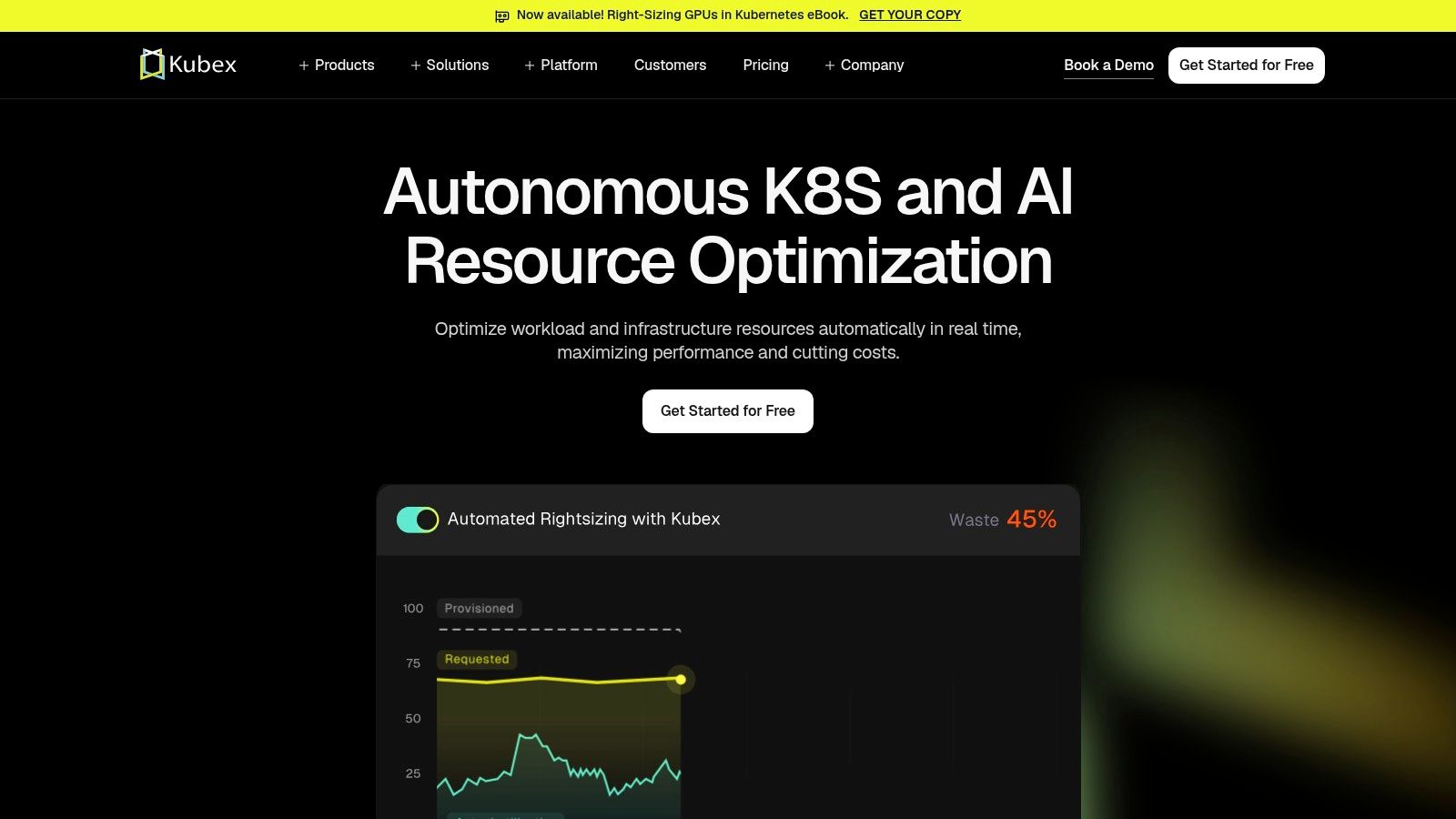
Kubex is worth a close look if your capacity problem is specifically Kubernetes automation, instance selection, or GPU-heavy workloads. It goes beyond static recommendations with predictive pod and instance scaling, autoscaling policy tuning, bin-packing, and pre-warming recommendations.
That makes it more operationally active than many optimisation tools. It's trying to shape behaviour, not just describe inefficiency after the fact.
A sharper tool for specific workloads
Kubex stands out when your clusters are complex enough that generic rightsizing doesn't cut it. AI workloads, GPU planning, and autoscaling policy tuning are all areas where shallow recommendation engines tend to underperform. Kubex is built more directly for that kind of capacity intensity.
There's also a practical procurement upside. Public pricing is easier to work with than the usual quote-only enterprise model, though larger enterprise or GPU use cases will still involve sales engagement.
- Best fit: Kubernetes-heavy teams with fast-changing workloads or GPU demand.
- Advantage: More proactive automation than basic recommendation tools.
- Trade-off: Newer brand positioning means buyers should evaluate it carefully against established alternatives.
- Trade-off: It's still a specialist layer, not a full operating platform.
For teams deep in K8s optimisation, Kubex can be powerful. For teams exhausted by K8s sprawl, it may improve the system without making the system simpler.
9. Virtana Platform
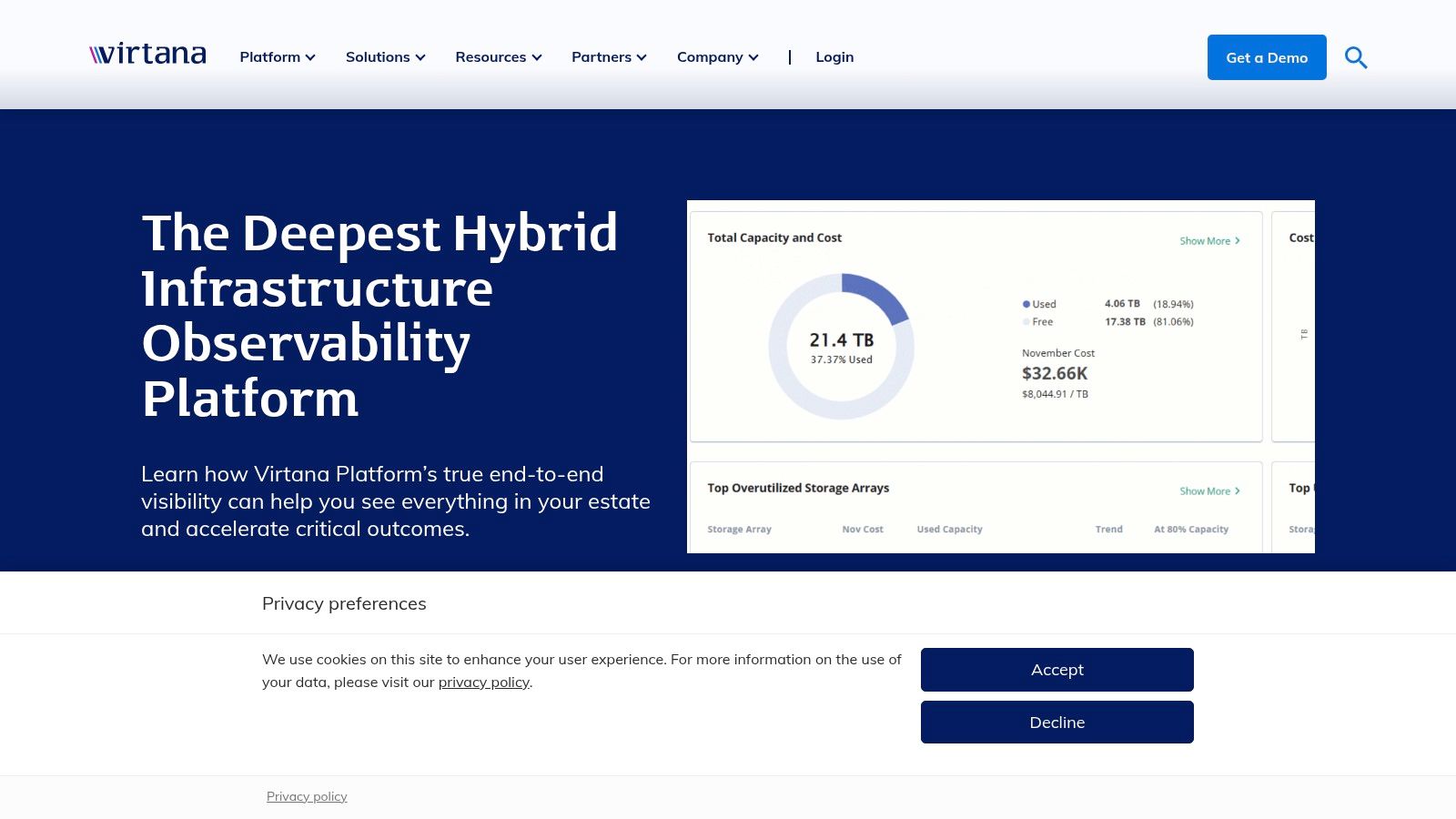
A familiar enterprise scenario. The cloud team is tuning AWS spend, the infrastructure team is still responsible for VMware and storage, and leadership wants one answer on capacity risk, performance, and cost. Virtana Platform is built for that kind of operating model.
Its value is not that it gives you another optimization dashboard. It gives hybrid estates a single control point for planning and governance across on-prem and cloud resources. For CTOs dealing with compliance boundaries, data residency limits, or slower migration timelines, that matters more than another narrow recommendation engine.
Best fit when hybrid complexity is the real problem
Virtana makes sense when capacity planning is tied to enterprise constraints, not just instance rightsizing. Teams can use it to assess waste, model capacity needs, and govern mixed environments without stitching together separate tools for every domain. That is the strategic distinction that matters in this category. A tool-by-tool stack can improve one layer at a time, but it also adds reporting gaps, handoffs, and operating overhead. A platform approach costs more upfront, yet it can reduce the management burden that keeps senior engineers stuck in review cycles instead of shipping.
That trade-off is easy to underestimate. Plenty of teams do not have a pure cloud problem. They have an operating model problem, where capacity decisions, cost controls, and infrastructure planning are split across too many systems. If that sounds familiar, it is worth grounding the evaluation in broader cloud cost optimization practices rather than treating capacity as a standalone exercise.
Virtana will feel heavy for a startup or a cloud-native team that mainly needs fast feedback on Kubernetes or VM sizing. It is a better fit for organizations that already know governance complexity is permanent and need a platform that reflects that reality.
The buy decision comes down to this. If your main issue is one noisy corner of the stack, buy a specialist tool. If the actual issue is operational sprawl across hybrid infrastructure, Virtana is one of the few options here that addresses the root cause instead of one symptom.
10. IBM Apptio Cloudability
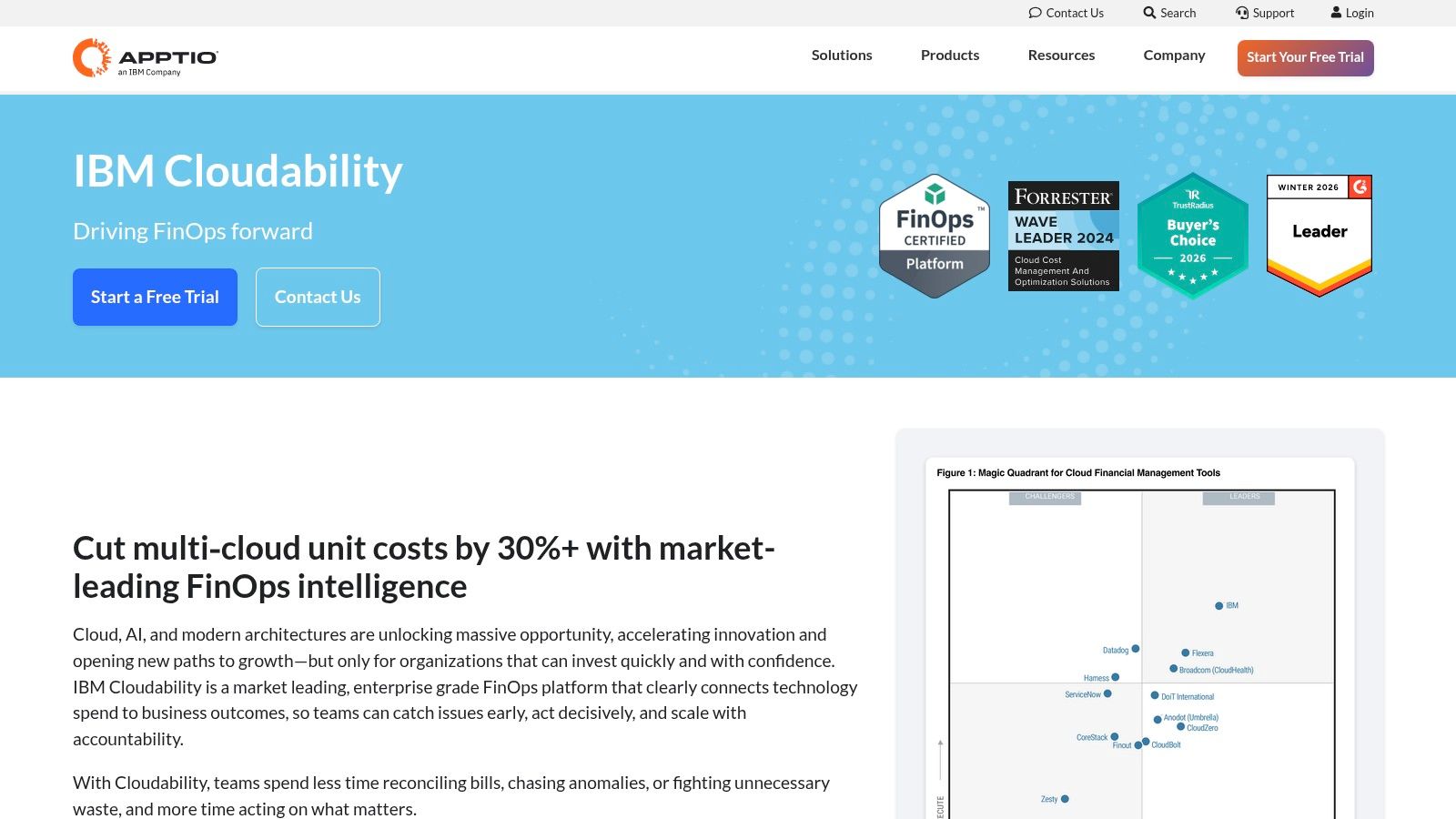
IBM Apptio Cloudability is the strongest option here when capacity planning is inseparable from financial planning. It's built for forecasting, budgeting, anomaly detection, rightsizing governance, and commitment optimisation across AWS, Azure, and GCP.
This is the tool you bring in when engineering, finance, and leadership all need to work from the same cloud-cost model. It's less about cluster tuning and more about turning cloud usage into a managed business process.
Finance alignment is the point
Cloudability is valuable because capacity decisions are often financial decisions wearing technical clothes. Reserved commitments, Savings Plans, CUDs, workload budgeting, and unit economics all shape how much capacity you should carry and when.
That also connects to a question most capacity-planning articles still underplay: can a tool reduce spend by planning less capacity upfront, rather than merely improving utilisation? That matters more as cloud adoption rises and budgets stay sensitive, especially where enterprises are modernising but still cost-conscious (Tempo on capacity planning tools). A lot of savings come from release timing, environment scheduling, and elasticity policy. Not just from finding oversized instances after the fact.
If that's the conversation you're having, this cloud cost optimization explainer is a useful companion to Cloudability's planning model.
- Best fit: Organisations that need strong finance and engineering alignment.
- Advantage: Deep forecasting and governance depth across multi-cloud spend.
- Trade-off: Enterprise-style pricing and procurement.
- Trade-off: Less useful if your problem is operational simplicity rather than financial governance.
Cloudability is strong when cloud economics are the centre of the decision. It won't remove the engineering overhead of a fragmented DevOps stack on its own.
Top 10 Capacity Planning Tools, Features & Costs
| Product | Core focus & capabilities | Target audience | Key differentiators | Pricing & onboarding |
|---|---|---|---|---|
| PushOps (Recommended) | Turnkey infra + commit‑to‑production automation, built‑in observability, security, cost optimization | Dev teams wanting self‑service multi‑cloud platform and fast onboarding | Full‑stack automation, multi‑cloud, RBAC/audit logs, smart autoscaling & scheduled environments | Predictable monthly pricing (contact sales), free trials & live demos, fast onboarding |
| IBM Turbonomic | Continuous rightsizing, placement, simulation & closed‑loop remediation across hybrid estates | Large hybrid/multi‑cloud environments, capacity planners & SREs | Proactive closed‑loop actions, what‑if planning, Kubernetes aware | Quote‑based enterprise pricing, requires policy tuning |
| Datadog (K8s Autoscaling + CCM) | K8s scaling recommendations, instance suggestions, forecasting and budgeting | Teams already using Datadog observability (SREs, developers) | Tight observability linkage, act from same dashboards | Add‑on modules, complex SKU pricing, may require sales verification |
| AWS Compute Optimizer | Rightsizing for EC2/EBS/Lambda/ECS Fargate, idle detection, price/perf guidance | AWS‑only teams seeking low‑friction cost optimization | Native AWS integration, clear actionable recommendations | Core recommendations free; enhanced metrics cost extra |
| Microsoft Azure Advisor | ML‑based rightsizing for VMs/VMSS, idle resource guidance, reliability/security suggestions | Azure customers wanting subscription‑native optimizations | Free within Azure, integrates with Azure Cost Management | Included in Azure subscriptions; validate impacts before applying |
| Google Cloud Recommender (Active Assist) | Rightsizing & idle resource recommendations across GCP, catalog + API access | GCP customers needing centralized recommendations and automation | Centralized GCP recommender, BigQuery export and APIs | Mostly free; some premium paid insights/support tiers |
| Kubecost | K8s cost & capacity visibility, allocation by namespace/label/team, rightsizing insights | Kubernetes teams (EKS/AKS/GKE), cost owners and SREs | Container‑level allocation, open‑source roots, self‑hosted or managed | Community edition free; paid tiers for retention, RBAC, enterprise features |
| Kubex (formerly Densify) | Predictive pod/instance scaling, autoscaler tuning, GPU/MIG planning, bin‑packing | AI/GPU workloads and capacity‑intensive Kubernetes environments | GPU/MIG optimization, predictive bin‑packing, autoscaler automation | Public per‑vCPU pricing, 60‑day free start; enterprise quoting for large deals |
| Virtana Platform | Multi‑cloud cost, capacity & performance optimization with governance and workflows | Enterprises needing hybrid/on‑prem governance and data residency | SaaS or on‑prem deployment, enterprise governance & capacity workflows | Quote‑based pricing; enterprise setup and integration time |
| IBM Apptio Cloudability | FinOps: forecasting, budgeting, rightsizing and commitment optimization (RIs/Savings) | Finance + engineering teams aligning budgets, forecasts and capacity | Deep forecasting, unit economics, commitment governance & workflows | Typically percent‑of‑spend or quote‑based, procurement engagement needed |
From Tools to Strategy Reclaim Your Engineering Focus
Monday starts with a cost spike alert. By Wednesday, the platform team is tuning cluster autoscalers, reviewing cloud rightsizing recommendations, and fixing a deployment workflow that broke after a policy change. On paper, every tool is doing its job. In practice, senior engineers are spending the week stitching systems together instead of shipping product.
That is the core capacity planning problem for a CTO.
Most tools in this category handle one layer well. Cloud-native recommenders help inside a single provider. Kubernetes cost tools show waste and allocation gaps. FinOps products tie usage to budgets and commitments. Enterprise suites add governance across larger estates. Useful, yes. But each new tool also adds integration work, ownership questions, training overhead, and another place where execution can stall.
The hard part is not spotting inefficiency. The hard part is turning recommendations into a repeatable operating model without burning platform time on glue code and process.
Recent market analysis from DataIntelo on the AI-assisted capacity planning market points to a fast-growing category with active adoption in IT, telecom, and other operationally heavy sectors. That tracks with what many engineering leaders are seeing already. Interest is rising, but plenty of teams are still buying point solutions before deciding what the system should look like as a whole.
For a scale-up, that decision has real consequences. A tool-by-tool path usually starts small and looks financially sensible. Add a recommender for cloud waste. Add a Kubernetes cost tool. Add scripts to connect tickets, policies, and deployment workflows. Add more observability and security controls as the estate grows. Six months later, you have not removed operational work. You have spread it across products, custom automation, and a few engineers who now act as the integration layer.
A platform strategy changes the economics.
Instead of asking which separate tool handles each symptom, ask which operating model removes recurring work across provisioning, deployment, observability, security, environment management, and cost control. When those pieces are designed to work together, rightsizing and autoscaling happen in the delivery path. Governance becomes standard behavior rather than a checklist. Self-service improves because teams start from sane defaults, not from a blank page.
That shift is easy to underestimate. Engineering time is expensive, and the replacement cost for strong platform engineers is higher than the license line item teams often focus on during procurement. The wrong architecture decision does not only show up as cloud waste. It shows up as slower delivery, inconsistent controls, more fragile internal tooling, and senior people doing maintenance work the business will never sell.
Use a specialist capacity planning tool when the problem is narrow and the owner is clear. If the broader problem is operational drag from fragmented systems, solve that directly. Stop treating capacity planning as an isolated tooling purchase. Treat it as part of the platform strategy that determines how much engineering focus your company keeps.
If your team is spending too much time on Kubernetes, CI/CD, observability, and cloud-cost cleanup instead of product delivery, PushOps is worth a serious look. It gives you a production-ready multi-cloud DevOps platform with built-in automation, security, observability, and cost controls, so your engineers can spend more time shipping and less time maintaining the machinery around shipping.

