
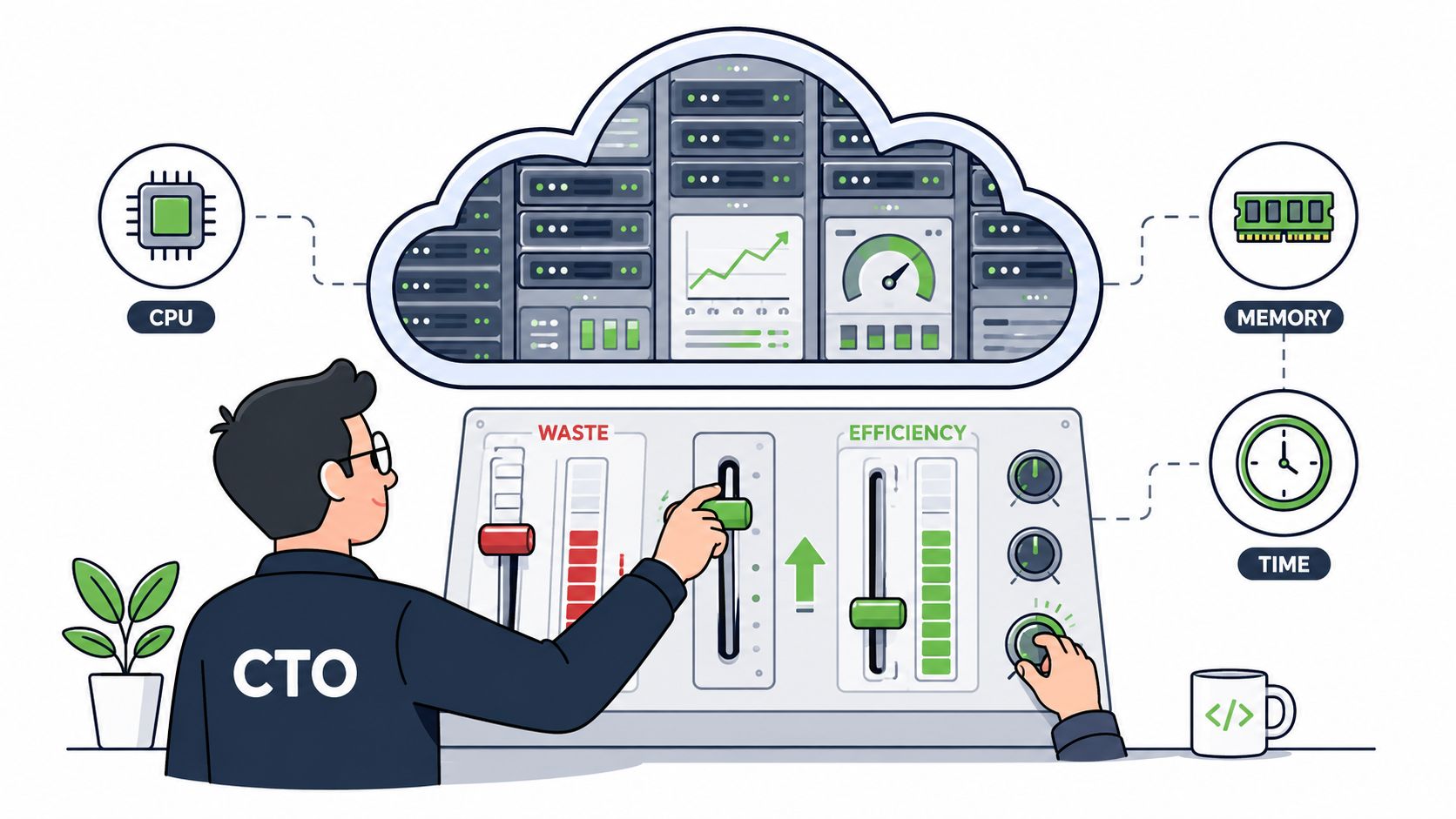

Cloud bills are up. Release cadence is down. Your senior developers are stuck in Terraform reviews, Kubernetes upgrades, pipeline failures, IAM clean-up, and cost investigations when they should be shipping product.
That pattern shows up in startups and scale-ups across Europe, Singapore, the UK, and the US. Teams start with a sensible goal: build a stack that gives them control. Then the stack becomes a second product. It needs maintainers, rules, upgrades, observability, security review, and constant tuning across AWS, GCP, and Azure.
That's why resource utilization matters more than most engineering leaders think. It isn't only about CPU and memory. It's about whether your most expensive technical talent is working on customer value or platform plumbing.
Why Resource Utilisation Is Your Biggest Hidden Cost
Most CTOs first notice the problem in the wrong place. They see it in the monthly cloud invoice, a surprise spike in non-production spend, or another debate about whether autoscaling is configured properly. The invoice is real, but it's only the visible symptom.
The deeper issue is misallocated engineering time. When product engineers spend their week chasing container sizing, rebuilding brittle CI/CD logic, or stitching together monitoring and security tools, resource utilization is already poor. You're paying for infrastructure twice. Once in cloud spend, and again in lost product output.
Cloud waste is rarely just a finance problem
A 2023 Flexera State of the Cloud Report surveying over 770 organisations globally found that 82% of enterprises reported public cloud waste, with an average of 32% of total cloud spend identified as wasted resources. That number matters, but the operational reading matters more. DIY cost-control, rightsizing, and autoscaling often look good in architecture diagrams and still fail in day-to-day execution.
Practical rule: If your engineers regularly investigate cloud waste manually, you don't have a cost problem alone. You have a systems problem.
The same logic applies to people. A platform engineer pulled into repeated one-off fixes isn't creating structural advantage. A senior backend developer maintaining deployment scripts isn't improving your product. A CTO hiring more DevOps engineers to stabilise a fragile stack may be adding capability, but also locking in a maintenance burden that keeps growing with every service and environment.
Resource utilization should be read in two layers
A useful way to frame it is simple:
- Infrastructure utilization asks whether the compute, memory, and environments you provision are needed.
- Engineering utilization asks whether skilled developers are spending time on differentiated work.
If the first is poor, costs rise. If the second is poor, velocity falls. If both are poor, your organisation starts feeling slower than its headcount suggests it should.
For leaders who want a broader operational view of how utilisation is measured in service and delivery teams, this guide for agency operations leaders gives a practical framing that maps well to engineering organisations too.
Measuring What Matters CPU Memory and Engineer Time
The technical definition of resource utilization is straightforward. In cloud infrastructure, it usually means the share of provisioned CPU and memory that workloads consume over a given period. If you reserve capacity and only use a fraction of it, you're paying for idle headroom.
In practice, many teams don't have a sizing problem. They have a confidence problem. They overprovision because no one wants the outage, the latency spike, or the support incident that comes from being too aggressive.
What low infrastructure utilization really signals
Industry benchmarks from large-scale cloud operations suggest that typical enterprise workloads on public cloud platforms operate at median CPU utilisation of around 20–30% when capacity is not tuned, implying that 60–80% of committed compute capacity may be chronically underused.
That's not always negligence. Sometimes it's defensive architecture. Teams leave large buffers because they don't trust autoscaling, don't have clear observability, or can't safely experiment with instance classes and workload limits during active delivery.
A simple way to think about it:
| Layer | What you measure | What poor utilisation usually means |
|---|---|---|
| Compute | CPU, memory, instance occupancy | Overprovisioning, weak autoscaling, no scheduling |
| Environments | Runtime hours for dev, staging, preview | Idle systems left running by default |
| People | Time spent on product vs platform upkeep | Engineering focus pulled away from shipping |
Engineer time is the metric that changes strategy
This is the part many organisations skip. CPU waste is expensive, but developer focus is usually the scarcer resource.
If a team spends days comparing options, modelling reserved capacity, or checking region-specific costs, that work may be necessary, but it isn't product differentiation. Even something as basic as pricing research can become a recurring drain without a standard operating model. Teams that need clearer cost assumptions often end up relying on tools such as an Azure price calculator explainer just to get baseline decisions right before they even start optimisation.
The cost of poor resource utilization isn't only what runs in the cloud. It's who has to keep thinking about it.
That's why mature engineering leaders treat utilisation in two planes at once. They ask whether workloads are right-sized, but they also ask whether their best developers are spending their week on deployment mechanics, networking parity, and environment drift. Once you frame it that way, infrastructure efficiency becomes a leadership problem, not just a FinOps problem.
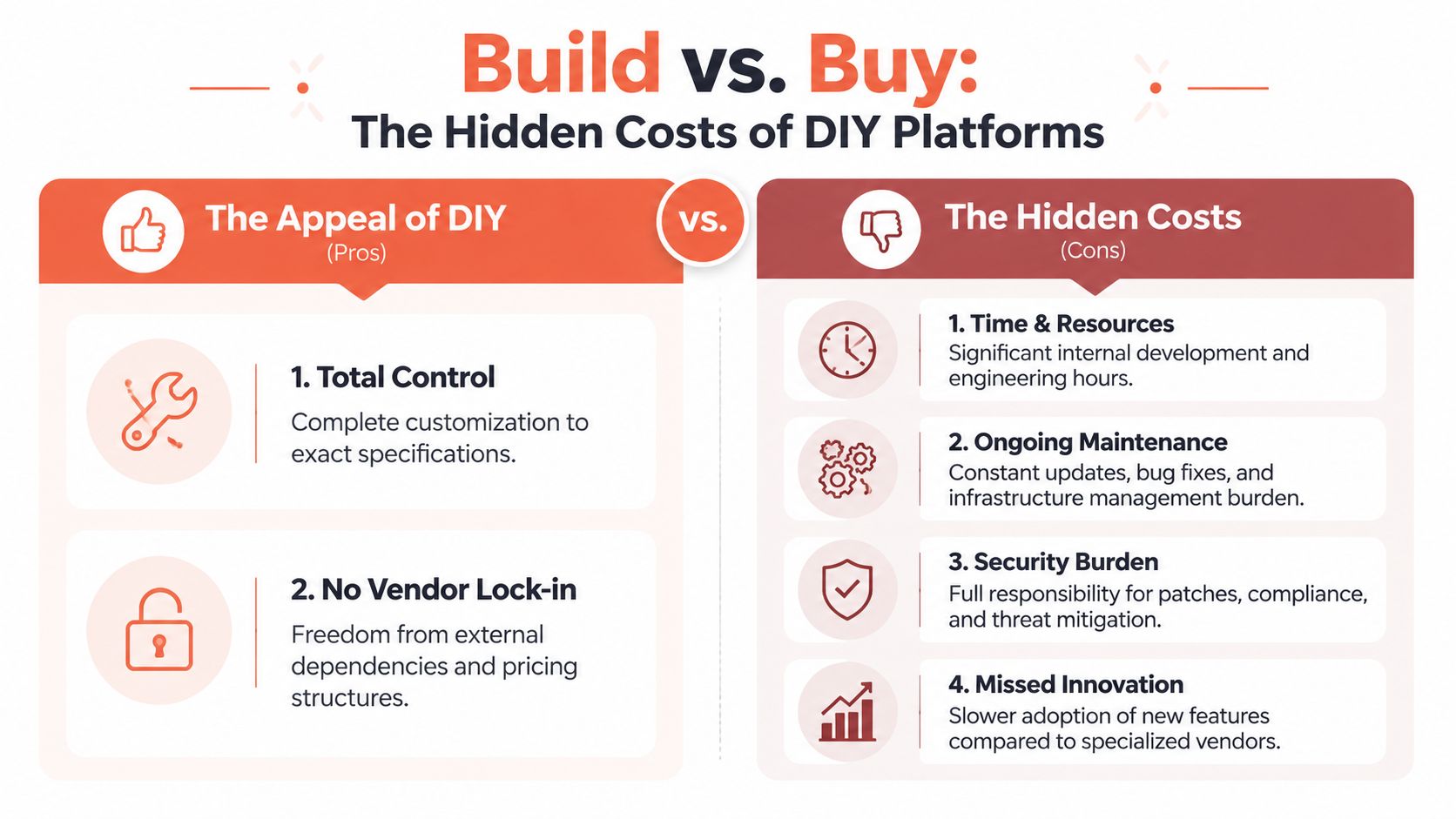
The Hidden Costs of Building Your Own Platform
Every team understands the appeal of building in-house. You get control. You can shape workflows around your stack. You avoid committing too early to a vendor model that might not fit later. For a while, that reasoning is often sound.
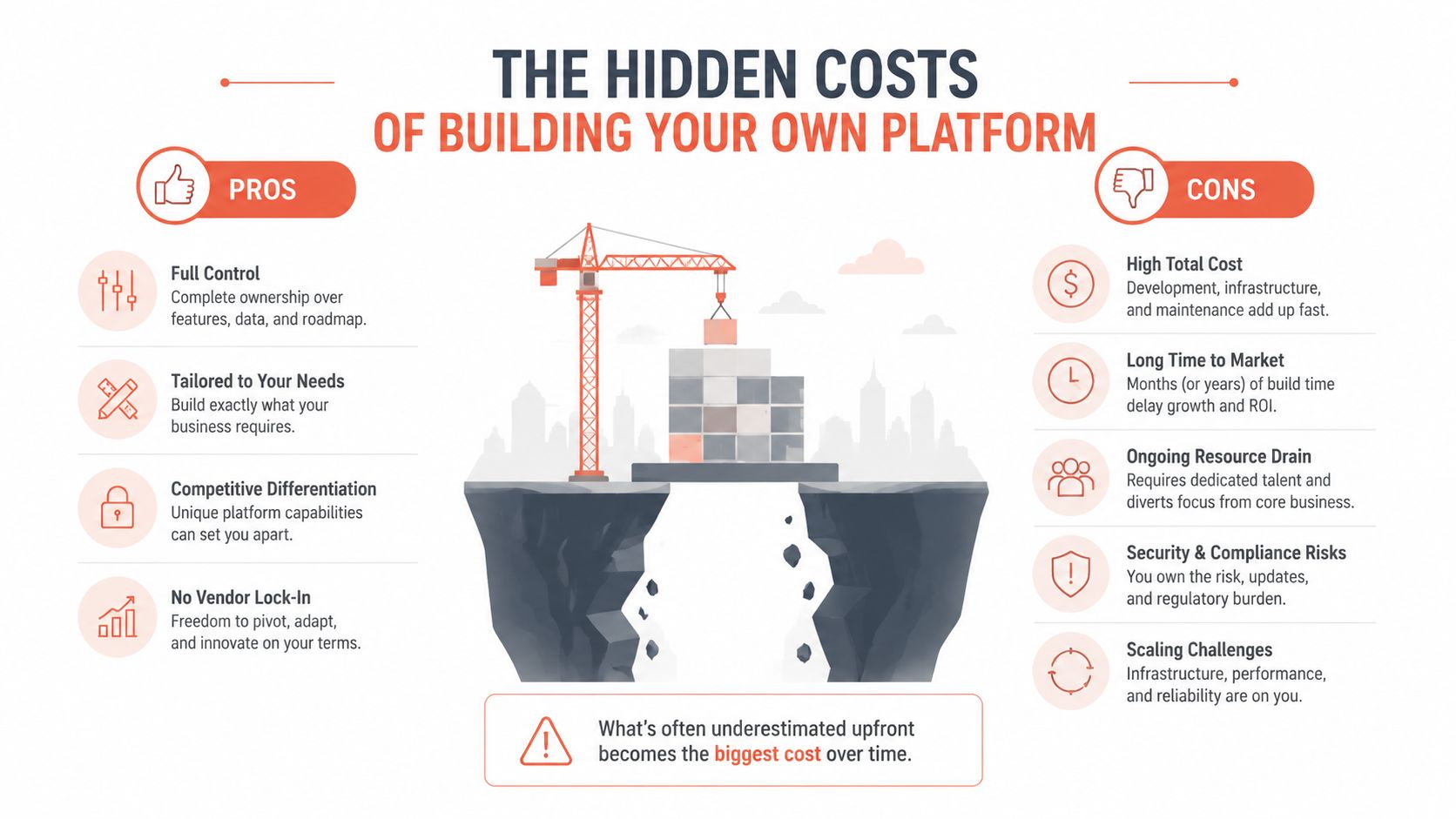
Then the scope expands. Kubernetes needs guardrails. CI/CD pipelines need standardisation. Secrets management gets more serious. Security controls need to be enforced consistently. Monitoring must work across every service. Cost visibility needs to be tied back to environments and teams. What started as a toolkit becomes an internal platform, whether you planned for one or not.
The build phase is longer than people budget for
A 2023 GitLab survey revealed that 48% of organisations developing internal CI/CD tooling reported that it took more than six months to reach a stable, production-ready state, while 37% reported that maintenance consumed more than 20% of their engineering capacity.
Those numbers capture the trap. Internal platforms are rarely one-time projects. They become permanent operational programmes.
Where the complexity tax shows up
The cost doesn't land in one budget line. It shows up everywhere:
- In staffing decisions, because someone has to own release automation, observability standards, policy enforcement, and cloud account structure.
- In delivery delays, because every new service has to fit the platform's assumptions, templates, and edge cases.
- In security operations, because custom stacks don't patch, audit, or harden themselves.
- In architectural drift, because different teams work around platform limitations in different ways.
A lot of teams discover this while making seemingly local decisions. For example, choosing between compute and hosting models on AWS affects deployment flow, scaling behaviour, operational overhead, and who has to manage it. This breakdown of how to compare AWS Lightsail, EC2, ECS is useful because it shows how “simple” infrastructure choices turn into platform design obligations.
Internal platforms need product thinking, not just tooling
The hardest part of DIY DevOps is that success requires more than engineers who can script. It requires platform product management. You need standards, self-service workflows, governance, onboarding, support, and a roadmap. Without that, every team creates exceptions.
A lot of organisations eventually formalise this effort through developer platform automation. That's usually the moment they realise they're no longer deciding between a few tools. They're deciding whether platform building is a core business function.
Building your own platform can be the right choice. But it only stays rational if the platform itself is part of your strategic differentiation.
For most startups and scale-ups, it isn't. Their edge comes from product speed, market insight, distribution, or customer experience. Infrastructure plumbing is necessary, but it's still plumbing.
Four Levers to Pull for Immediate Cloud Savings
Most cloud savings work falls into a handful of patterns. None of them is conceptually difficult. The problem is operational consistency. Teams know what to do. They struggle to keep doing it well across environments, services, and clouds.
Rightsize what already exists
Start with the obvious. Review workloads that were provisioned for an earlier stage of growth, a migration event, or a precaution that nobody revisited. Rightsizing often finds idle headroom in app servers, worker pools, databases, and internal tools.
The hard part is confidence. Teams need enough observability to know whether lower capacity is safe during peaks, not just during average load.
Make autoscaling boring
Autoscaling is valuable when it's predictable. It's dangerous when it's based on weak signals, poor thresholds, or no guardrails. Many teams technically have autoscaling but still run as if they don't trust it, so they keep baseline capacity high.
A practical approach is to scale on workload signals that reflect actual service pressure, then review whether the behaviour matches user experience. If not, the policy becomes another brittle system to maintain.
Schedule non-production environments
This is one of the clearest wins for startups and scale-ups. Development, staging, QA, preview, and demo environments don't all need to run continuously. Yet they often do, because no one wants to be the person who shuts off the wrong thing.
A scheduling policy solves that, but only if exceptions are easy to manage and teams can restart environments without friction. If the process is clumsy, engineers bypass it.
Treat multi-cloud as an operating model, not a badge
Running across AWS, GCP, and Azure can be sensible. It can also multiply overhead fast. A 2024 Gartner analysis showed that organisations using three or more cloud providers required, on average, 3.4 times more hours per week from platform engineers to maintain parity in security, networking, and observability than those using a single cloud.
That matters because each optimisation lever gets harder in a multi-cloud estate:
| Lever | Single cloud difficulty | Multi-cloud difficulty |
|---|---|---|
| Rightsizing | Mostly about service-level tuning | Different metrics, services, and procurement models |
| Autoscaling | One control plane and policy model | Separate scaling semantics and tooling |
| Environment scheduling | Straightforward with standard tags and rules | More exceptions and duplicated logic |
| Security and observability parity | Centralised more easily | Policy drift becomes common |
Manual optimisation doesn't fail because teams are careless. It fails because the operating surface keeps expanding.
That's why immediate cloud savings rarely come from one heroic optimisation sprint. They come from simplifying decisions, reducing exceptions, and automating the repetitive policy work that engineers otherwise have to keep revisiting.
How a DevOps Platform Automates Optimisation and Security
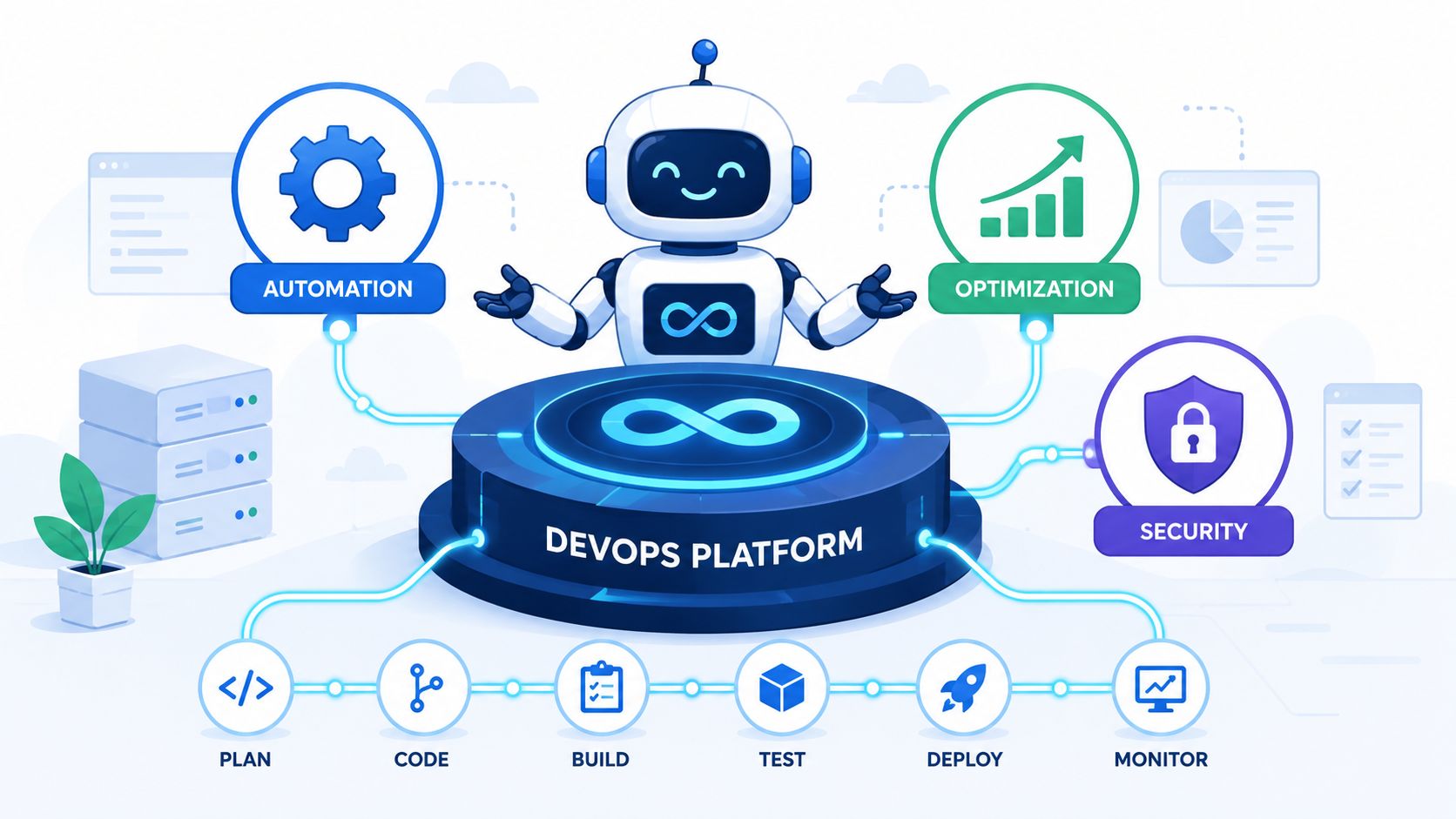
The core value of a modern DevOps platform isn't that it hides infrastructure. It's that it standardises the repetitive parts without blocking engineering judgment. Teams still decide how services should behave. They stop rebuilding the machinery around those decisions.
What gets automated in practice
A usable platform handles the undifferentiated work that keeps dragging developers sideways:
- Provisioning foundations across AWS, GCP, and Azure with repeatable defaults
- Build and deployment workflows without every team maintaining its own pipeline logic
- Environment lifecycle management so temporary and non-production systems don't run unchecked
- Integrated observability that gives teams a common operational picture
- Security controls by default through roles, policies, logs, and continuous updates
- Cost optimisation routines such as rightsizing inputs, autoscaling behaviour, and scheduling rules
That changes resource utilization immediately. Engineers spend less time assembling infrastructure workflows from separate tools and more time improving services that customers use.
Why this matters beyond cloud cost
The platform decision is also a strategic focus decision. If your roadmap includes AI features, data products, or new regional launches, your developers need attention available for those moves. Work like an AI capability assessment only becomes useful when engineering teams have enough operational headroom to act on the findings.
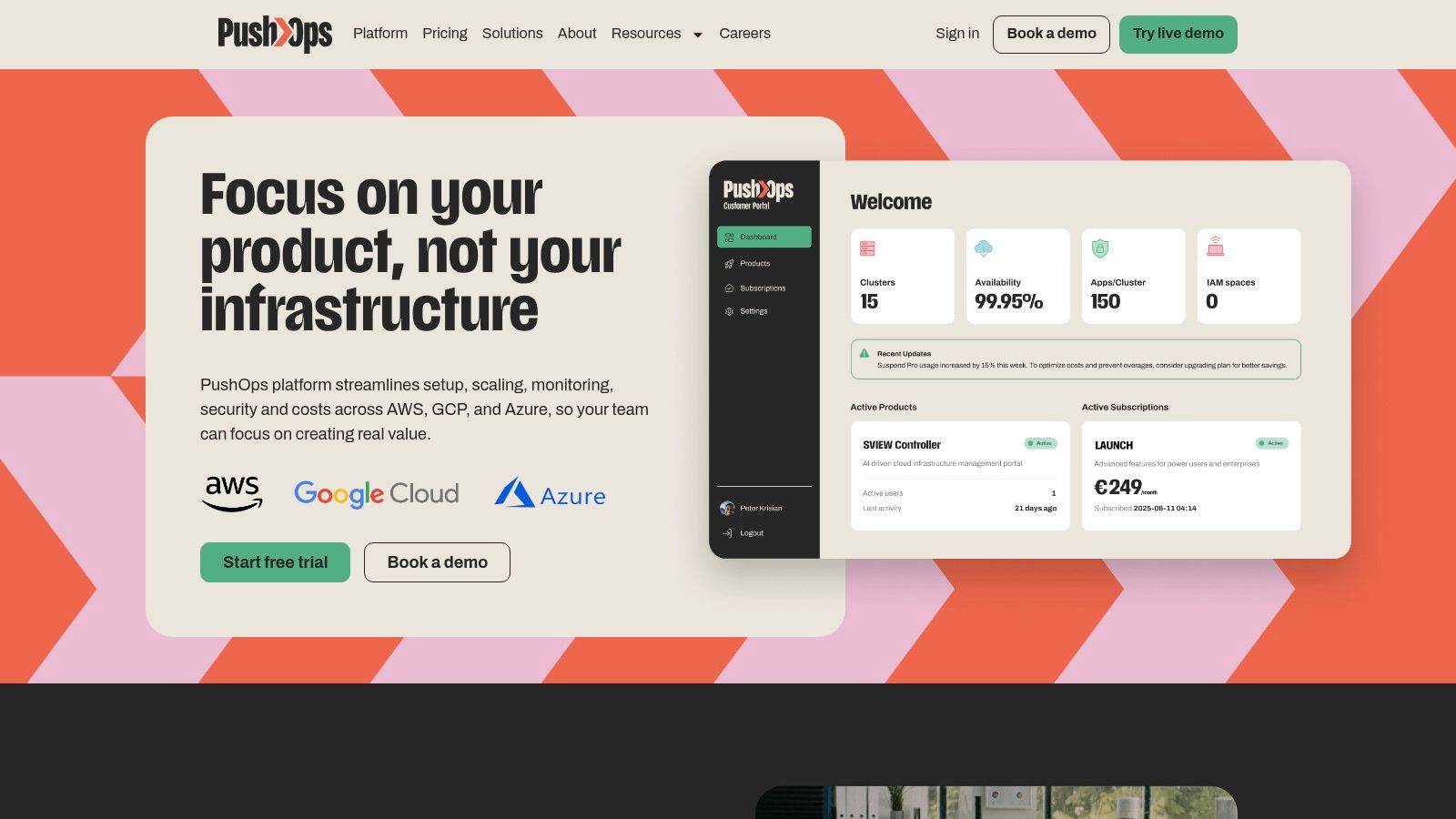
One option in this category is PushOps, which provides production-ready infrastructure foundations on AWS, GCP, and Azure, then automates deployments, environments, observability, security enforcement, and spend controls in a single operating layer. The point isn't that every team needs the same platform. The point is that it's often advantageous for teams not to own every layer of DevOps assembly themselves.
A platform earns its place when it removes recurring engineering decisions, not when it adds another dashboard.
The strongest implementations share a common trait. They reduce local variation. Developers don't need to remember ten different deployment paths, three monitoring stacks, or separate cloud-specific workarounds just to ship a service safely. Standardisation is what turns resource utilization from a reporting metric into a delivery advantage.
Beyond Tools Implementing a Culture of Efficiency
Tooling helps, but it won't fix a culture that treats every cloud cost spike as an isolated event and every overloaded engineer as a temporary exception. Efficient organisations make utilisation visible, then put guardrails around it.
That starts with governance. Budgets should exist at the team, service, or environment level. Alerts should fire before waste becomes normalised. Platform policies should default towards secure, time-bound, and right-sized environments. None of that needs to feel bureaucratic if the systems are clear and mostly automated.
Healthy utilisation has a range
Independent industry surveys show that, as of 2026, the average utilisation rate across project-oriented technical teams in Europe hovers near 72–75%, with many organisations explicitly targeting 75–80% as a sustainable upper bound to avoid burnout.
That's a useful benchmark because it rejects two common mistakes at once. The first is accepting low utilisation as normal because teams look busy. The second is trying to squeeze every team to maximum occupancy and calling that efficiency.
What leadership teams should operationalise
A durable culture of efficiency usually includes a few habits:
- Track planned versus actual effort so platform work doesn't consume product capacity undetected.
- Define ownership clearly for cloud cost, security posture, and environment hygiene.
- Automate policy enforcement wherever possible instead of relying on reminders and tribal knowledge.
- Review utilisation by team context rather than treating every role as interchangeable.
A short leadership test is useful here.
| Question | If the answer is unclear |
|---|---|
| Who owns cloud efficiency? | Waste becomes everyone's problem and no one's job |
| Who can shut down idle environments? | Non-production spend drifts upward |
| Who monitors developer time lost to ops? | Delivery slows without a visible cause |
Efficiency culture isn't about making people busier. It's about protecting time for the work that actually moves the business forward.
FinOps works best when engineering, finance, and platform leadership share the same view of what good looks like. Not the cheapest architecture. The most sensible use of money, systems, and attention.
Stop Building Infrastructure Start Building Your Product
Resource utilization is often treated as a narrow optimisation topic. It isn't. It's one of the clearest signals of whether your engineering organisation is spending its energy in the right place.
Poor utilisation at the infrastructure layer inflates spend. Poor utilisation at the people layer is worse. It pulls senior developers into less impactful operational work, slows releases, and makes headcount feel less effective than it should. That's a hidden cost often overlooked.
The strategic question is simple
You have to decide whether your company is in the business of building product, or in the business of maintaining a bespoke internal delivery platform.
For a small number of companies, deep platform ownership is justified. For most startups and scale-ups, it's a distraction dressed up as technical ambition. The more your team has to patch, script, reconcile, and manually govern, the less time it has for customer-facing work.
A mature automated deployment pipeline isn't valuable because automation sounds modern. It's valuable because it gives engineering time back. That time can go into features, reliability work that matters to users, market experiments, migration clean-up, and strategic bets your competitors haven't shipped yet.
The strongest CTOs I know are ruthless about this distinction. They don't ask whether the team can build another internal system. They ask whether building it improves the product, the moat, or the speed of execution in a way customers will feel.
Choose the operating model that lets your developers spend more of their week shipping. That's what better resource utilization looks like in practice.
PushOps helps software teams offload the infrastructure work that keeps stealing attention from product delivery. If you want a simpler way to standardise setup, deployments, monitoring, security, and cloud cost controls across AWS, GCP, and Azure, take a look at PushOps.

