


Monday starts with a release delay. The issue is not a missing message in chat. It is the handoff between ticketing, docs, CI/CD, cloud access, and incident response. One approval lives in Slack, deployment context sits in Jira, runbooks are buried in Confluence or Notion, and someone on the team still maintains the scripts that keep the whole chain connected.
That pattern shows up in a lot of software teams. Chat, docs, project management, whiteboarding, and delivery tooling all look reasonable on their own. The operational drag appears in the gaps between them. Teams add glue code, build one-off automations, and assign people to maintain workflows that should have been part of the platform from the start.
For engineering leaders, collaboration is a workflow design problem before it is a software shopping problem. Teams collaborate across ChatOps, documentation, planning, deployments, incidents, and release approvals. If those functions sit on top of fragmented delivery infrastructure, every new tool improves visibility into the friction without removing much of it.
That is why this article groups tools by the job they serve inside a software team's workflow instead of treating collaboration as a single category. Some products are strong for communication. Others are better for planning, knowledge sharing, or execution. The primary bottleneck is often not the app your team sees first. It is the missing layer that connects environments, pipelines, access controls, observability, and release processes. A DevOps cloud infrastructure platform changes that trade-off, especially for teams that want faster delivery without building an internal platform team to support the stack.
You will see excellent tools in this list. You will also see an argument leaders usually reach after a few painful quarters: standardise the workflow categories that reduce coordination cost, integrate only what needs to be connected, and solve the foundation first so collaboration tools are not compensating for infrastructure debt.
1. PushOps
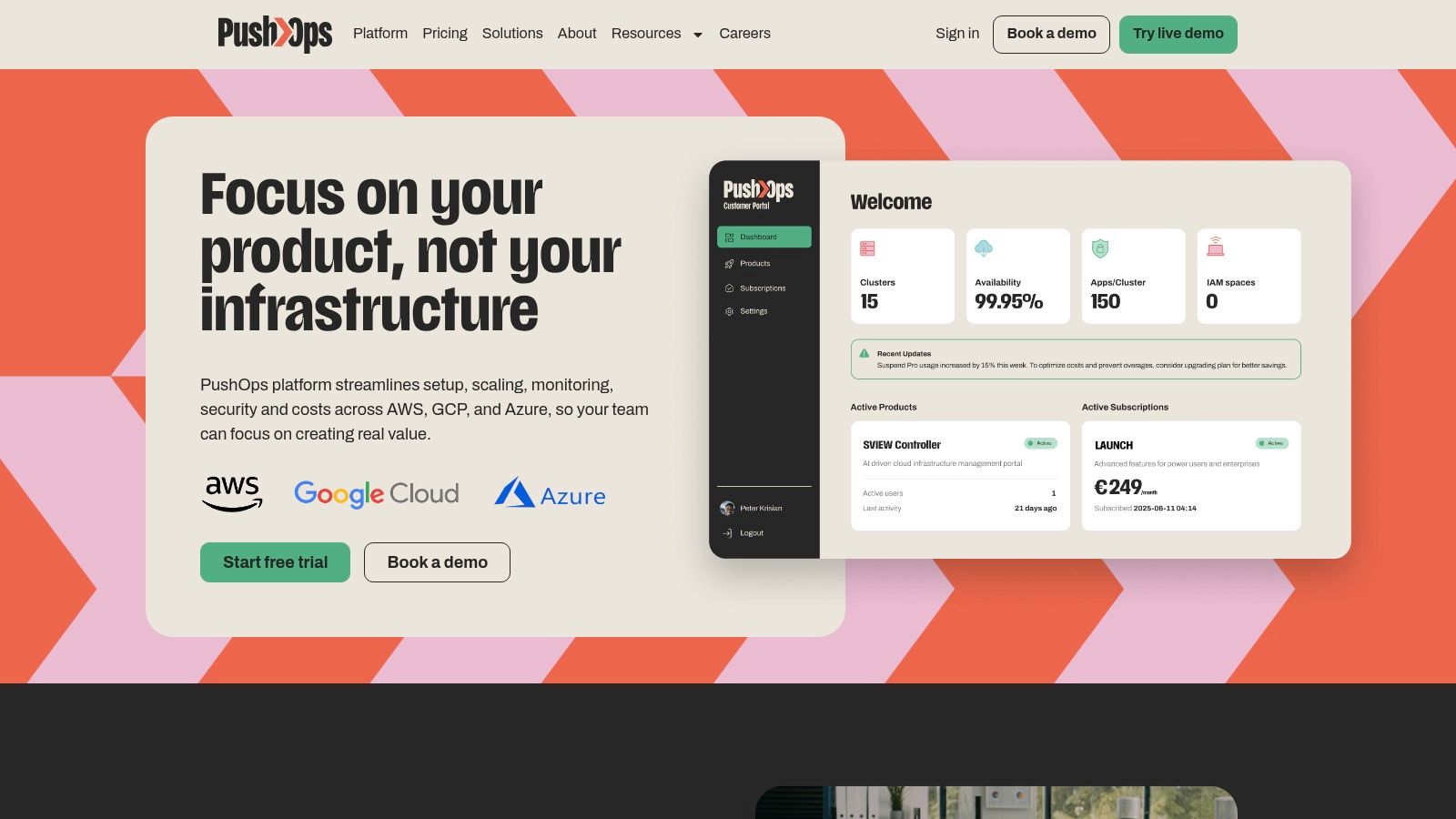
PushOps is the only tool on this list that addresses the part many teams avoid for too long. Foundational delivery infrastructure. If your developers are spending time maintaining Kubernetes plumbing, patching CI/CD pipelines, wiring observability, and explaining cloud cost spikes, collaboration breaks down long before anyone opens chat.
PushOps works best for teams that want a production-ready path across AWS, GCP, and Azure without assembling an internal platform team first. It provisions the base infrastructure, automates builds and deployments, manages environments and release strategies, and includes observability and access controls as part of the platform. That changes the collaboration conversation from “who owns the script?” to “who approves the release?”
Why it matters more than another app
Most collaboration articles treat delivery tooling as separate from communication tooling. In practice, they're tightly connected. When release workflows, incidents, permissions, and deployment visibility live inside one operational platform, fewer handoffs fall into chat threads and fewer engineering hours disappear into platform maintenance.
For teams comparing cloud-hosted tools against mixed environments, deployment architecture is also becoming a buying criterion. Mordor Intelligence reports that cloud deployment held 72.17% of the team collaboration tools market in 2025, while hybrid deployments are projected to be the fastest-growing segment at a 12.86% CAGR through 2031, which points to growing demand for control, policy, and selective workload placement in the team collaboration tools market analysis.
Practical rule: If your team is debating which chat app to standardise on while still hand-maintaining pipelines, secrets, environments, and cloud guardrails, you're solving the visible problem, not the expensive one.
PushOps is a good fit when you want a managed path instead of building a bespoke internal platform. The trade-off is straightforward. You gain speed, standardisation, and lower maintenance burden, but you'll still need proper onboarding if your current estate is heavily customised or tightly regulated.
Where it fits best
- Best for fast-moving product teams: Teams that want to ship on managed foundations rather than recruit around infrastructure gaps.
- Best for operational clarity: Real-time metrics, incident handling, permissions, and auditability live with the delivery workflow.
- Best for cost discipline: Autoscaling, rightsizing, and environment scheduling help reduce waste without adding another standalone optimisation layer.
- Watch for migration effort: If your current stack is held together by bespoke scripts and exceptions, moving to a standard platform still takes planning.
If your current toolchain is making delivery feel heavier every quarter, a modern DevOps cloud infrastructure platform is often the cleaner fix than adding more point tools around the edges.
Website: PushOps
2. Slack
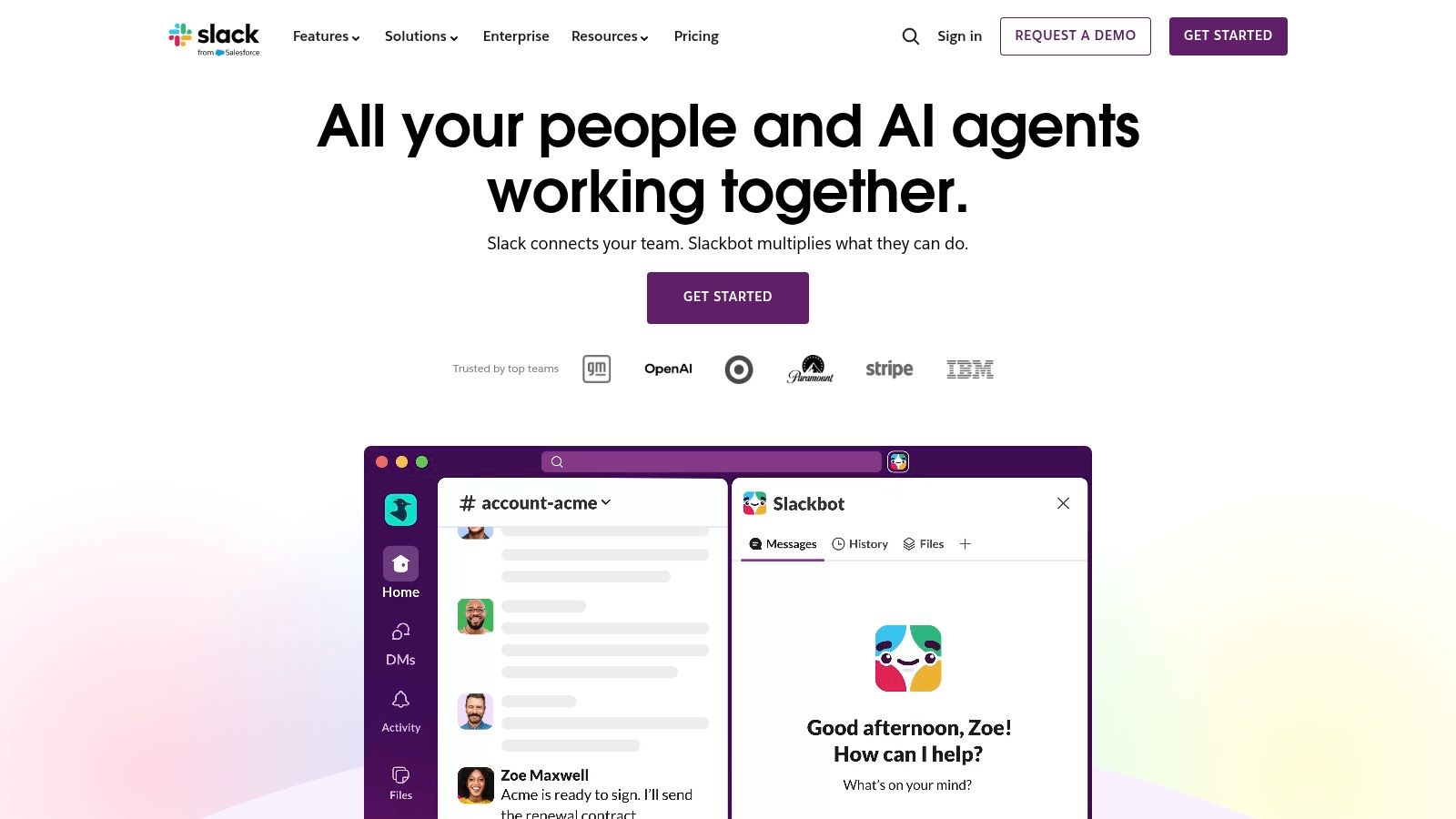
A release starts slipping, alerts are firing, and three teams are trying to coordinate a fix across engineering, product, and support. In that moment, Slack usually becomes the operating console. It is still the strongest communication layer for developer-led teams that run stand-ups, incident response, deploy notifications, and approval workflows in chat.
That does not make it a system of record. It makes it a fast execution surface.
Slack works best as the ChatOps category leader in a broader collaboration stack. Channels, threads, workflow triggers, and a large integration ecosystem make it easy to connect CI alerts, issue updates, on-call routing, and deployment messages to the people who need to act. For engineering leaders, that speed matters because it shortens handoffs and keeps operational context visible during active work.
The trade-off shows up later. Teams often add bots, channels, and automations faster than they define naming standards, ownership, retention rules, and notification policy. The result is predictable. Important updates get buried, decisions stay trapped in chat, and people start treating Slack history as documentation.
That is usually a tooling architecture problem, not just a Slack problem. Chat is good at coordination. It is weak at preserving durable delivery context unless it is connected cleanly to tickets, docs, deployment history, and incident records. If your team relies on Slack to glue together fragmented systems, the friction eventually returns as noise, rework, and slower releases.
Where Slack works
Slack is a strong fit for software teams that want communication close to the delivery workflow, especially in environments built around ChatOps and fast incident handling.
- Best for engineering-led coordination: Channels, threads, and integrations map well to releases, incidents, and service ownership.
- Best for fast operational response: On-call handoffs, support escalations, and deploy visibility work well in a shared chat surface.
- Best when extensibility matters: Slack usually fits better than office-suite-first tools when teams want to connect alerts, pipelines, and internal systems.
- Watch for governance drift: Without clear rules for channels, notifications, and retention, message volume rises faster than team clarity.
Slack is a strong tool in its category. The limitation is category scope. If the delivery workflow still depends on separate systems that do not share context well, Slack can only speed up the conversation around the bottleneck. It cannot remove the bottleneck itself.
Website: Slack
3. Microsoft Teams
A company rolls out Microsoft 365 across the business, then engineering asks for a separate collaboration stack. That choice rarely stays isolated. It creates another identity model, another file system, another admin surface, and another place where delivery context can fragment.
That is why Teams often wins by default in larger organisations. It sits close to Entra ID, Outlook, SharePoint, OneDrive, meetings, and compliance controls. For leadership teams trying to reduce operational drag, that consolidation matters more than whether engineers find the chat experience ideal.
Teams is strongest as a coordination layer for the whole company, not as a developer-first command center. Product reviews, leadership updates, vendor calls, finance approvals, and document sharing all fit naturally because the surrounding Microsoft stack is already in place. In that setup, standardising on Teams can lower switching costs across departments and make governance easier to enforce.
The trade-off shows up fast inside software delivery workflows. Teams can support alerts, handoffs, and basic collaboration around releases, but it usually feels less natural than Slack in ChatOps-heavy environments. Bot ecosystems, channel conventions, and developer workflows tend to require more adaptation, especially when teams want chat tightly connected to CI/CD, incident response, and deployment history.
That distinction matters.
If a software team adopts Teams because the business runs on Microsoft, the question isn't whether Teams is good enough for chat. The question is whether the rest of the delivery system shares context cleanly. If tickets, docs, source control, pipelines, environments, and incidents still live in separate tools with weak handoffs, Teams becomes another surface where status gets discussed instead of a place where work moves forward. I see this often in enterprises that mistake suite standardisation for workflow integration.
Where Teams works
- Best for Microsoft-first organisations: Identity, files, meetings, and admin controls are easier to manage when they come from the same vendor stack.
- Best for cross-functional collaboration: Legal, finance, operations, and support usually need less process change if they already work in Microsoft 365.
- Useful for engineering, with caveats: It handles routine coordination well, but developer ergonomics are not its strongest point.
- Watch licensing and admin complexity: Telephony, security, compliance, and advanced collaboration features can span multiple SKUs and policy layers.
Website: Microsoft Teams
4. Google Workspace
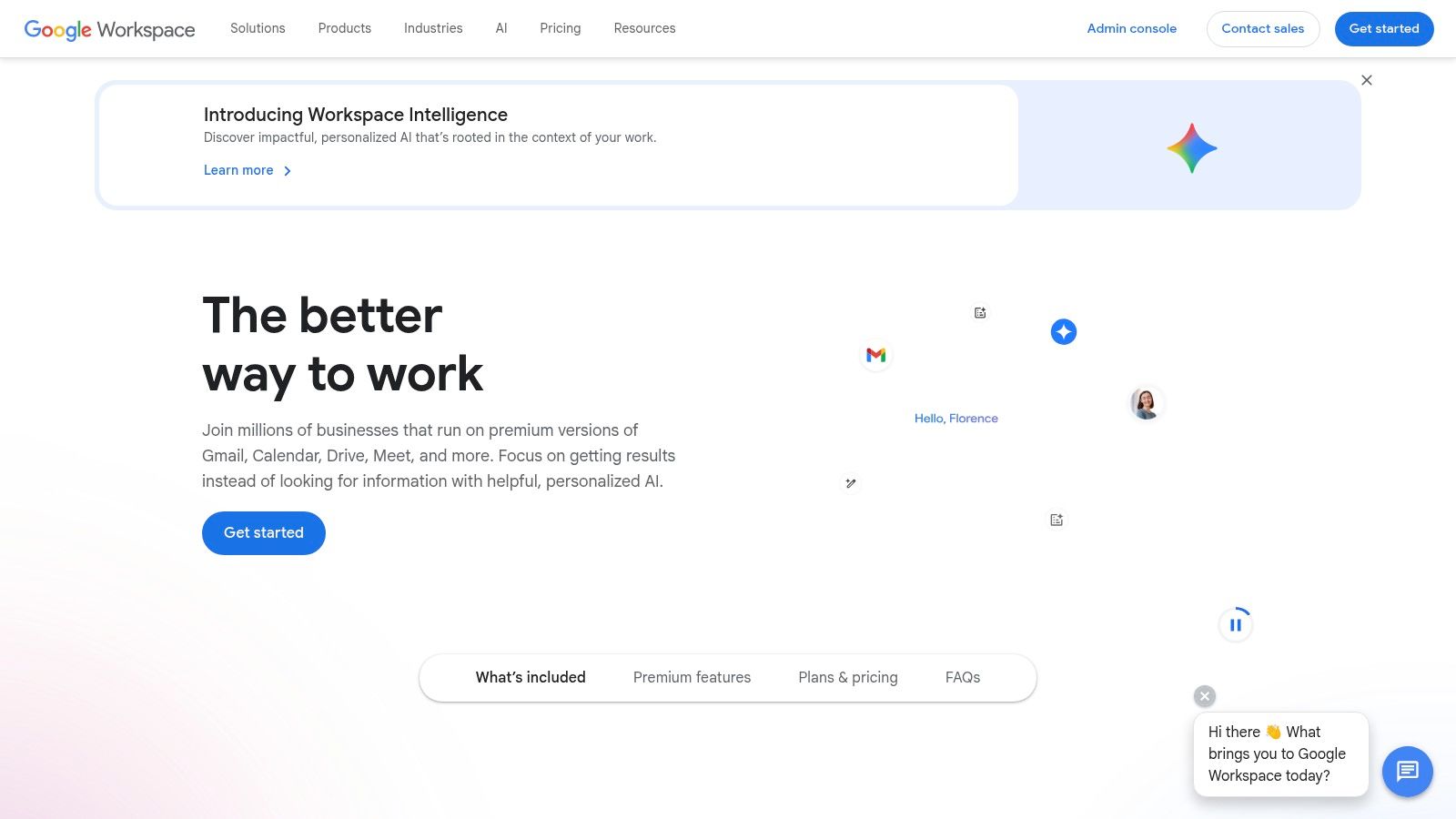
Google Workspace is strongest when collaboration starts with documents, not tickets. Product specs, meeting notes, roadmap drafts, architecture proposals, and shared spreadsheets move quickly because Docs, Sheets, Slides, Drive, Chat, Spaces, and Meet behave like one suite.
That makes Workspace especially effective in product-led companies where engineering needs to collaborate constantly with product, design, marketing, and operations. Real-time co-authoring remains the benchmark many teams compare everything else against.
Best for content-centric collaboration
Workspace is less about ChatOps and more about shared working context. Teams can draft, comment, resolve, search, and hand off with less ceremony. If your organisation's coordination model depends on written proposals and living docs, Google's suite tends to lower friction.
Regional adoption signals support that broader embedded role. A market.us summary notes that collaboration-tool usage among respondents rose from 55% in 2019 to 79% in 2021, and 72% of businesses introduced at least one new collaboration application in 2021, which shows how embedded these suites now are in day-to-day operating stacks in this collaboration software statistics summary.
Where it falls short for dev teams
- Excellent for shared documents: Real-time editing and search are still hard to beat.
- Good for distributed teams: Device consistency is usually simple to manage.
- Less suited to engineering automation: Chat and Spaces are improving, but they're not the first choice for developer-heavy workflows.
- Enterprise controls vary by plan: Teams with strict residency or compliance needs need to validate those details early.
If your bottleneck is cross-functional misalignment, Workspace can help. If your bottleneck is release coordination and operational visibility, it won't solve that on its own.
Website: Google Workspace
5. Atlassian Jira Software
Jira Software remains the standard issue tracker for engineering organisations that need structured planning, workflow control, and traceability. It's the tool many teams complain about, then keep, because once delivery gets more complex, they need the rigour.
Used well, Jira clarifies ownership. Used badly, it becomes a workflow tax. The difference usually comes down to governance. Too many custom states, duplicate projects, and one-off automations make the tool feel heavier than the process it's meant to support.
Where Jira earns its place
Jira is strong when you need to coordinate multiple squads, release trains, dependencies, and long-running engineering programmes. It also integrates well with source control, CI/CD, and documentation in ways that make delivery auditable.
The mistake I see most often is treating Jira as the centre of delivery while leaving build and deployment reliability to homemade pipeline logic. A ticketing system can show status, but it can't remove the operational drag caused by brittle infrastructure. If your engineers are maintaining the machinery behind every release, even a perfectly configured board won't fix throughput. That's where zero-maintenance CI/CD pipelines change the equation more than another Jira workflow tweak.
Operational advice: Keep Jira opinionated. A workflow everyone understands beats a perfectly customised workflow only one admin can maintain.
Practical trade-offs
- Strong for complex engineering delivery: Boards, backlogs, permissions, and integrations scale well.
- Useful for auditability: You can tie work items to code, releases, and documentation.
- Can become overconfigured: Mature organisations need clear ownership over schemes, fields, and automations.
- Costs tend to expand with complexity: Add-ons solve real problems, but they also multiply admin surface area.
Website: Atlassian Jira Software
6. Atlassian Confluence
Confluence is where many engineering teams keep their institutional memory. Specs, architecture notes, onboarding pages, runbooks, postmortems, and meeting records all fit naturally. If Jira tracks the work, Confluence explains the work.
That adjacency is its biggest advantage. Engineers can move from ticket to doc to decision trail without switching context too far. For teams that value written operations, that matters more than flashy collaboration features.
Good knowledge systems need rules
Confluence scales well when you define space ownership, page templates, and archival habits. Without those controls, it turns into a long scroll of stale pages and duplicate documents. Search quality is rarely just a search problem. It's usually an information architecture problem.
This is also why tooling alone won't fix engineering confusion. Teams often document architecture thoroughly while delivery ownership stays muddy across product, platform, and operations. Clear bounded contexts matter in software and in documentation. A practical way to think about that is through domain-driven design, especially when different teams need to own services, workflows, and supporting knowledge without constant coordination overhead.
The broader organisational signal is simple. Reworked reports that 92% of organisations rate external collaboration tools, community or social platforms, and group chat or team collaboration tools as very or somewhat important, while leaders emphasise that collaboration works best when the system is simple and content sits in one central place in this analysis of what employees want from collaboration tools.
Where Confluence fits
- Best for engineering documentation: Runbooks, postmortems, and technical specs are natural use cases.
- Best alongside Jira: Linking issues, decisions, and supporting docs is straightforward.
- Needs active curation: Spaces don't stay useful without ownership.
- Weak if you want lightweight elegance: It's practical, not minimal.
For teams trying to improve Jira reporting, this WhatPulse guide to Jira analytics is a useful complement.
Website: Atlassian Confluence
7. Notion
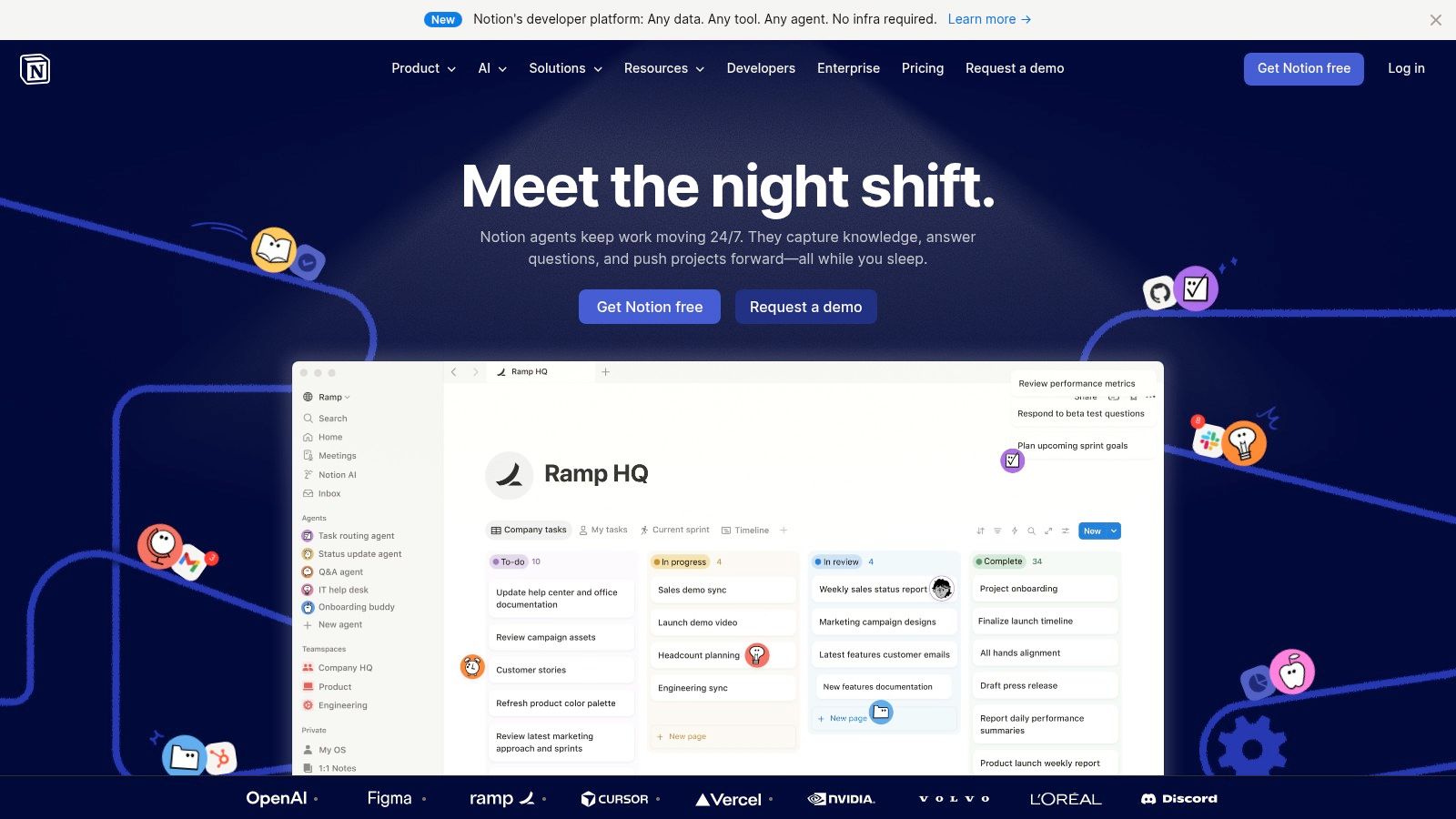
Notion is flexible enough to be a strength and a governance risk at the same time. Teams use it for specs, wikis, meeting notes, lightweight project tracking, internal directories, and personal knowledge systems. That flexibility makes adoption easy across product and engineering.
The catch is that Notion doesn't force structure. You have to decide what lives there, what doesn't, and how pages, databases, and permissions should work at scale.
Why teams like it
Notion lowers the barrier to contribution. People write more when the interface feels approachable and the setup doesn't require admin expertise. For startups and scale-ups, that often means knowledge starts moving faster than it would in heavier tools.
It also works well when engineering and product want one shared workspace instead of separate systems for every type of planning artefact. Lightweight roadmaps, RFCs, launch notes, and team handbooks all coexist reasonably well.
Why some teams outgrow it
- Very flexible: It can act as docs, wiki, task board, and lightweight database.
- Strong cross-functional fit: Product, design, and engineering can all use it without much training.
- Can become messy: If every team invents its own structure, discoverability drops quickly.
- Less ideal for hard operational workflows: Deployment control, incident traceability, and engineering permissions usually need stronger systems elsewhere.
Notion is often excellent for thinking and planning. It's less convincing as the operating backbone for high-stakes delivery.
Website: Notion
8. Asana
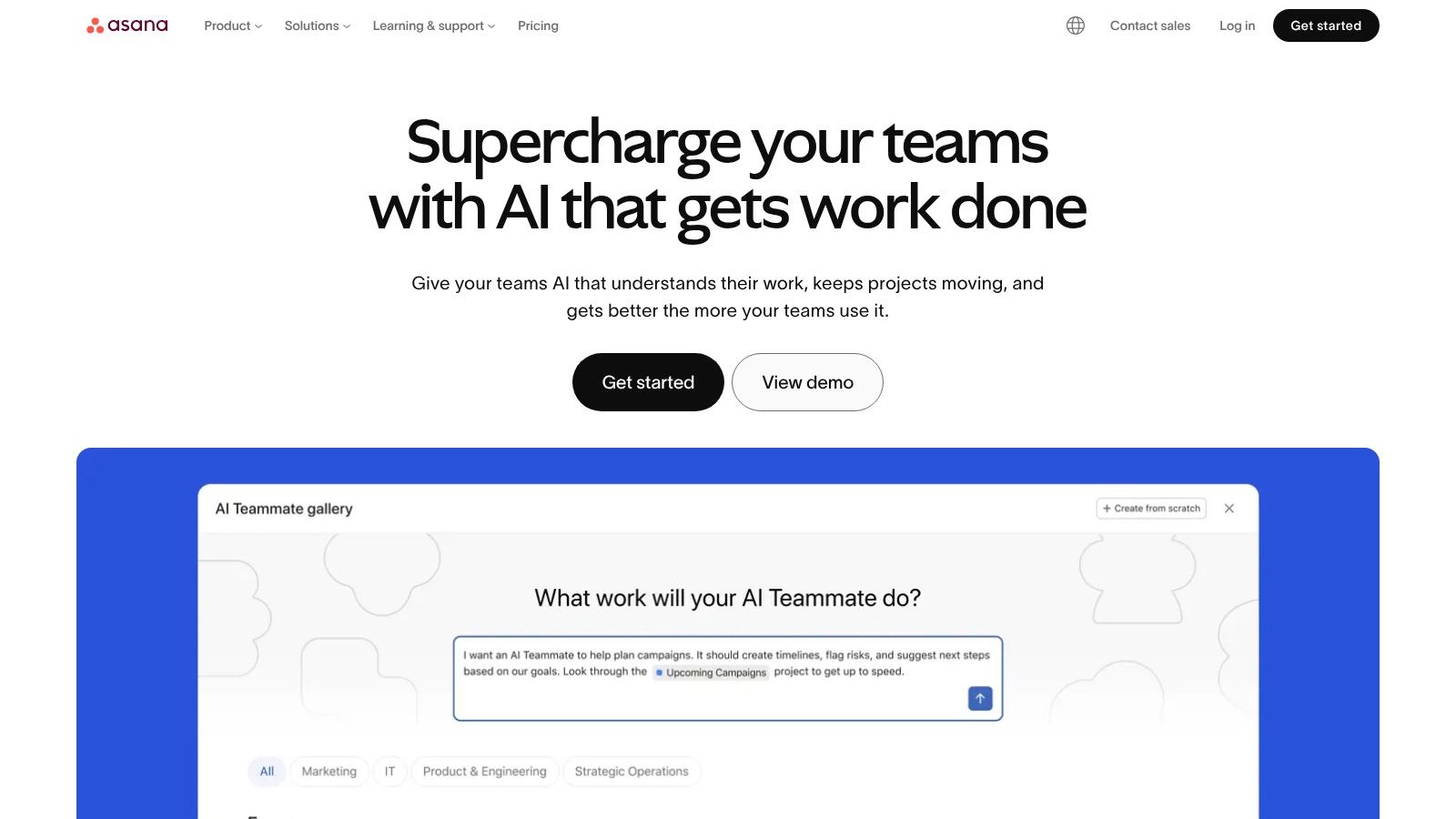
A common pattern looks like this: engineering runs delivery in one system, while product, marketing, operations, and leadership track launch work somewhere more accessible. Asana fits that second layer well. It gives cross-functional teams a clean place to manage deadlines, dependencies, approvals, and status without forcing everyone into an engineering-first tool.
That distinction matters.
Asana is strongest as a coordination platform around software delivery, not as the system that runs the delivery machinery itself. For release planning, launch readiness, migration programmes, and work that spans engineering plus several business teams, it usually creates less friction than heavier developer-focused tools. Teams can see who owns what, what is blocked, and what still needs a decision.
The trade-off is equally clear. Asana does not solve the hard parts of DevOps. It does not replace source control, CI/CD, deployment controls, incident workflows, or the traceability engineering leaders need when product delivery slows down. If those foundations are fragmented, adding Asana improves visibility around the work but leaves the operational bottleneck in place.
Best use case
Asana works best when the problem is coordination across functions rather than execution inside engineering. Product launches, security remediation programmes with business dependencies, platform migrations, and roadmap initiatives with many stakeholders all fit well.
In those environments, readable status matters because the audience is broader than the delivery team. Executives want portfolio views. Product wants timeline confidence. Marketing and support need clear handoffs. Asana handles that better than many tools built primarily for engineers.
Trade-offs worth noting
- Easy for non-technical teams to adopt: Status tracking and task ownership are clear without much training.
- Strong for programme visibility: Portfolios, timelines, and dependency tracking support cross-functional planning well.
- Less natural for code-centric execution: Engineering teams still need separate systems for tickets, code, pipelines, and incidents.
- Can create another layer to maintain: If Asana and engineering systems drift out of sync, reporting gets cleaner while delivery gets slower.
I usually see Asana succeed when leaders are honest about its role. It is useful for orchestrating work around engineering. It is less useful as the foundation of engineering operations. If the issue is handoffs between repos, pipelines, environments, approvals, and production systems, solve that infrastructure problem first.
Website: Asana
9. ClickUp
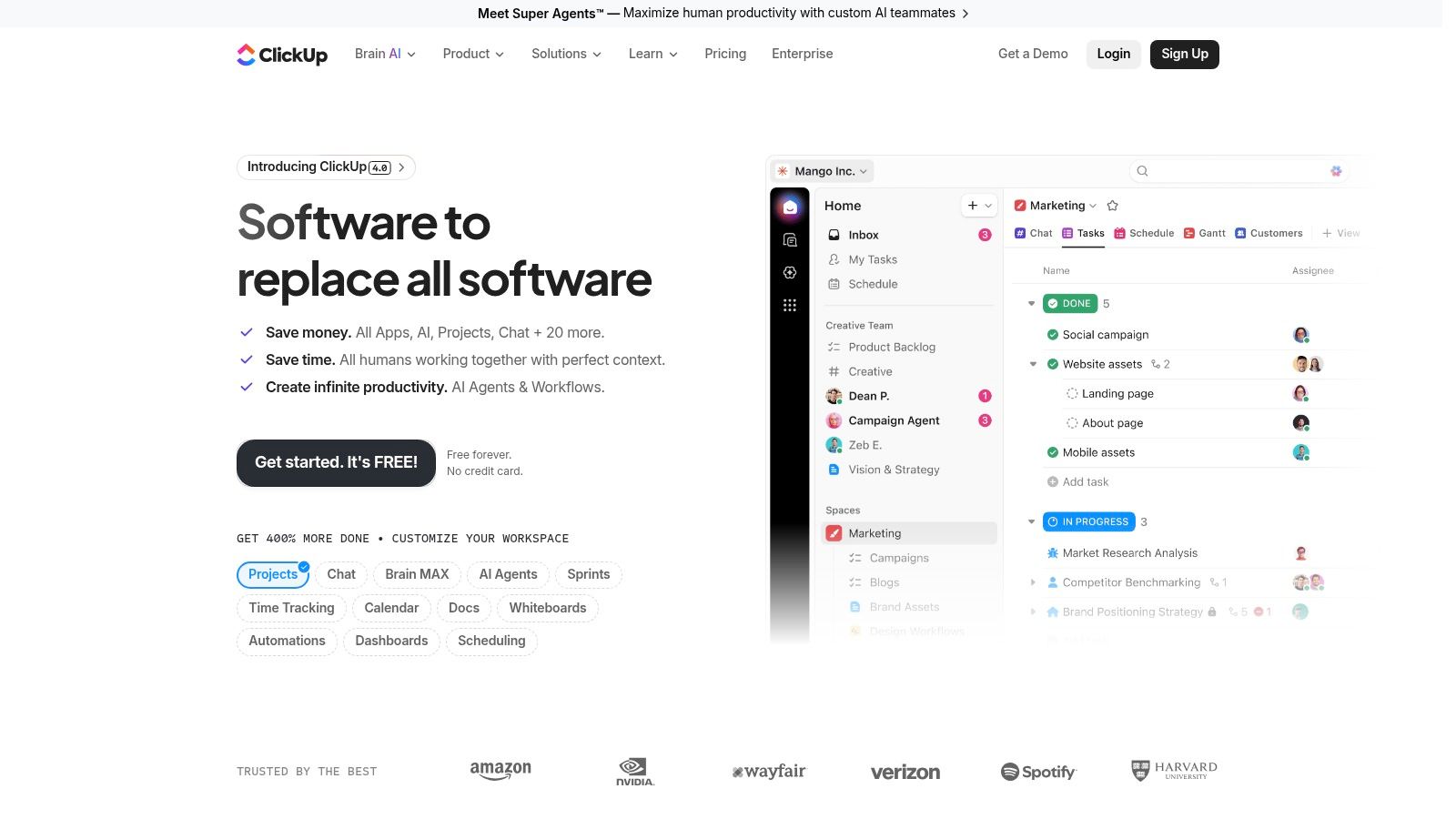
A common leadership goal sounds simple. Cut the number of collaboration tools, standardise how work is tracked, and reduce the friction between planning and execution. ClickUp is built around that promise.
It combines tasks, docs, dashboards, whiteboards, time tracking, and automation in one product. For organisations trying to bring project management, documentation, and reporting into a single operating layer, that breadth is useful. It can reduce tool switching and give non-engineering teams one place to follow work.
The trade-off is setup complexity. ClickUp gives teams many ways to model work, which means someone still has to decide how statuses work, who owns templates, how automations fire, and which views are the system of record. Without that operating discipline, consolidation shifts the mess into one interface instead of removing it.
That distinction matters for software teams. ClickUp can organise planning and coordination well, but it does not remove the need to connect code, CI/CD, environments, approvals, and production workflows. If those handoffs are the primary source of delay, replacing three planning tools with one planning tool will not fix delivery speed.
Best use case
ClickUp fits best when a company wants one collaboration layer across multiple functions and is willing to invest in standardisation. I see it work well in mid-sized organisations where engineering, product, operations, and customer-facing teams need shared visibility, but engineering execution still happens in specialised systems.
It is less convincing as the centre of a modern software delivery stack. Teams still need clean integration with source control, pipelines, incident response, and release management. If that foundation is weak, ClickUp improves oversight more than throughput.
Trade-offs worth noting
- Strong for consolidation: Tasks, docs, dashboards, and basic workflow automation can live in one workspace.
- Flexible enough for different departments: Product, operations, and business teams can adapt it to their own processes.
- Easy to over-configure: Too many custom statuses, views, and automations create inconsistency fast.
- Not a substitute for delivery infrastructure: Engineering still needs reliable systems for code, CI/CD, environments, and operational control.
ClickUp is a reasonable choice for reducing collaboration sprawl. It is a weaker answer to fragmented delivery architecture. Leaders should solve those in the right order. First fix the infrastructure layer that connects development to production. Then decide how much planning and coordination belongs in an all-in-one workspace.
Website: ClickUp
10. Miro

Miro is a whiteboard, and that's exactly why it's useful. It gives teams a fast visual surface for architecture sketches, product discovery, incident reviews, process mapping, and planning sessions that don't belong in a ticket queue yet.
It's especially good in hybrid settings where some people are in a room and others aren't. A shared board creates a common artefact everyone can interact with in real time or asynchronously.
Strong for ideation, weak as a system of record
Miro earns its place during ambiguity. Early architecture discussions, dependency mapping, service boundaries, roadmap workshops, and retrospectives all benefit from visual collaboration. But teams get into trouble when they leave decisions trapped on boards instead of moving them into docs, tickets, or executable workflows.
That distinction matters more for distributed engineering than many teams admit. Deloitte's collaboration guidance highlights digital whiteboarding as useful for ideation and problem-solving, while the broader shift in software teams is toward more asynchronous operational coordination rather than doing all collaboration live in this digital collaboration overview.
Use Miro to think together. Don't use it as the final home for operational decisions.
Practical use
- Excellent for workshops: Discovery, architecture, and planning sessions are where it shines.
- Helpful for hybrid teams: Visual participation is easier across locations.
- Not a replacement for execution systems: Boards should feed docs, tickets, and delivery workflows.
- Advanced insight features may require higher plans: Validate enterprise needs before broad rollout.
Miro is one of the best team collaboration tools for visual thinking. It just shouldn't become your engineering memory.
Website: Miro
Top 10 Team Collaboration Tools Comparison
| Product | Core focus | Key features | Best for / Target audience | Unique selling point | Pricing & availability |
|---|---|---|---|---|---|
| PushOps | Cloud infrastructure & CI/CD platform | Multi‑cloud provisioning; zero‑maintenance pipelines; integrated observability & security | Dev teams, CTOs, platform engineering | Turnkey production foundations + automated delivery, cost optimization, security‑by‑default | Free trial & demo; enterprise pricing (contact sales) |
| Slack | Real‑time messaging & ChatOps | Channels/threads/huddles; 2,600+ integrations; Slack AI | Dev teams, incident response, cross‑functional comms | Rich developer ecosystem and ChatOps integrations | Freemium; paid per‑user tiers (Pro, Business+, Enterprise) |
| Microsoft Teams | Meetings, chat & telephony (MS365) | Chat, meetings, Whiteboard; Teams Phone; MS365 identity integration | Organizations standardized on Microsoft 365, regulated orgs | Deep integration with Microsoft 365 stack and compliance tooling | Included in Microsoft 365 plans; paid SKUs for advanced features |
| Google Workspace (Chat/Spaces, Drive) | Document‑centric collaboration | Drive real‑time coauthoring; Chat/Spaces; Meet; Gemini AI | Cross‑functional, content‑centric teams | Best‑in‑class real‑time editing and unified search across content | Paid per‑user tiers; Enterprise adds advanced admin controls |
| Atlassian Jira Software | Issue tracking & agile planning | Scrum/Kanban boards; roadmaps; automations; marketplace | Engineering teams & product managers running agile | Extremely flexible workflows with deep dev tool integrations | Freemium for small teams; paid per‑user tiers, add‑ons increase cost |
| Atlassian Confluence | Wiki & knowledge base | Pages/spaces; templates; Jira linking | Engineering docs, runbooks, incident postmortems | System of record adjacent to Jira for documentation | Freemium; paid per‑user tiers; Enterprise options |
| Notion | Flexible docs, databases & lightweight PM | Databases/views; teamspaces; API & AI features | Knowledge workers, product teams, startups | Highly flexible workspace that doubles as wiki and PM tool | Freemium; paid per‑user tiers; Enterprise for compliance/data residency |
| Asana | Project & work management | Tasks, timelines/Gantt, portfolios, automations | Product managers and cross‑functional teams | Polished UI with strong reporting and portfolio views | Freemium; paid per‑user tiers; advanced features on higher plans |
| ClickUp | All‑in‑one work OS | Tasks, docs, dashboards, automations, time tracking | Teams wanting to consolidate multiple apps | High feature density and customization for many use cases | Freemium; paid per‑user tiers; evaluate tier limits carefully |
| Miro | Visual collaboration & whiteboarding | Infinite boards; templates; facilitation tools; AI assists | Designers, product discovery, workshops, architecture | Best for hybrid workshops, PI planning and visual facilitation | Freemium; paid per‑user/team tiers; Enterprise for org‑level controls |
Final Thoughts
A common mistake made with team collaboration tools is treating them as isolated purchases. They compare chat versus chat, docs versus docs, boards versus boards, then wonder why delivery still feels slow. In software organisations, collaboration quality is downstream of operational design.
If your engineers bounce between Slack, Jira, Confluence, cloud consoles, CI systems, incident tools, and custom scripts just to ship one release, you don't have a collaboration problem first. You have a platform problem. Communication gets messy because the work itself is fragmented. People ask for updates in chat because the delivery system doesn't expose reliable state. Meetings multiply because approvals and handoffs aren't encoded into workflows. Docs go stale because the underlying process changes faster than humans can manually keep it synchronised.
That's also why buying more point tools often disappoints leadership teams. Each app may be good in its category. The total operating model still becomes harder to manage. You see this in notification fatigue, duplicate documentation, unclear ownership, rising admin overhead, and platform engineers spending time on glue instead of strategic work.
A more useful way to choose is by layer.
What to standardise first
- Communication layer: Pick Slack or Teams based on whether your centre of gravity is engineering flexibility or broader enterprise governance.
- Knowledge layer: Pick Confluence, Notion, or Google Workspace based on whether you need structured documentation, flexible workspaces, or document-first collaboration.
- Planning layer: Pick Jira, Asana, or ClickUp based on workflow complexity and who needs visibility.
- Visual thinking layer: Use Miro for workshops and architecture discussion, not as a final system of record.
- Delivery layer: Solve infrastructure, deployment, observability, security, and cloud control before you add more collaboration software around them.
The delivery layer is the one most startup and scale-up teams underinvest in strategically and overinvest in manually. They hire around the problem, patch around it, or build an internal platform long before they have the scale to justify it. That's expensive in salary, expensive in delay, and expensive in management attention.
A managed multi-cloud DevOps platform changes the economics. Instead of maintaining the plumbing yourself, your team gets standardised infrastructure, automated delivery, built-in visibility, and policy control from the start. That reduces operational drag in ways a chat app never can. It also lets your developers spend more time on the thing the business values. Shipping product.
The best team collaboration tools help teams communicate clearly. The best operating model removes unnecessary coordination in the first place.
If your team is tired of stitching together chat, tickets, pipelines, cloud tooling, monitoring, and security controls by hand, it's worth looking at PushOps. It gives engineering teams a production-ready platform across AWS, GCP, and Azure so they can spend less time maintaining delivery infrastructure and more time shipping features.

